User Activity Monitoring Software Free: 2026 Guide| EmpTrakr
Compare free user activity monitoring software, including features, user limits, data history, screenshots, privacy, and hidden costs for teams.
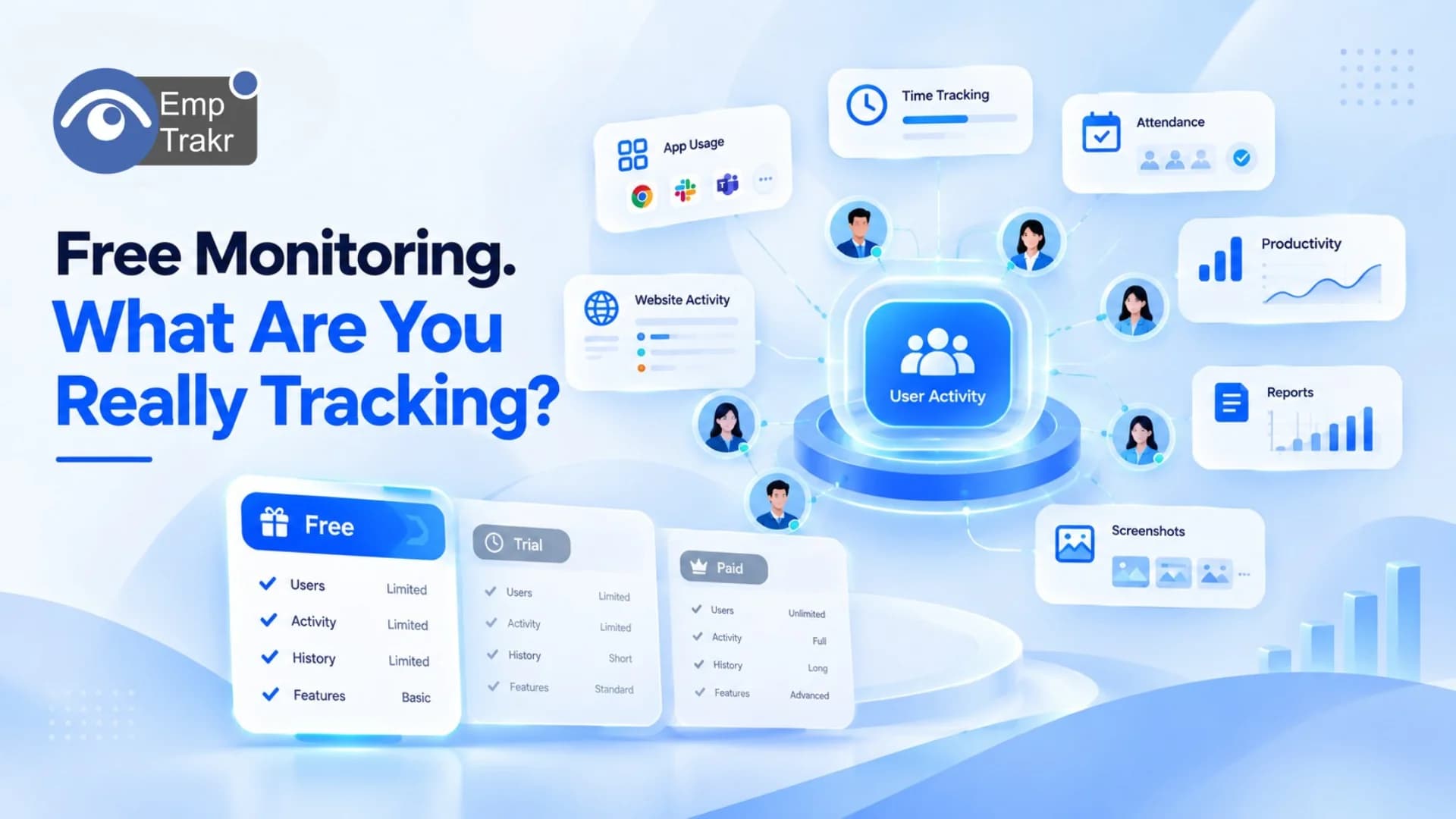
Finding User activity monitoring software free Can be harder than it sounds. Many tools offer a free plan or trial, but the actual limits may appear only after you start using them.
A free plan might restrict the number of users, activity history, screenshots, reports, or advanced monitoring features. For small businesses and remote teams, understanding these limits is important before choosing a platform.
This guide compares what free user activity monitoring software can actually track, what limitations to look for, and how to evaluate the real value of a free solution.
Quick Answer
Free user activity monitoring software can typically track some combination of:
Application activity
Website activity
Working time
Attendance
Active and idle time
Productivity patterns
Screenshots
User activity reports
However, Not every free plan includes all of these features.
Some tools limit the number of users, while others limit historical data or reserve advanced monitoring for paid plans.
So the better question isn't simply “Is it free?”
It's:
“What can I actually monitor for free?”What Is User Activity Monitoring Software?
User activity monitoring software records work-related activity on computers and helps organizations understand how employees are using their working time and applications.
Depending on the platform, this can include information about:
Applications being used
Websites visited
Time spent working
Active and idle periods
Attendance
Productivity
Screenshots
Activity history
For remote and hybrid teams, this type of software can provide visibility that is more difficult to obtain through traditional office management.
However, monitoring should have a clear business purpose. Employees should understand what information is collected and how it will be used.
What Can Free User Activity Monitoring Software Track?
The features available for free vary considerably between platforms.
Here are the main capabilities to compare.
1. Application Activity
Application tracking shows which software applications are being used during working sessions.
For example, a business might want to understand how much time a team spends in project-management tools, communication applications, browsers, or other work software.
With Live app tracking, teams can get a clearer picture of application activity during working hours.
This can be particularly useful for remote employees because managers cannot simply walk around an office and see which tools are being used.
2. Website Activity
Website monitoring can provide information about websites accessed during work sessions.
This can help organizations understand general browsing patterns and identify whether employees are using business-related resources.
However, website activity should be handled carefully. Companies should establish clear monitoring policies and avoid collecting unnecessary personal information.
3. Time Tracking
User activity monitoring and time tracking often overlap, but they are not exactly the same.
Time tracking focuses primarily on How long someone works, while activity monitoring can provide additional context about what happens during that time.
For businesses that mainly need working-hour information, Time tracking software May provide a simpler solution.
Time tracking can help with:
Working hours
Breaks
Active time
Idle time
Timesheets
Work schedules
4. Attendance
Attendance tracking focuses on employee presence and working schedules.
For remote teams, Attendance tracking Can help businesses manage check-ins, check-outs, schedules, and attendance records.
This can be particularly useful when employees work from different locations or follow flexible schedules.
5. Productivity Tracking
Activity doesn't automatically equal productivity.
Someone can spend eight hours at a computer without spending those eight hours on meaningful work.
Productivity tracking Can help businesses understand activity patterns and identify potential workflow issues.
For example, a team might discover that employees are spending significant amounts of time switching between multiple applications.
The goal should be to use this information to improve workflows rather than simply measure employees by raw activity levels.
6. Screenshots
Screenshot monitoring provides visual information about activity on a monitored computer.
Some employee monitoring platforms include screenshots in free or entry-level plans, while others restrict the feature to paid tiers.
If screenshots are important to your organization, check:
How often screenshots are captured
Whether screenshots are limited
How long screenshots are stored
Who can access them
Whether employees are informed
You can compare this functionality through EmpTrakr's Screenshot monitoring Feature.
Free Plan vs. Free Trial
One of the biggest mistakes when searching for User activity monitoring software free Is confusing a free trial with a free plan.
Free Trial
A free trial provides access for a limited period.
For example:
7 days → 14 days → 30 days
After the trial ends, you may need to purchase a subscription.
Free Plan
A permanent free plan doesn't automatically expire, although it may have restrictions.
For example, a provider could offer:
Free access for 1–3 users
Limited activity history
Basic reporting
Limited screenshots
Restricted integrations
Therefore, always check the exact wording of the pricing page.
“Free trial” and “free forever” are not the same thing.
What Limits Should You Check?
A free monitoring platform can look attractive until you discover its restrictions.
Before signing up, check these areas.
User Limits
Some free plans allow only a small number of monitored users.
For a three-person team, that may be enough.
For a 30-person team, it may not be.
Data History
A free plan may only retain activity data for a limited period.
For example, you might be able to view recent activity but not records from several months ago.
Feature Restrictions
Advanced features may be available only on paid plans.
These can include:
Detailed reports
Screenshots
Advanced analytics
More historical data
Integrations
Export functionality
Device Limits
Some platforms may limit the number of devices that can be monitored.
This matters when employees use multiple computers.
Free User Activity Monitoring Software Comparison
Rather than comparing products only by price, compare what the free option actually provides.
| Capability | Free Plans May Offer | What to Check |
|---|---|---|
| App tracking | Often | Level of detail |
| Website tracking | Often | History and reporting |
| Time tracking | Often | Timesheet functionality |
| Attendance | Varies | Check-in/out features |
| Productivity | Basic | Analytics depth |
| Screenshots | Varies | Screenshot limits |
| Reports | Basic | Export and history |
| Users | Often limited | Maximum employees |
| Data history | Often limited | Retention period |
| Integrations | Limited | Available integrations |
This makes it easier to compare Actual functionality rather than marketing claims.
Why User Limits Matter
Suppose a free platform allows three users.
Your business starts with three employees, so everything looks fine.
Six months later, you have 10 employees.
Now you have two options:
Remove some users from monitoring.
Upgrade to a paid plan.
This is why an unlimited-user model can be important for growing teams.
A platform that supports unlimited employees on its free offering doesn't require you to increase software costs simply because your team grows.
EmpTrakr currently positions its free core monitoring offering around Unlimited employees, rather than charging a separate seat fee for every monitored employee.
You can explore the Employee monitoring software Page for more information.
Is Free User Activity Monitoring Enough for Small Businesses?
For some businesses, yes.
A small team may only need:
Time tracking
Attendance
Application activity
Website activity
Basic productivity information
Simple reports
In that situation, a free solution may provide sufficient visibility.
A larger organization may require more advanced features such as extensive reporting, integrations, longer data retention, security controls, or advanced analytics.
The important thing is to identify your requirements Before Choosing the software.
Free Monitoring vs. Paid Monitoring
The main difference isn't necessarily whether the software works.
It's often the Scope and limits.
Free monitoring software may be suitable when:
You have a small team
You need basic activity visibility
You are testing employee monitoring
You want to avoid per-user costs
Advanced integrations aren't necessary
Paid monitoring software may be more appropriate when:
You need extensive historical data
You require advanced analytics
You need enterprise integrations
You need advanced reporting
Your organization has specific compliance requirements
Free doesn't automatically mean inadequate, and paid doesn't automatically mean better.
The right choice depends on what your team actually needs.
Privacy Should Be Part of the Comparison
Price and features aren't the only things to consider.
Employee activity monitoring involves workplace data, so businesses should establish clear rules about:
What is monitored
When monitoring takes place
Why data is collected
Who can access it
How long it is retained
How employees are informed
The UK's Information Commissioner's Office (ICO) recommends that workplace monitoring be transparent, necessary, and proportionate to its purpose.
Businesses should therefore review both the software's privacy documentation and their own applicable legal requirements before deploying monitoring.
For EmpTrakr, you can review the Security and privacy Information before implementation.
How to Choose Free User Activity Monitoring Software
Use this checklist before making a decision.
1. Check the user limit
Does the free plan support your entire team?
2. Check the feature list
Don't assume every monitoring feature is included.
3. Check data retention
How far back can you view activity?
4. Check device support
Make sure the software supports the operating systems your team actually uses.
5. Check screenshots
If screenshots are important, verify whether they are included and whether there are limits.
6. Check reporting
Look at what reports are available and whether data can be exported.
7. Check privacy
Understand what information is collected and how it is handled.
8. Check future costs
Find out exactly what happens when you exceed the free plan's limits.
How EmpTrakr Fits the Free Monitoring Model
EmpTrakr brings several workforce monitoring functions together instead of requiring separate tools for every activity.
Depending on your needs, you can use:
Employee monitoring
Time tracking
Attendance
Productivity tracking
App activity
Website activity
Screenshot monitoring
Reporting
The platform's free approach is designed around Unlimited employees, making it relevant for teams that want to avoid increasing monitoring costs every time they add another employee.
Start with Employee monitoring software And explore individual features as needed.
Final Thoughts
The phrase “user activity monitoring software free” Covers a wide range of products.
Some free tools offer basic activity tracking. Others provide limited access to advanced monitoring features. Some restrict users, while others limit historical data, screenshots, reports, or integrations.
That's why the best comparison isn't simply:
Free vs. Paid
Instead, compare:
Users + features + data history + devices + privacy + future costs
For small teams, a basic free tool may be enough. For growing businesses, an unlimited-user free option can remove one of the biggest barriers to scaling employee monitoring.
The key is to understand exactly What you can monitor today and what you'll have to pay for later.
Frequently Asked Questions
What is user activity monitoring software?
Is there free user activity monitoring software?
What can free user activity monitoring software track?
Can free monitoring software support unlimited users?
Is a free trial the same as a free plan?
Does user activity monitoring track screenshots?
Is free activity monitoring software suitable for remote teams?
What should I check before choosing free monitoring software?
Does EmpTrakr offer free user activity monitoring?
Is employee activity monitoring legal?
Related EmpTrakr resources
Continue with product pages that match this topic — and explore more guides on the blog.
Supercharge your workforce today.
Join leading companies using EmpTrakr to boost productivity, streamline tracking, and optimize remote teams.

