Transparent visibility
EmpTrakr is designed for clear workplace monitoring where employees know the desktop app supports tracked work sessions, activity signals, and dashboards.
EmpTrakr helps companies monitor work activity with practical controls for attendance, screenshots, app usage, website usage, storage, and employee dashboards. This page explains the product approach, not a formal legal policy.

EmpTrakr is designed for clear workplace monitoring where employees know the desktop app supports tracked work sessions, activity signals, and dashboards.
Workspace access is organized around account roles and admin permissions so employee data is reviewed by the right company users.
Admins can connect company storage such as Google Drive or OneDrive for screenshot destinations and operational review workflows.
The platform gives companies useful data, but the company controls how it is introduced, configured, reviewed, and communicated to employees.
EmpTrakr focuses on work-hour visibility: attendance, active time, idle signals, screenshots, app usage, website usage, and productivity summaries. Companies should configure tracking in line with internal policies and local workplace requirements.
Employees can sign in through the desktop app and review personal work summaries in their dashboard. Clear expectations help monitoring feel like an operational process instead of a surprise.
Admins should use strong passwords, keep account access limited to trusted users, remove access when roles change, and review workspace settings regularly.
Teams should collect the monitoring signals they actually need, set sensible screenshot and idle rules, and avoid using activity data outside legitimate work management needs.
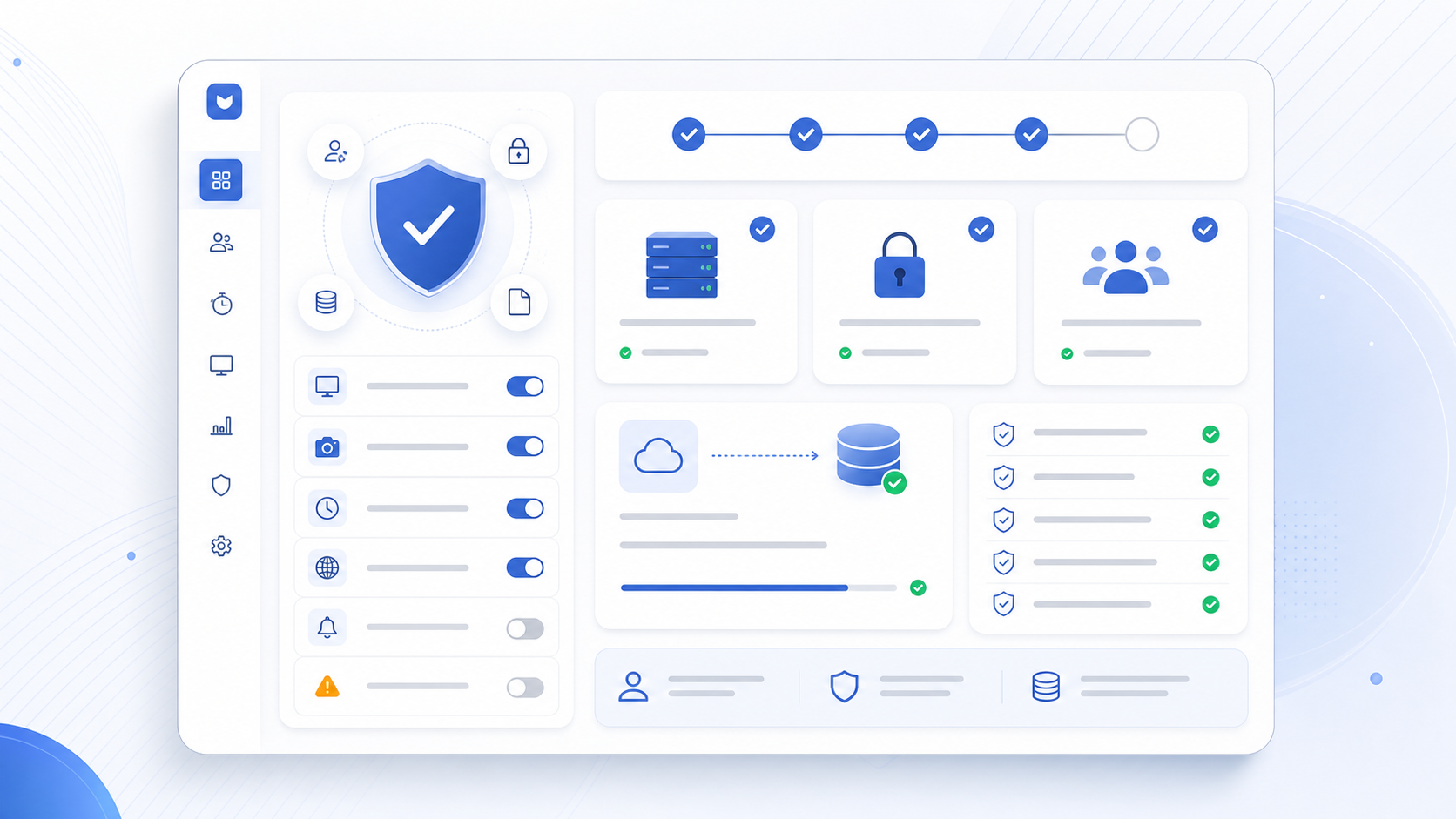
Responsible rollout checklist
Tell employees what is tracked and when tracking is expected.
Configure screenshot, idle, and work-hour rules before rollout.
Limit admin access to people who need operational visibility.
Connect company-controlled storage for screenshot workflows.
Review team settings when people change roles or leave.
Use monitoring data for productivity, attendance, and support context.
Questions about trust?