Software to Track Employee Productivity, Simply| EmpTrakr
Find simple software to track employee productivity using time, attendance, app activity and useful work signals without unnecessary complexity.
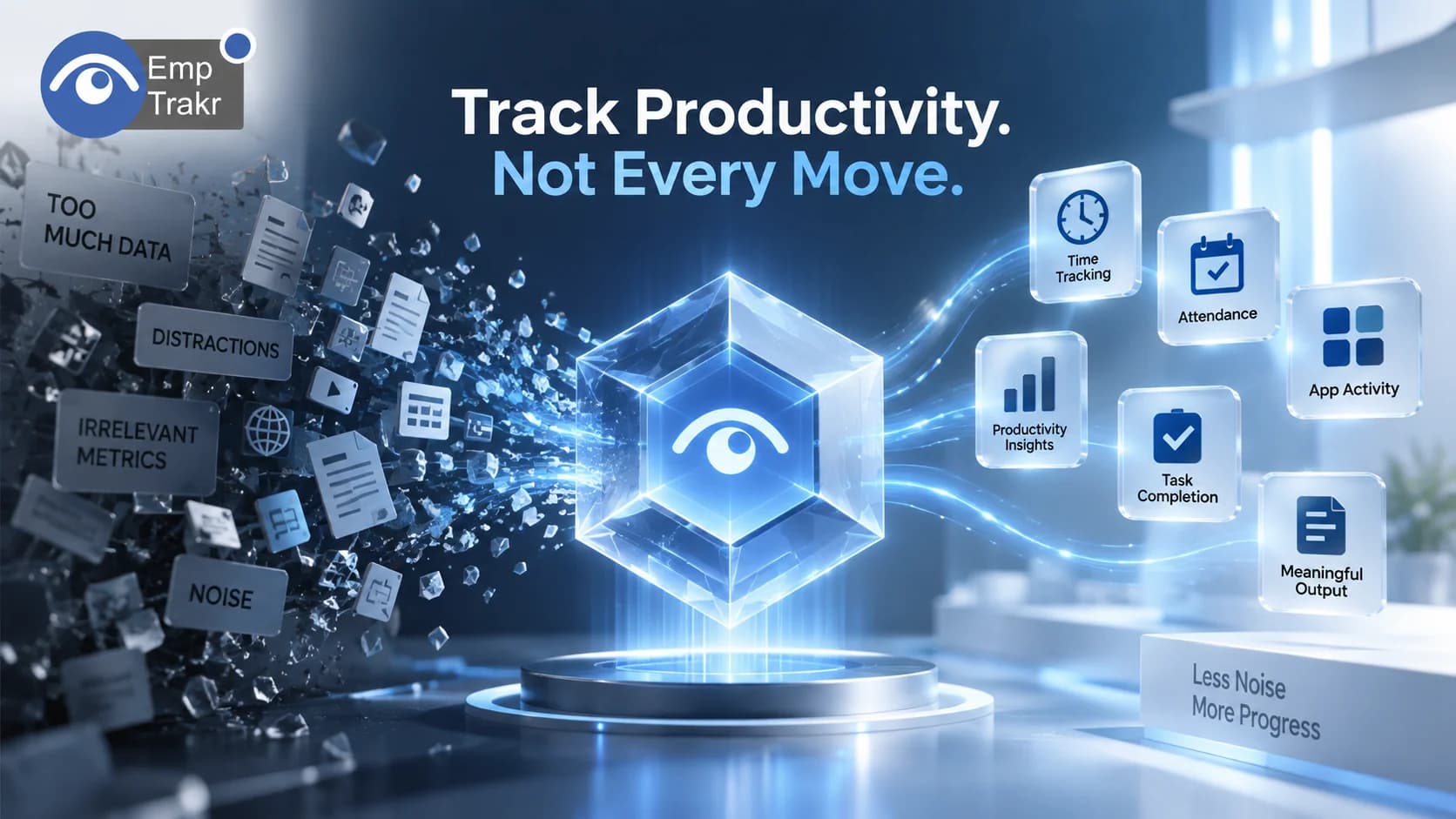
Tracking employee productivity doesn't have to mean complicated dashboards, endless spreadsheets, or constant monitoring.
For small businesses and remote teams, the goal is often much simpler: understand How work is progressing, where time is going, and whether workflows are helping employees get meaningful work done.
That is where simple productivity tracking software can help.
Instead of focusing only on hours worked, modern productivity tools can combine signals such as active time, attendance, application usage, work patterns, and activity reports. Used appropriately, these signals can help managers identify bottlenecks and improve workflows without turning productivity tracking into micromanagement.
Quick Answer
The best software to track employee productivity should make it easy to understand work patterns without creating unnecessary complexity.
For a small team, useful capabilities can include:
Time tracking
Attendance tracking
Active and idle time
App and website activity
Productivity reports
Work-hour visibility
Simple team dashboards
Optional screenshot monitoring
The important part is Not collecting the maximum amount of data. It is collecting the information that answers a specific business question.
The UK Information Commissioner's Office (ICO), for example, recommends identifying a clear purpose for worker monitoring and using the least intrusive method that can achieve that purpose. (ICO)
Why Productivity Tracking Gets Overcomplicated
Many businesses start with a straightforward question:
"Are we getting work done efficiently?"
But the answer can quickly become buried under too many metrics.
A complicated monitoring setup may involve:
Multiple dashboards
Several productivity scores
Large activity reports
Manual spreadsheets
Separate attendance systems
Separate time trackers
Screenshots
App reports
Different tools for different teams
More data doesn't automatically create better insight.
A small business may simply need to know:
How much time is being worked?
What applications are being used?
Where are workflow bottlenecks appearing?
Are employees available when expected?
Is work progressing as planned?
A simple productivity tracking tool should make those questions easier to answer.
What Should Productivity Tracking Software Actually Measure?
There isn't one universal definition of productivity.
A developer, designer, customer-support representative, and sales employee may all have completely different workflows.
That's why productivity software should ideally provide Multiple signals rather than treating one metric as the complete definition of performance.
1. Working Time
Time tracking provides a basic understanding of how much time is being spent on work.
A Time tracking software Solution can help record working hours, active periods, breaks, and other time-related information.
This is useful, but hours alone don't tell the whole story.
Someone completing a complex task may produce more value in four focused hours than someone spending eight hours switching between unrelated tasks.
2. Attendance
Attendance is another useful productivity signal.
It answers a different question:
"Was the employee available during the expected working period?"
With Attendance tracking, businesses can manage check-ins, check-outs, schedules, and attendance records.
For remote teams, this can reduce the need for manual attendance spreadsheets.
3. Application Activity
Application usage can provide context around working time.
For example, a team may spend most of its workday in:
Project-management software
Communication tools
Design applications
Development environments
CRM systems
Documentation tools
Live app tracking Can help managers understand these activity patterns.
The goal isn't necessarily to judge every application an employee opens. Instead, the data can help identify broader workflow patterns.
4. Website Activity
Website activity can provide another layer of context.
For example, businesses may want to understand which work-related websites are commonly used or whether employees are frequently switching between different online resources.
However, website monitoring should be clearly defined in company policy.
The ICO emphasizes that worker monitoring should be transparent and proportionate, and that organizations shouldn't collect more information than necessary for the stated purpose. (ICO)
5. Active and Idle Time
Active and idle periods can help distinguish time spent actively using a computer from periods without detectable activity.
But this metric needs context.
An employee might spend 30 minutes reading a document, attending a meeting, thinking through a problem, or speaking with a customer without generating much computer activity.
Therefore, Idle time should be treated as a signal, not automatically as proof of unproductive work.
This is one reason simple productivity tracking should combine multiple signals instead of relying on a single score.
Track Output, Not Just Hours
One of the biggest mistakes businesses can make is assuming:
More hours = more productivity.
That isn't necessarily true.
Productivity is often connected to outcomes, quality, deadlines, collaboration, and the nature of the work.
For example:
A developer might spend several hours solving one complex technical problem.
A customer-support employee might handle dozens of conversations.
A designer might spend hours developing one important creative concept.
A manager might spend much of the day in meetings and decision-making.
Their activity patterns will look completely different.
This means productivity software should be used to Provide context, not replace human judgment.
Simple Productivity Tracking Without Spreadsheets
Spreadsheets can work for very small teams, but they quickly become difficult to maintain.
A typical manual workflow might involve:
Employees entering working hours.
Managers checking attendance.
Employees updating activity logs.
Managers reviewing spreadsheets.
Someone combining the information into reports.
As the team grows, this creates administrative work.
A centralized productivity platform can automate much of that process.
Instead of maintaining separate spreadsheets for time, attendance, and activity, businesses can bring relevant information into one system.
EmpTrakr combines Productivity tracking With time, attendance, application activity, and other workforce visibility features.
What Makes a Productivity Tool "Simple"?
Simple doesn't mean having fewer useful features.
It means the features are easy to understand and connected to a clear purpose.
A practical productivity tracking platform should ideally offer:
Clear dashboards
Managers should be able to understand important information without navigating through dozens of screens.
Automatic data collection
Where appropriate, routine information should be collected automatically instead of requiring employees to maintain multiple manual records.
Straightforward reports
Reports should answer practical questions rather than simply displaying large amounts of data.
Flexible monitoring
Different teams may need different levels of visibility.
Easy setup
Small businesses shouldn't need a dedicated IT department just to start tracking basic productivity signals.
Productivity Tracking vs. Micromanagement
The difference often comes down to How the data is used.
Productivity tracking can help managers identify:
Workflow bottlenecks
Scheduling problems
Application inefficiencies
Uneven workloads
Excessive administrative work
Attendance issues
Micromanagement happens when every activity becomes a reason for unnecessary intervention.
For example, seeing that an employee spent less time in a particular application doesn't automatically mean they were unproductive.
The employee may have been:
Attending a meeting
Working offline
Speaking with a customer
Planning a project
Solving a problem
Completing work in another system
That context matters.
The ICO similarly notes that monitoring can become unfair when reports don't account for work performed outside the monitored system. (ICO)
Should You Use Screenshot Monitoring?
Screenshots can provide additional context, but they shouldn't automatically be treated as a requirement for productivity tracking.
Some businesses may need them for specific workflows or verification purposes.
Others may get sufficient insight from:
Time
Attendance
Applications
Websites
Productivity reports
If screenshots are required, Screenshot monitoring Can be evaluated as one component of a broader monitoring system.
The key question should be:
What business problem does screenshot monitoring solve?
If the same objective can be achieved with less intrusive information, that alternative may be more appropriate. The ICO specifically recommends considering less intrusive ways to achieve monitoring objectives. (ICO)
How Small Teams Can Keep Productivity Tracking Simple
A small team doesn't need to implement every available feature on day one.
A practical approach is to start with the basics.
Step 1: Define the goal
Decide what you actually want to understand.
For example:
Working hours
Attendance
Productivity patterns
Application usage
Project time
Step 2: Choose the minimum useful data
Don't collect information simply because the software can collect it.
Step 3: Start with core features
Time and attendance may be enough initially.
Then add app activity or other monitoring features if there is a clear reason.
Step 4: Review patterns, not isolated events
One unusual activity period doesn't necessarily indicate a productivity problem.
Look for consistent patterns.
Step 5: Discuss the data with employees
Productivity data works better when employees understand why it is collected and how it will be used.
Transparency is an important part of responsible workplace monitoring. (ICO)
What to Look for in Software to Track Employee Productivity
Before choosing a platform, use this checklist:
| Feature | Why It Matters |
|---|---|
| Time tracking | Understand working hours |
| Attendance | Monitor schedules and presence |
| App tracking | Understand application usage |
| Website tracking | Identify broader browsing patterns |
| Productivity reports | See activity trends |
| Active/idle data | Add context to working time |
| Screenshots | Provide visual verification when necessary |
| Simple dashboard | Reduce administrative complexity |
| Privacy controls | Support responsible monitoring |
| Scalability | Continue working as the team grows |
Not every business needs every feature.
The right software is the one that provides Enough information to answer your business questions without creating unnecessary complexity.
EmpTrakr for Simple Productivity Tracking
EmpTrakr brings employee monitoring and productivity-related information into one platform.
Depending on the team's requirements, businesses can use:
This means a small business can start with basic time and attendance visibility and use additional features when they become useful.
The objective isn't to create a complicated employee surveillance system.
It's to give managers Clearer information about how work happens.
For organizations concerned about responsible monitoring, EmpTrakr also provides information about its Security and privacy Practices.
A Simple Productivity Tracking Framework
A useful way to think about employee productivity is:
Time + Activity + Context + Output
Time
How much time is being spent working?
Activity
What applications or work systems are being used?
Context
What type of work is taking place?
Output
What is actually being completed?
No single metric provides the complete picture.
Combining these signals can give managers a more useful understanding of productivity while avoiding the assumption that every minute at a computer has the same value.
Final Thoughts
Software to track employee productivity doesn't have to be complicated.
For small businesses and remote teams, the most useful solution is often one that keeps the focus on Clear, actionable information rather than maximum monitoring.
Start with the questions you need to answer.
If you need working-hour visibility, begin with time tracking.
If attendance is the problem, use attendance tracking.
If you need to understand application usage, add app activity.
If you need broader productivity insights, combine those signals into simple reports.
And if additional monitoring such as screenshots is genuinely necessary, introduce it with a clear purpose and transparent policy.
The goal should be straightforward:
Use data to understand work better, not to make work more complicated.
A simple productivity tracking system can help businesses reduce manual reporting, identify workflow problems, and make better operational decisions without turning every employee action into a performance judgment.
Regulatory Sources
1. UK Information Commissioner's Office (ICO)
ICO — Data Protection and Monitoring Workers
2. UK ICO — Specific Monitoring Methods
ICO — Specific Data Protection Considerations for Monitoring Workers
3. ICO — Employment Practices and Data Protection
ICO — Employment Practices and Data Protection: Monitoring Workers
Frequently Asked Questions
What is software to track employee productivity?
What should simple productivity tracking software measure?
Is employee productivity the same as hours worked?
Can small businesses use productivity tracking software?
Can productivity tracking software replace spreadsheets?
Related EmpTrakr resources
Continue with product pages that match this topic — and explore more guides on the blog.
Supercharge your workforce today.
Join leading companies using EmpTrakr to boost productivity, streamline tracking, and optimize remote teams.

