Employee PC Monitoring Software Free: What's Actually Included?| EmpTrakr
Explore what's included in free employee PC monitoring software, from time tracking and attendance to app activity, productivity, screenshots, and reports.
Employee PC Monitoring Software Free: What's Actually Included?
Finding Employee PC monitoring software free Can be useful for small businesses and remote teams that need basic visibility without adding another monthly software expense.
But “free” can mean very different things. Some platforms offer a permanent free plan, while others provide only a limited trial or restrict the number of employees, devices, features, or data history.
So before choosing a free PC monitoring solution, it's important to understand What is actually included.
Quick Answer
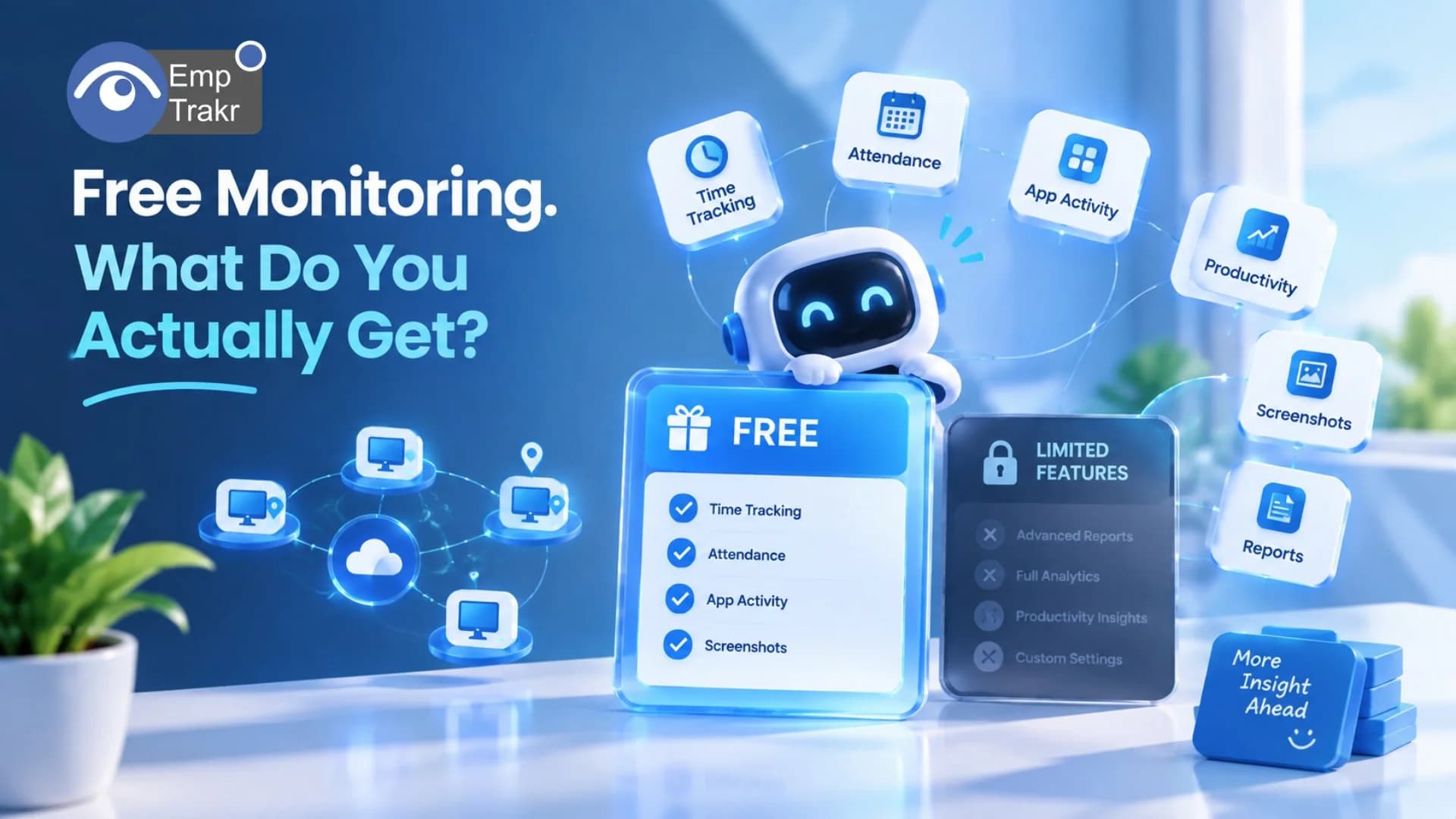
Free employee PC monitoring software may include features such as:
Time tracking
Attendance tracking
App and website activity
Productivity monitoring
Idle-time tracking
Screenshots
Basic reports
Employee activity history
However, not every free plan includes all of these features. Some providers place advanced functionality behind paid plans or limit the number of monitored employees.
For businesses comparing free options, the most important questions are How many employees you can monitor, which features are included, and whether the free access is permanent.
What Is Employee PC Monitoring Software?
Employee PC monitoring software allows organizations to understand activity taking place on company-managed or approved work devices.
Depending on the software, this may include information about:
Working hours
Active and idle time
Applications being used
Websites visited during work
Attendance
Productivity patterns
Screenshots
Work activity reports
For remote teams, PC monitoring can provide visibility that is harder to obtain through traditional office-based management.
However, monitoring should be transparent and used for legitimate business purposes. Employees should know what is being monitored and how the collected information is handled.
What's Usually Included in Free PC Monitoring Software?
The exact features depend on the provider, but these are the most common ones to compare.
1. Time Tracking
Time tracking is one of the most basic features available in employee monitoring platforms.
It can help businesses understand:
When employees start working
Total working hours
Break periods
Active time
Idle time
If your primary requirement is working-hour visibility, Time tracking software May be enough without needing a highly advanced monitoring platform.
2. Attendance Tracking
Attendance monitoring focuses on employee presence and schedules.
It can help managers track check-ins, check-outs, late arrivals, and attendance patterns.
For remote and hybrid teams, Attendance tracking Can reduce the need for manually maintained attendance sheets.
3. App Monitoring
Employees often use multiple applications throughout the working day.
App monitoring can show which applications are being used and how activity is distributed across the workday.
With Live app tracking, teams can gain more visibility into application activity while employees are working.
4. Website Monitoring
Some employee monitoring platforms also track website activity.
This can help organizations understand how work time is being spent and identify frequently used websites.
However, businesses should establish clear policies around what is monitored and avoid collecting unnecessary personal information.
5. Productivity Tracking
Time spent at a computer doesn't automatically mean productive work.
Productivity tracking Can help managers identify activity patterns and understand how employees interact with work applications and websites.
The purpose should be to improve workflows and identify potential bottlenecks rather than simply measure employees by the amount of computer activity they generate.
6. Screenshot Monitoring
Screenshots can provide visual context about activity on a work computer.
Screenshot monitoring May be useful for organizations that need additional verification of work activity.
But screenshot functionality is one area where free plans can differ significantly. Some tools include it, some limit the number of screenshots, and others make it available only on paid plans.
Free Plan vs. Free Trial
This is one of the most important distinctions when researching Employee PC monitoring software free.
Free Plan
A permanent free plan allows you to continue using the software without paying a subscription fee, although certain features may be limited.
Free Trial
A free trial gives temporary access to paid features.
Once the trial ends, you generally need to upgrade to continue using the software.
For example, a platform might advertise:
“14-day free access”
But that doesn't mean the software has a free plan.
When comparing products, always check whether the free option is Permanent or temporary.
Are Free Plans Really Unlimited?
Not always.
A free PC monitoring platform may limit:
Number of employees
Number of devices
Data history
Screenshots
Reports
Storage
Integrations
Advanced analytics
This is why “free” shouldn't be the only factor in your comparison.
If you have a 10-person team but the free plan supports only three users, you will eventually need to upgrade.
For growing businesses, an Unlimited-user free plan Can therefore be significantly different from a limited free tier.
What About EmpTrakr?
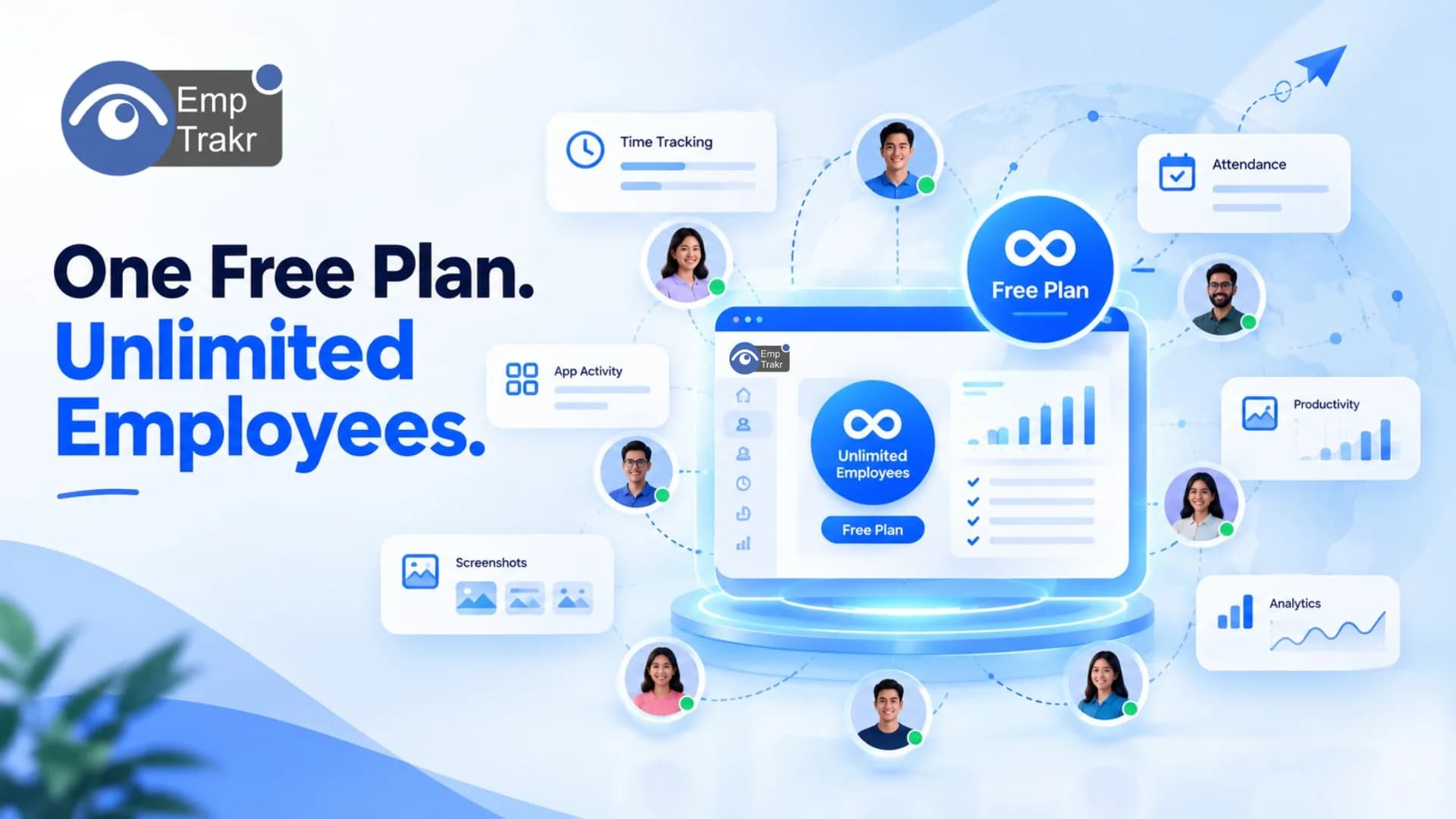
EmpTrakr offers a free core employee monitoring solution designed to provide workforce visibility without a traditional per-seat subscription cost.
Its monitoring capabilities include:
Employee activity monitoring
Time tracking
Attendance
Productivity tracking
App activity
Website activity
Screenshots
Reporting
You can explore the complete Employee monitoring software Solution and then review individual features based on your requirements.
For teams that want to monitor working hours, attendance and productivity without paying separately for every employee, this approach can be useful as the workforce grows.
What Should You Check Before Choosing Free PC Monitoring Software?
Before installing any free monitoring software, check these seven things.
1. Employee Limit
Does the free plan support one employee, three employees, or an unlimited number?
2. Device Limit
Check whether you can monitor multiple PCs per employee or whether every device counts separately.
3. Feature Restrictions
Some free plans may include time tracking but exclude screenshots, detailed reports, or advanced productivity analytics.
4. Data History
Find out how long activity records are stored.
A plan might provide only 7, 14, or 30 days of history.
5. Operating System Support
If your team uses Windows and Mac computers, verify that both operating systems are supported.
6. Privacy Controls
Employee monitoring involves sensitive workplace data. Review how information is collected, stored, accessed, and retained.
EmpTrakr provides additional information through its Security and privacy Page.
7. Upgrade Requirements
Finally, check what happens when you exceed the free plan's limits.
A low-cost free plan may become expensive if important features require a premium upgrade.
Free PC Monitoring vs. Paid Software
| Feature | Free Software | Paid Software |
|---|---|---|
| Time tracking | Usually | Yes |
| Attendance | Varies | Usually |
| App tracking | Varies | Usually |
| Website tracking | Varies | Usually |
| Productivity reports | Basic | Advanced |
| Screenshots | Limited/varies | Usually |
| Data history | Often limited | More extensive |
| Advanced analytics | Limited | Usually |
| Support | Basic | More extensive |
| User limits | Often | Depends on plan |
This doesn't mean paid software is automatically better.
If your team only needs basic time and attendance information, paying for advanced analytics may not provide meaningful additional value.
Is Free Employee PC Monitoring Software Enough?
For many small teams, it can be.
A free solution may be sufficient if you primarily need:
Working-hour tracking
Attendance
Basic employee activity
App usage
Productivity visibility
Basic reports
More advanced organizations may require additional functionality such as detailed analytics, integrations, compliance controls, or extensive historical data.
The right choice depends on what you actually need to monitor.
Privacy and Responsible Monitoring
PC monitoring should not become an excuse for collecting unlimited employee data.
Organizations should clearly communicate:
What is monitored
When monitoring occurs
Why information is collected
Who can access the information
How long information is retained
The UK Information Commissioner's Office (ICO) recommends that workplace monitoring be transparent, necessary, and proportionate to its purpose.
The U.S. Department of Labor also provides guidance on accurate employee timekeeping and maintaining records of hours worked.
These principles are useful when creating an internal employee monitoring policy, even when using free software.
Final Thoughts
Employee PC monitoring software free Can provide useful workforce visibility without adding another monthly expense, but the word “free” needs closer examination.
Before choosing a platform, compare:
Users + devices + features + data history + privacy + upgrade requirements
A free plan with three users is very different from a free plan that supports an entire growing team.
For businesses looking for broader workforce visibility, EmpTrakr combines employee monitoring with Time tracking, Attendance tracking, productivity tracking, app activity, and screenshot monitoring in one platform.
The goal isn't simply to find software that costs $0.
It's to find a solution that provides the Right monitoring features without unnecessary restrictions or unexpected costs.
Frequently Asked Questions
What is free employee PC monitoring software?
Is employee PC monitoring software really free?
What features are included in free PC monitoring software?
Can free employee monitoring software support unlimited employees?
Does free PC monitoring software track screenshots?
Related EmpTrakr resources
Continue with product pages that match this topic — and explore more guides on the blog.
Supercharge your workforce today.
Join leading companies using EmpTrakr to boost productivity, streamline tracking, and optimize remote teams.