Employee Time Tracking Software Free| EmpTrakr
Find free employee time tracking software for working hours, timesheets, attendance, productivity, and team management without unnecessary costs.
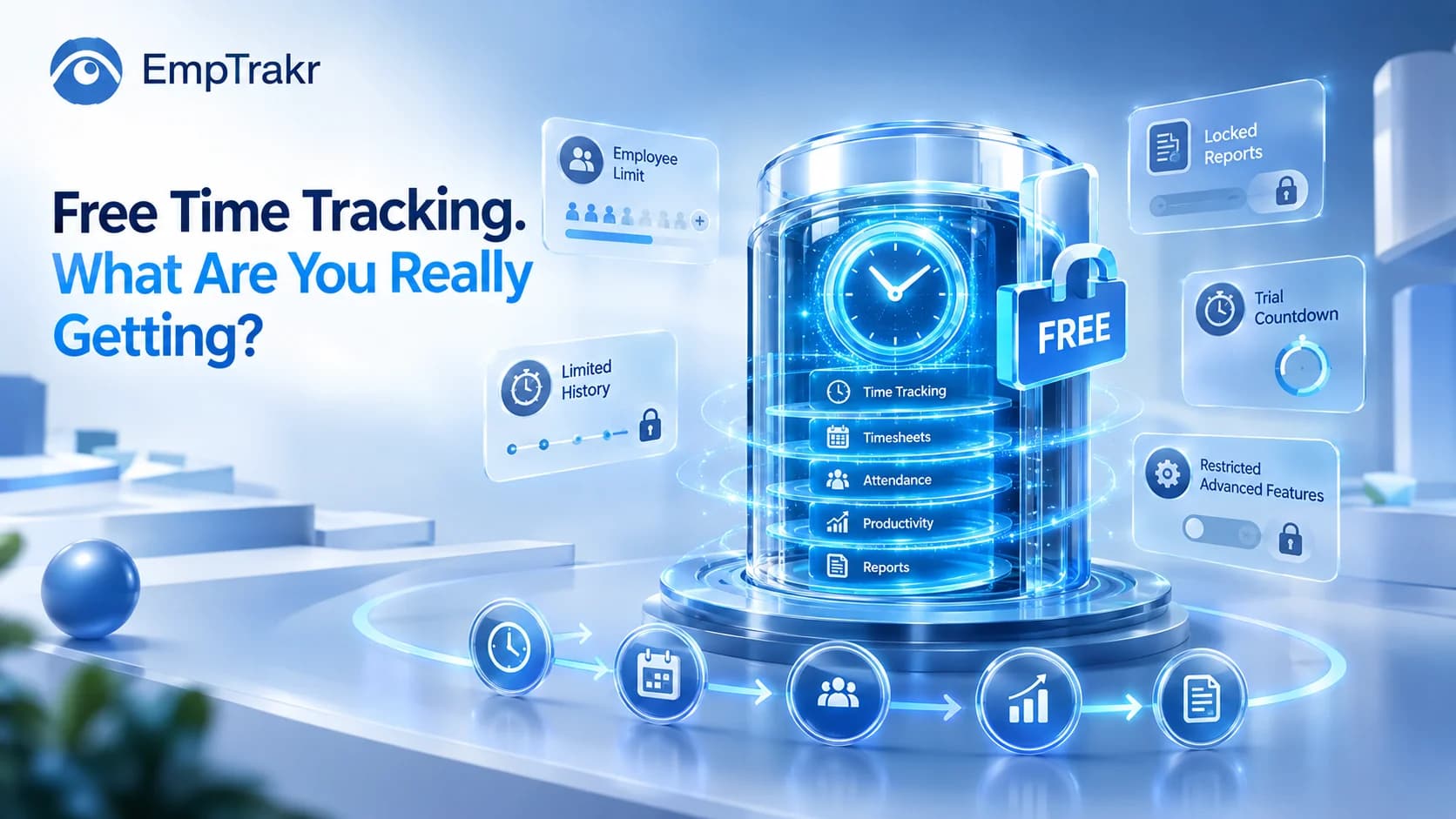
Employee Time Tracking Software Free: What You Actually Get
Finding Employee time tracking software free Sounds simple. Search for a free tool, create an account, and start tracking employee hours.
But “free” can mean very different things.
Some platforms offer a permanent free plan, while others only provide a short trial. Some limit users, reports, or data history. Others keep basic time tracking free but place attendance, productivity, or monitoring features behind a paid plan.
For small businesses and remote teams, the real question is:
What do you actually get for free?
This guide breaks down the key features and limitations to check before choosing a free employee time tracking solution.
Quick Answer
Free employee time tracking software can help businesses record:
Working hours
Start and end times
Breaks
Timesheets
Attendance
Active and idle periods
Basic reports
Some platforms also combine time tracking with productivity and employee monitoring features.
The important thing is to check the User limit, data history, reporting options, and whether the plan is genuinely free or only a trial.
What Is Employee Time Tracking Software?
Employee time tracking software records when employees work and how much time they spend working.
Instead of maintaining manual spreadsheets, employees can record their working sessions digitally, while managers can review timesheets and reports.
A basic system may include:
Clock-in and clock-out
Working hours
Breaks
Timesheets
Daily and weekly summaries
For teams that need more than basic time records, Time tracking software Can be combined with attendance, productivity, and application activity.
What Should a Free Time Tracker Include?
A free plan isn't automatically useful just because the price is $0.
Before choosing one, check the features that matter to your team.
| Feature | What to Check |
|---|---|
| Time tracking | Start/stop and working hours |
| Timesheets | Daily and weekly records |
| Attendance | Check-in and check-out |
| Breaks | Break tracking |
| Reports | Basic or advanced reports |
| Users | Maximum free employees |
| History | How long data is stored |
| Export | Whether reports can be downloaded |
| App tracking | Free or paid feature |
| Productivity | Included or restricted |
| Screenshots | Available or unavailable |
| Future pricing | Cost after free limits |
This gives you a better picture of the actual value than simply looking for the word “free.”
Free Plan vs. Free Trial
One of the biggest mistakes when comparing time tracking software is treating a free trial and free plan as the same thing.
A Free trial Provides temporary access.
A Free plan Generally allows continued use without a subscription, although features or users may be limited.
| Free Plan | Free Trial | |
|---|---|---|
| Duration | Usually ongoing | Limited |
| Payment | Not required for included features | Usually required afterward |
| Features | Often limited | May include premium features |
| Long-term use | Possible | Requires upgrade after trial |
If you want software that your team can continue using without paying, specifically look for a Permanent free plan.
Common Free-Plan Limitations
Even genuinely free software can have restrictions.
Employee Limits
Some providers allow only a small number of employees on the free plan.
That may work for a very small business but become expensive as the team grows.
Always check:
How many employees can actually use the free version?
Data History
Some platforms limit how far back you can view time records.
If your business needs monthly or yearly records, data retention matters.
Reports
Basic time tracking may be free while advanced reporting is paid.
Check whether you can access:
Employee timesheets
Attendance reports
Team summaries
Historical reports
Data exports
Integrations
Payroll, accounting, HR, and project-management integrations may also be restricted to paid plans.
Time Tracking vs. Attendance
Time tracking and attendance are connected, but they answer different questions.
Time tracking:
How much working time was recorded?
Attendance:
Was the employee present according to the expected schedule?
For teams that need both, Attendance tracking Can work alongside time tracking.
This is particularly useful for remote and hybrid teams that need a centralized view of employee schedules and attendance.
Does Productivity Tracking Matter?
Time alone doesn't explain everything.
An employee may work for eight hours while spending that time across meetings, project-management tools, communication platforms, research, and other work applications.
Productivity tracking Can provide additional context.
Useful signals may include:
Active time
Application activity
Work patterns
Productivity reports
Attendance
Idle periods
However, productivity shouldn't automatically be reduced to one number.
Different roles have different workflows, so activity data should be considered alongside actual work and outcomes.
Can Free Software Track Applications?
Some employee time tracking platforms go beyond traditional timesheets.
Live app tracking Can provide information about application activity during working periods.
For example, businesses may want to understand how much time teams spend using:
CRM software
Communication tools
Project-management systems
Development tools
Design applications
This can help identify workflow patterns and potential inefficiencies.
However, application activity should be treated as context rather than automatic proof of productivity.
What About Screenshot Monitoring?
Screenshots are available in some employee monitoring platforms, but they aren't necessary for every business.
If you only need working-hour records, time tracking may be enough.
If your business has a specific reason for visual verification, Screenshot monitoring Can provide another layer of activity information.
The important consideration is purpose.
Businesses should understand what they need to monitor and whether the same objective can be achieved with less intrusive information.
The UK's Information Commissioner's Office (ICO) recommends that worker monitoring should have a clear purpose and be necessary and proportionate to that purpose.
Free Time Tracking for Remote Employees
Remote teams often need a simple way to manage working hours without relying on manual timesheets.
A time tracking platform can provide visibility into:
Working hours
Attendance
Schedules
Activity patterns
Timesheets
For small teams, this can reduce administrative work while giving managers a clearer picture of how work time is being recorded.
However, remote employee monitoring should be transparent. Employees should understand what information is collected and why.
EmpTrakr for Employee Time Tracking
EmpTrakr combines employee time tracking with broader workforce-management features.
Depending on the team's requirements, businesses can use:
This means a team can start with basic time tracking and use additional features when they become relevant.
For businesses considering employee monitoring, the Security & Privacy Page is also worth reviewing before implementation.
How to Choose Free Employee Time Tracking Software
Before signing up, ask these questions:
Final Thoughts
The best Employee time tracking software free Isn't necessarily the platform with the biggest feature list.
It's the one that gives your team enough useful functionality without immediately forcing an upgrade.
Before choosing a solution, compare:
Users + time tracking + attendance + reports + data history + productivity + future pricing.
For a small team, basic time tracking may be enough. For a growing remote workforce, combining time tracking with attendance and productivity information may provide more useful visibility.
The goal isn't to collect as much data as possible.
It's to make working-time information Easier to understand and easier to manage.
Sources
- UK Information Commissioner's Office (ICO) — Data protection and monitoring workers
ICO: Data protection and monitoring wICO: Data protection and monitoring workersOrkers - UK Information Commissioner's Office (ICO) — Employee monitoring guidance
ICO: Employee monitoring – is it right ICO: Employee monitoring – is it right for your business?For your business? - U.S. Department of Labor — FLSA Recordkeeping
U.S. Department of Labor: FLSU.S. Department of Labor: FLSA RecordkeepingA Recordkeeping - CIPD — People Analytics
CIPD: People AnaCIPD: People AnalyticsLytics - CIPD — Data protection, surveillance and privacy at work
CIPD: Data protection, surveillance and privacCIPD: Data protection, surveillance and privacy at workY at work
Frequently Asked Questions
How many employees are included?
Is it permanently free?
How much history is available?
What reports are included?
Can the software grow with you?
What other features are included?
Related EmpTrakr resources
Continue with product pages that match this topic — and explore more guides on the blog.
Supercharge your workforce today.
Join leading companies using EmpTrakr to boost productivity, streamline tracking, and optimize remote teams.

