Free Remote Employee Monitoring Software That Doesn't Cap| EmpTrakr
Discover free remote employee monitoring software with unlimited employees. Track time, attendance, apps, productivity, screenshots, and more with emptrakr.
Managing a remote team shouldn't mean choosing between expensive monitoring software and limited free plans. Many tools advertise a free option, but the real limitation may appear when you try to add more employees, access older data, or use important monitoring features.
For growing remote teams, Free remote employee monitoring software without a user cap Can be a practical way to track work hours, productivity, attendance, app usage, and other work activity without increasing software costs as the team grows.
The important thing is to look beyond the word “free.” Check how many employees you can add, which features are included, how data is handled, and whether the free plan continues indefinitely.
What Is Free Remote Employee Monitoring Software?
Free remote employee monitoring software helps teams understand work activity without requiring a recurring subscription fee.
Depending on the platform, this can include:
Employee time tracking
Attendance and check-ins
App and website activity
Productivity tracking
Idle-time detection
Screenshots
Work-hour reports
Team activity dashboards
For remote teams, these features can provide visibility into work without relying entirely on manual timesheets or frequent status updates.
However, free plans often come with restrictions. Some limit the number of employees, while others restrict data history or important features.
That's why Unlimited users Can be an important consideration when choosing a free solution.
Why User Limits Matter for Remote Teams
Imagine a company has 10 employees.
A monitoring tool may appear free when the plan actually supports only three users. Adding the remaining seven employees could require a paid subscription.
The same issue becomes more significant as a company grows.
For example:
5 employees → 5 monitored users
25 employees → 25 monitored users
100 employees → 100 monitored users
If pricing is based on each employee, software costs increase with every new hire.
A free plan without a user cap removes that particular cost barrier and can make workforce monitoring easier to scale.
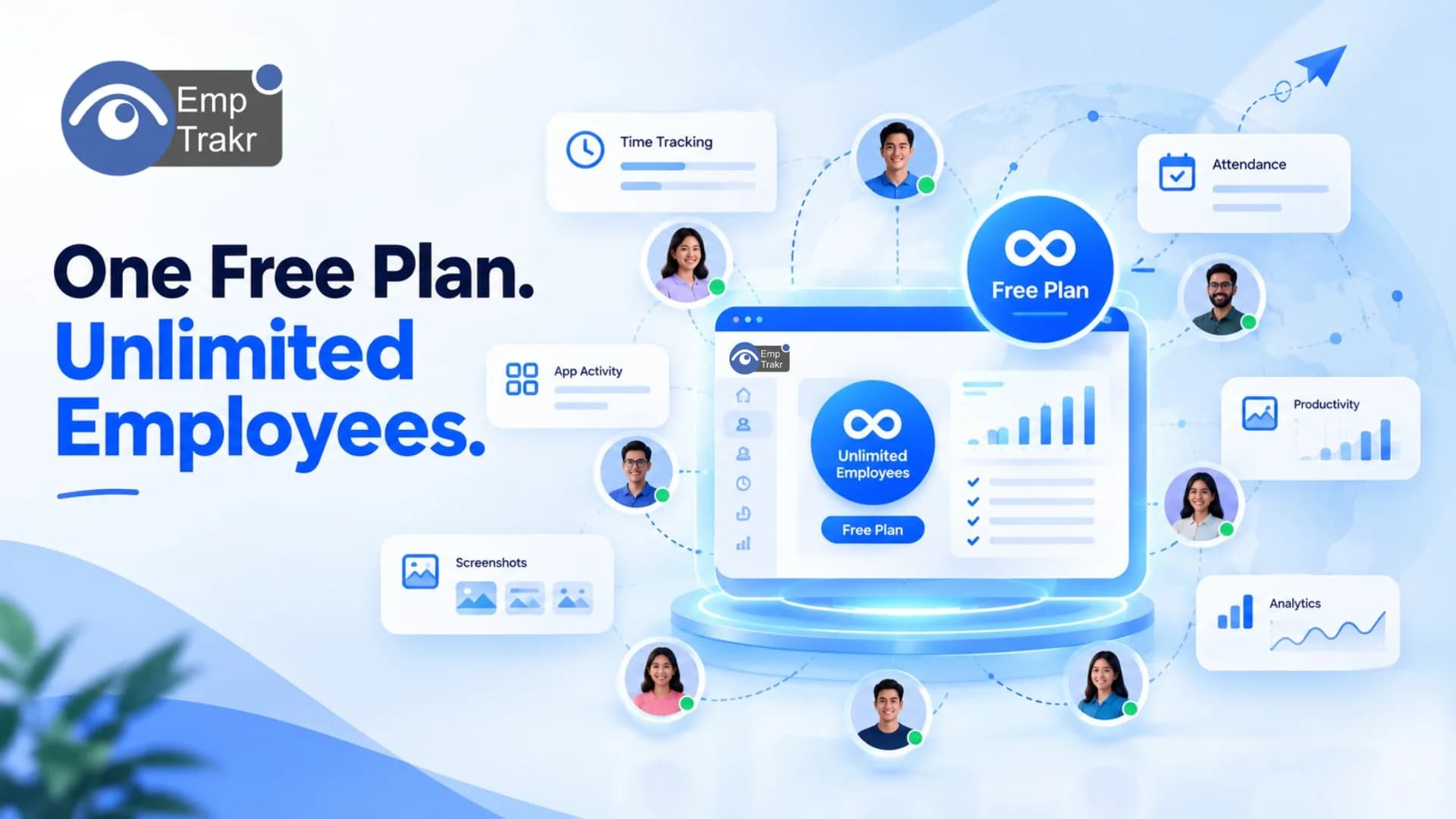
Current EmpTrakr product information states that its free core plan supports Unlimited employees, with no per-seat charge. (EmpTrakr)
What Should You Look for in Free Remote Monitoring Software?
A no-cost plan is useful only if it includes the functionality your team actually needs.
Here are some features worth checking.
1. Unlimited Employees
First, check whether “free” applies to the entire team or only a limited number of users.
A genuine unlimited-user plan allows you to add employees without paying an additional fee for every seat.
This can be particularly useful for startups, agencies, distributed teams, and companies expecting to grow.
2. Time Tracking
Remote employees may work across different schedules and locations.
A reliable Time tracking software Solution can help record working hours, breaks, idle periods, and overtime.
This gives managers a more consistent picture of actual working time than manually maintained spreadsheets.
3. Attendance Tracking
Time tracking and attendance aren't exactly the same.
Attendance tracking focuses on when employees are present, when they check in or out, and whether they follow expected schedules.
With Attendance tracking, remote teams can maintain clearer attendance records without requiring employees to send manual updates throughout the day.
4. Productivity Tracking
The number of hours worked doesn't always explain how work time is being used.
Productivity tracking Can help teams understand activity patterns and identify where workflows may be improving or creating unnecessary friction.
The goal should be better visibility and workflow improvement rather than simply collecting more employee data.
5. App and Website Activity
Remote employees typically use multiple applications throughout their workday.
Live app tracking Can provide visibility into application activity during working sessions and help managers understand which tools are being used.
This can also reveal whether teams are spending significant time switching between applications or using tools that aren't relevant to their workflows.
6. Screenshot Monitoring
Some teams need additional visual evidence of work activity.
Screenshot monitoring Can provide periodic snapshots of work activity, depending on how the organization configures its monitoring policy.
If screenshots are used, companies should clearly communicate the practice to employees and define when screenshots are captured.
Free Plan vs. Free Trial: Know the Difference
One of the biggest mistakes when comparing monitoring software is treating a Free trial As a Free plan.
They are not the same.
Free Trial
A free trial usually provides access for a limited period, such as 7, 10, or 14 days.
After the trial ends, the company may need to purchase a subscription.
Free Plan
A permanent free plan continues without requiring a subscription, although it may have limitations.
For example, a provider might offer:
Free access for 1–3 employees
Limited data history
Restricted reports
Limited screenshots
Basic monitoring only
A genuinely unlimited free plan is therefore different from both a trial and a limited free tier.
For comparison, current 2026 research shows that several well-known monitoring products use either user limits, trials, or other restrictions rather than unlimited free employee access. (EmpTrakr)
Is Unlimited Free Employee Monitoring Really Possible?
Yes, but you should examine exactly what “unlimited” Means.
There are several questions to ask:
Are employees unlimited?
Are all core monitoring features included?
Is data storage unlimited?
Is historical data unlimited?
Are screenshots unlimited?
Are reports unlimited?
Are there restrictions on the number of teams or workspaces?
A platform can offer unlimited employees while still limiting another part of the service.
So don't evaluate the user cap in isolation.
Free Remote Monitoring Software for Growing Teams
A free solution can be especially useful for startups and small businesses that don't want monitoring costs to increase every time they hire someone.
Consider a team growing from 10 to 50 employees.
With per-user pricing, every additional employee can increase the monthly software bill.
With an unlimited-user free plan, the software cost doesn't need to increase simply because the team has grown.
This can make budgeting easier and allow companies to introduce employee monitoring without committing to a large SaaS expense.
EmpTrakr currently positions its free core plan around unlimited employees, with Windows and Mac support and a cloud-based admin dashboard. (EmpTrakr)
EmpTrakr: Free Remote Employee Monitoring Without a User Cap
EmpTrakr is designed for teams that want workforce visibility without per-employee subscription costs.
The platform combines several capabilities in one system, including:
Employee monitoring
Time tracking
Attendance tracking
App monitoring
Website activity
Screenshot monitoring
Productivity reports
Idle-time detection
Team dashboard
Its current product page describes the free core plan as supporting Unlimited employees, with no credit card requirement. (EmpTrakr)
Instead of purchasing separate tools for different workflows, teams can use the platform to bring time, attendance, productivity, and activity information into one workspace.
You can start with Employee monitoring software And add the specific capabilities your team needs.
Privacy Still Matters With Free Monitoring Software
Free doesn't mean privacy should become an afterthought.
Before deploying any employee monitoring platform, establish clear rules around:
What information is collected
When monitoring is active
Who can access the data
How long information is retained
Why monitoring is being used
Which devices are monitored
For remote teams, transparency is particularly important because employees may work from different locations and devices.
EmpTrakr's security and privacy information provides additional details about its approach to responsible workforce monitoring.
Companies should also create a clear internal monitoring policy before deployment and communicate it to employees.
How to Choose the Right Free Remote Monitoring Software
Before signing up, use this checklist:
1. Check the employee limit
Make sure unlimited actually means unlimited employees.
2. Check the feature limits
Don't assume every feature is included simply because the plan is free.
3. Check data history
Find out how long activity and attendance information remains available.
4. Check device support
If your team uses Windows and Mac, make sure both are supported.
5. Check privacy controls
Look for clear policies, access controls, and transparent monitoring practices.
6. Check scalability
The software should continue working as your team grows.
7. Check whether it's really free
Make sure you're looking at a permanent free plan rather than a temporary trial.
Final Thoughts
Finding Free remote employee monitoring software that doesn't cap users Can be difficult because many free monitoring tools restrict the number of employees, features, or available data.
For remote and growing teams, the most useful approach is to look beyond the price tag.
Check the Employee limit, monitoring features, data history, device support, privacy controls, and long-term scalability Before choosing a platform.
If unlimited employees are a priority, EmpTrakr currently offers a free core plan designed around unlimited employees, alongside time tracking, attendance, productivity, app activity, screenshots, and other workforce visibility features. (EmpTrakr)
The result is a simpler proposition: Monitor your growing remote team without making every new employee another software expense.
Frequently Asked Questions
What is free remote employee monitoring software?
Is there free employee monitoring software with unlimited users?
Is free employee monitoring software suitable for remote teams?
Related EmpTrakr resources
Continue with product pages that match this topic — and explore more guides on the blog.
Supercharge your workforce today.
Join leading companies using EmpTrakr to boost productivity, streamline tracking, and optimize remote teams.