Employee monitoring software open source| EmpTrakr
Explore employee monitoring software open source options for SMBs, with practical guidance on self-hosting, privacy, time tracking, setup effort, and fair.
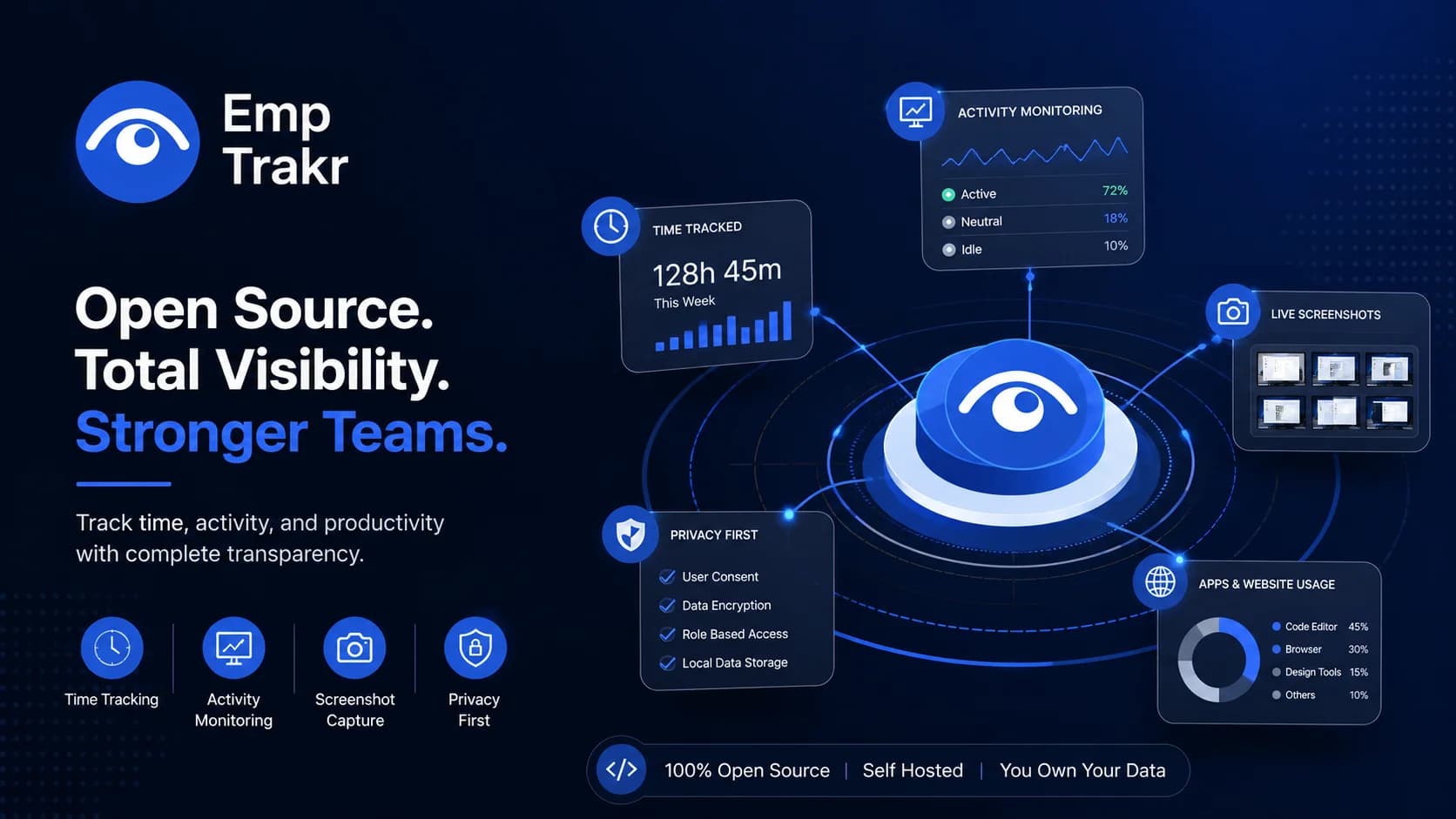
Employee monitoring software open source can suit SMBs that want more control over activity data, self-hosted time tracking, or a smaller starting point. It is not one universal product category. Compare the monitoring purpose, administration work, privacy controls, and support burden before choosing an approach for a remote or hybrid team.
Employee monitoring software open source: definition and decision context?
Employee monitoring software open source generally refers to monitoring or activity tools whose code, deployment model, or licensing approach gives an organization more control than a conventional hosted service. The phrase can cover several different workflows, so a search result or directory entry is not enough to establish that every option provides the same capabilities.
A 2024 independent roundup describes open-source employee monitoring as an established area and connects its appeal with the cost of per-employee software. The 2024 software roundup That evidence supports using open source as a comparison direction, not as a blanket recommendation. Start by defining whether the business needs time records, attendance visibility, activity context, or a broader productivity dashboard.
For a practical starting point, compare this category with Employee monitoring software And document the specific work problem before selecting a tool. A clear purpose makes it easier to avoid collecting information that managers will not use.
Who should consider employee monitoring software open source?
SMBs should consider an open-source or self-hosted approach when control over deployment and data handling matters as much as convenience. It may be relevant for teams that have internal technical capacity, a defined monitoring purpose, and the patience to manage configuration rather than expecting a ready-made service.
An independent 2026 shortlist distinguishes local-deployment tools from broader monitoring products and describes options ranging from lightweight activity trackers to more advanced insider-risk and data-loss-prevention systems. The local-deployment shortlist That range shows why “open source” is not a complete buying criterion: the operational model and intended use still need to match.
Managers can use Time tracking software Guidance to separate a simple hours workflow from activity monitoring. The supplied evidence does not establish that any particular project is suitable for every SMB, so treat shortlist labels as starting points for review rather than proof of fit.
Benefits and practical limitations
The main practical benefit of a self-hosted model is control: a team can make deployment and data-handling decisions within its own operating environment. That benefit only matters if the organization can maintain the system, explain the policy, and respond to employee questions consistently.
Potential benefits
- More direct control over deployment and data-management choices.
- A way to assess time tracking or activity workflows without assuming a large hosted platform is necessary.
- Room to align collection with a narrowly defined operational purpose.
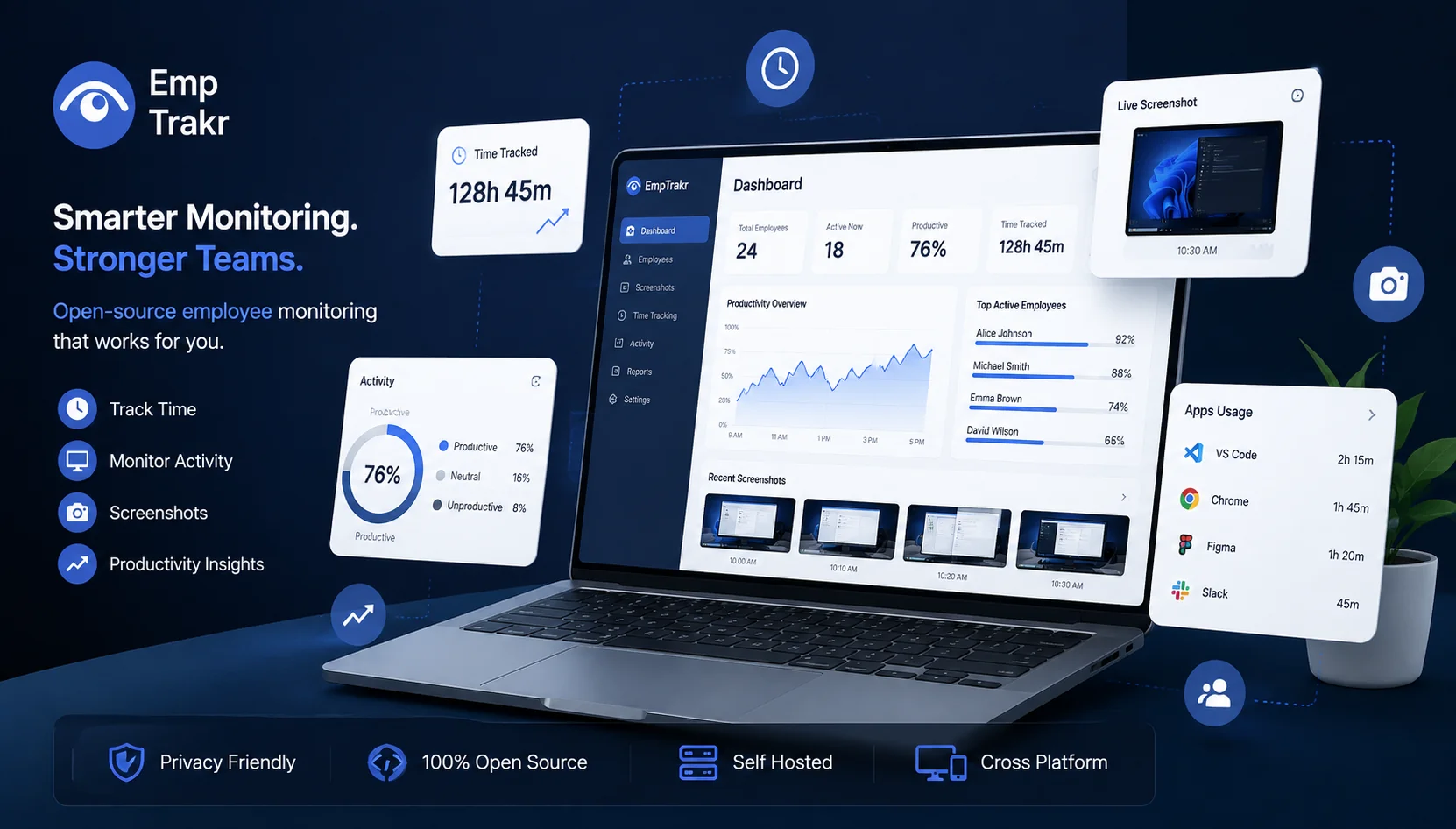
Limitations and risks
- Self-hosting can shift maintenance, access control, backups, and troubleshooting to the organization.
- Activity data can be difficult to interpret when managers lack context about the work.
- Monitoring that is broader than the stated purpose can weaken trust and create avoidable privacy concerns.
Use a written policy before deployment. Explain what is collected, who can access it, how it will be used, and how employees can raise questions. A privacy-aware review should also ask whether Productivity tracking Is necessary for the decision at hand or whether a narrower timesheet or attendance workflow would be enough.
Open-source workforce monitoring and the reader decision
Open-source workforce monitoring is best evaluated by matching the tool to a specific use case rather than by treating free availability as the deciding factor. The supplied 2026 comparison groups free tools around individual productivity, small-team time tracking, and self-hosted control. The 2026 use-case summary
That framing is useful for remote teams because “monitoring” can mean very different things. A manager seeking attendance records needs a different workflow from one reviewing application activity or work patterns. Before comparing screens or dashboards, write down the minimum information needed, the people who need access, and the decision the information will support.
Collection settings deserve particular attention. One comparison notes that tools differ in interval options, including every minute versus every 20 minutes, as well as in storage duration. The interval and storage comparison Those settings can affect privacy, storage planning, and how employees understand the program. For screenshot-specific use cases, review Screenshot monitoring Separately instead of assuming it is included in every open-source project.
Self-hosted time tracking and the reader decision
Self-hosted time tracking can be a reasonable direction when an SMB values local control and has a clear owner for administration. It is less attractive when the team expects a near-zero-maintenance rollout or does not have a practical process for support, permissions, and policy updates.
Setup effort should be treated as part of the tool decision. A 2026 comparison reports that some enterprise products, including Teramind and ActivTrak, require significant setup time. The setup-time comparison This does not prove that every open-source option is easier, nor does it measure the setup burden for a particular project. It does show why “free” should not be confused with operationally costless.
Use a short evaluation plan: define the work question, test the narrowest collection setting, confirm who administers the system, and document how records will be reviewed. If the need is attendance rather than detailed activity, compare Attendance tracking Before adding broader monitoring.
Conclusion
The monitoring tool is a category to investigate, not a single answer for every remote team. The evidence supports a balanced approach: open-source and on-premise models can offer useful control, while setup, maintenance, data interpretation, and employee trust remain central considerations.
For an SMB, the next step is to define the smallest useful workflow and compare it with the organization’s available technical support. Review the collection intervals, storage approach, access rules, and policy language before a rollout. A fair comparison should leave room for a simpler time, attendance, or productivity workflow when detailed activity monitoring is not necessary.
Keep the decision focused on a documented business purpose. The available comparisons provide useful context, but they do not establish a universal project, feature set, or suitability result. For implementation details, consult the Installation guide And review Security & privacy Information alongside your internal policy process.
Sources
- 8 Best Free & Open-Source Employee Monitoring | eMonitor — employee-monitoring.net
- Best On-Premise Employee Monitoring Software Shortlist — peoplemanagingpeople.com, 2026-06-30T17:04:36.000Z
- Best Employee Monitoring Software 2026 — Top 10 Compared | Trackpilots — trackpilots.com, 2026-05-23T00:00:00.000Z
- 15 Best Open Source Employee Monitoring Software for 2024 - Financesonline.com — financesonline.com
Frequently Asked Questions
Where is the official employee monitoring software open source project?
How does open-source employee monitoring software track work time?
What documentation exists for employee monitoring software open source?
Can SMBs self-host employee monitoring software open source?
What privacy controls are available in employee monitoring software open source?
Related EmpTrakr resources
Continue with product pages that match this topic — and explore more guides on the blog.
Supercharge your workforce today.
Join leading companies using EmpTrakr to boost productivity, streamline tracking, and optimize remote teams.