Security by design
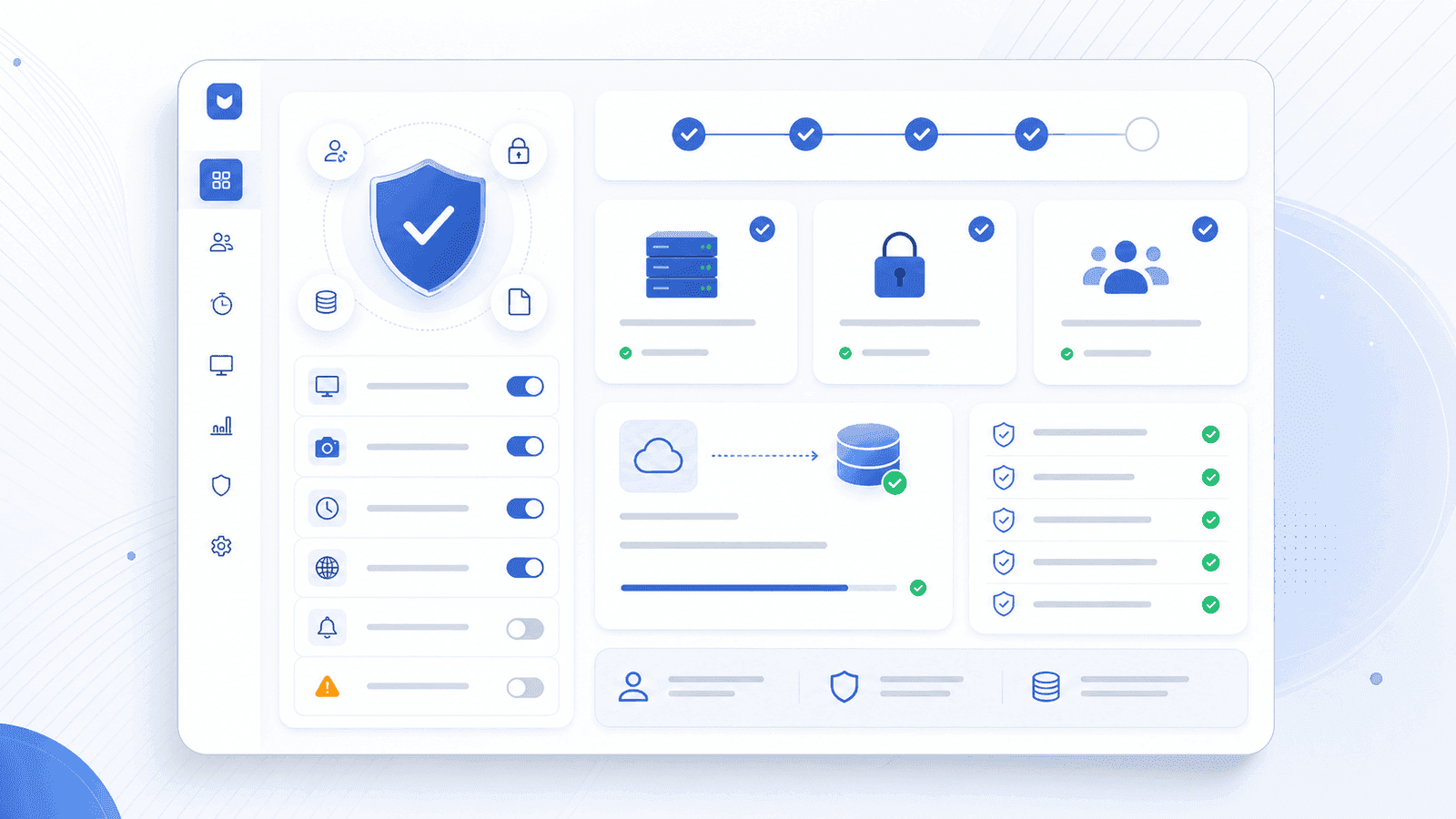
EmpTrakr is built for workplace visibility without unnecessary surveillance. Core product decisions prioritize clear admin controls, role-based access, and responsible data use.
EmpTrakr helps companies track work time, attendance, apps, and screenshots while keeping security, access control, and workplace transparency front and center.
Admin & employee access
Workspace data storage
Workplace monitoring model
Monitoring software should make work clearer—not create uncertainty. These principles guide how EmpTrakr is designed and used across company workspaces.
EmpTrakr is built for workplace visibility without unnecessary surveillance. Core product decisions prioritize clear admin controls, role-based access, and responsible data use.
Company workspaces separate admin and employee access so managers review team activity while employees only see the data that belongs to them.
Attendance, time tracking, app usage, and productivity summaries live in your EmpTrakr cloud workspace so admins can review activity from anywhere.
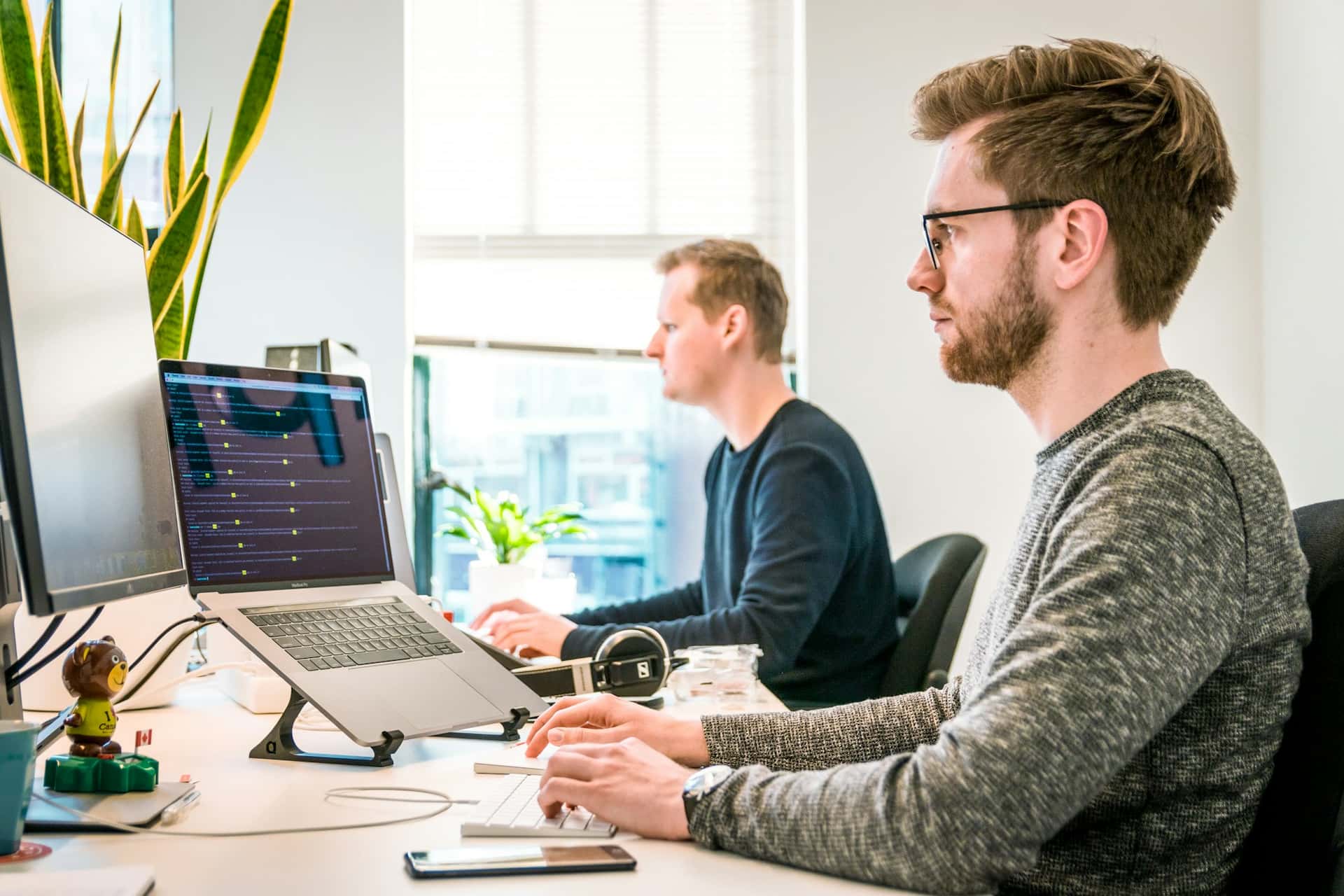
Security is not only infrastructure—it is also how permissions, tracking scope, and support workflows are handled day to day.
Role-based visibility for admins and employees
Configurable screenshot and tracking rules
Secure sign-in for company workspaces
Support channel for access and privacy questions
EmpTrakr focuses on work-session visibility so managers get operational insight without turning monitoring into unrestricted personal surveillance.
Windows and Mac agents capture work-session signals such as time, apps, websites, idle status, and screenshots based on admin configuration.
EmpTrakr is designed around practical productivity and attendance visibility—not keylogging or private-communication interception.
EmpTrakr works best when employees understand what is tracked, why it is tracked, and how the data is used.
For account access, desktop tracking scope, screenshot storage, or company policy questions, email our team or review the FAQ.