Work Hours Tracker Free Explained| EmpTrakr
Learn what a work hours tracker free plan covers for remote and hybrid teams, how it supports attendance, and which plan limits to review before you roll out.
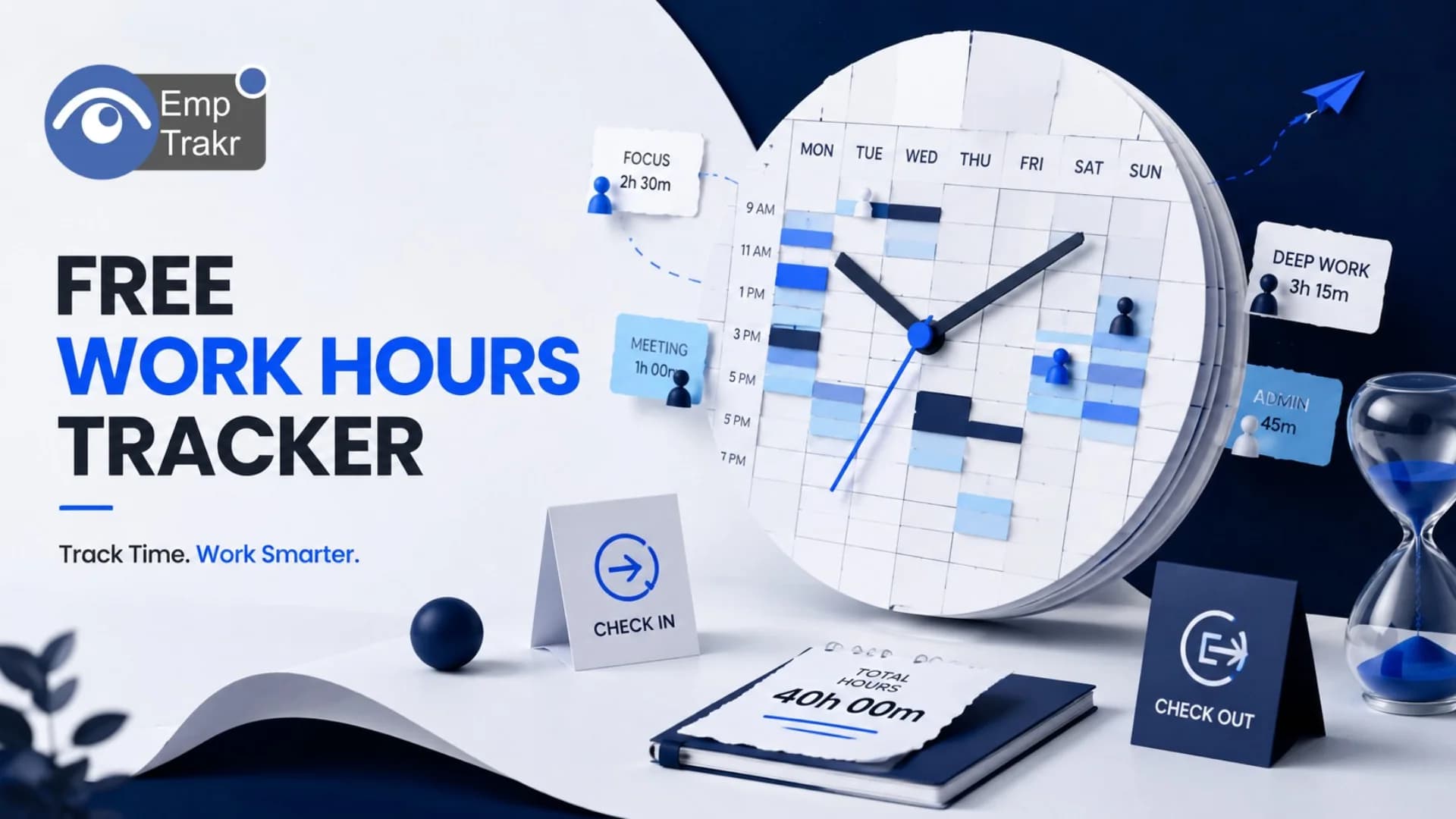
A work hours tracker free tool records employee time without an upfront license fee. Managers use it for timesheets, attendance, and payroll preparation. Start with policy first. Before you adopt one, define privacy expectations and which free-plan limits your remote or hybrid team can accept.
Work hours tracker free: definition and decision context?
A work hours tracker free option is time-recording software offered at no license cost for a basic tier. It helps managers capture clock-ins, breaks, project time, and timesheet data used later for attendance and payroll prep. The decision context is practical rather than promotional: you are choosing a lightweight way to see hours worked without buying a full suite on day one.
Free tracking sits beside broader Employee monitoring software And dedicated Time tracking software. Monitoring may include activity or screen views; a hours tracker focuses on when work started, paused, and stopped. Keep that boundary clear so staff understand what is collected and why.
Decision context for SMBs usually includes team size, remote or hybrid schedules, payroll cadence, and how much admin time you can spend on timesheet cleanup. A free plan can be enough for a small group if reporting needs are simple. It becomes a poor fit when you need complex approvals, multi-location rules, or deep exports that only paid tiers unlock.
Policy comes before product. Decide who may view time data, how long you retain it, and whether tracking is required during core hours only. Share that policy in plain language. When the tool and the policy match, adoption is smoother and trust stays higher across distributed teams.
Use the free tier as a learning loop. Pilot with a volunteer group, review a full pay cycle, then decide whether limits block payroll accuracy. That sequence keeps the purchase decision grounded in your workflow instead of feature checklists alone.
Who should consider work hours tracker free?
Managers, HR admins, and founders at small remote or hybrid teams should consider a free hours tracker when they need basic timesheets without a large software budget. It fits teams that already have informal time logs and want a shared system everyone can open from a browser or desktop.
It is a strong candidate when payroll depends on accurate hours, contractors bill by the day, or leaders want visibility into overtime patterns. It is less suitable when you need heavy compliance packs, biometric attendance hardware, or advanced Productivity tracking Scored across many apps on day one.
Founders running early-stage crews often start free because headcount is low and processes are still forming. HR admins in established SMBs may use a free plan as a bridge while evaluating longer-term stacks. In both cases, map roles: who clocks time, who approves it, and who exports it for payroll.
Remote-first companies should ask whether the tool works across time zones and whether employees can edit entries with an audit trail. Hybrid teams should ask how office days and home days are labeled so attendance stays consistent. If those questions are unanswered, pause rollout until workflows are written down.
Skip a free tracker if leadership expects surveillance-style monitoring without consent discussions. That approach conflicts with fair workplace practice and with this site’s privacy-aware stance. Prefer transparent time capture tied to pay and capacity planning, then expand only when the team agrees on purpose and boundaries. Review Security & privacy Expectations with your stakeholders before enabling any capture beyond hours.
Benefits and practical limitations
Benefits center on clarity and lower admin load. Teams see who worked which hours, managers spend less time chasing spreadsheets, and payroll prep becomes more consistent. Limitations center on capacity, reporting depth, and the temptation to expand monitoring without updating policy.
- No upfront license fee for a basic time-recording tier.
- Shared timesheets reduce spreadsheet chase for small teams.
- Supports attendance and payroll prep when workflows are clear.
- Easy pilot path before committing budget to a larger suite.
- Encourages written policy around what is tracked and why.
- Free tiers may restrict seats, exports, or integrations.
- Reporting can be too thin for multi-site or complex approvals.
- Feature gaps may push teams toward unpaid manual workarounds.
- Policy and consent work still require management time.
- Expanding into screenshots or deeper monitoring needs separate review.
Practical safeguards help. Label every data field you collect, keep retention short unless payroll rules require more, and give employees a way to correct mistakes. If you later add Screenshot monitoring, treat it as a new decision with its own notice and purpose statement—not as a silent upgrade.
Limitations also appear in change management. A free tool that nobody uses still fails. Train managers to approve timesheets on a fixed cadence, and train staff on how edits are logged. Pair the tracker with your Attendance tracking Process so hours and presence tell one coherent story.
Finally, remember that software does not replace judgment. Overtime spikes, idle gaps, or odd patterns are conversation starters, not automatic proof of misconduct. Use reports to coach capacity and workload, not to create a climate of suspicion.
Attendance tracker software free and the reader decision
Attendance tracker software free options focus on presence—who was in, late, absent, or on leave—while a work hours tracker free plan focuses on duration and billable or payable time. Readers often search both phrases because payroll needs both presence and hours. Treat them as adjacent tools that can share a workflow.
Your decision should start with the job to be done. If the pain is missed clock-ins and unclear absences, prioritize attendance views, leave statuses, and daily presence summaries. If the pain is inaccurate timesheets for pay, prioritize timers, manual entries, approvals, and export formats your payroll process accepts.
Many SMBs want one place for both. That is reasonable when headcount is small. Still, check whether the free attendance layer and the free hours layer share the same user accounts and permission model. Fragmented logins create more admin work than the spreadsheet you hoped to retire.
Policy framing matters here. Attendance data can reveal health-related absences or personal patterns. Limit access to people who need it for operations or pay. Document how long you keep attendance records and how employees request corrections. Those steps support fairness even when the software itself is free.
When comparing adjacent pages and products on this topic, keep language descriptive. Avoid ranking claims that are not independently sourced. Focus on fit: seats, export needs, remote check-in methods, and whether managers can filter by team. For rollout logistics, keep your Installation guide And internal onboarding checklist aligned so day-one setup does not stall payroll.
If you already maintain a separate attendance page strategy, use this hours-focused article to clarify duration tracking rather than duplicating attendance how-tos. That keeps each guide useful and reduces overlap for readers evaluating free attendance software alongside free hours tracking.
Attendance tracker app free and the reader decision
An attendance tracker app free option usually means a mobile-first experience for clocking presence from a phone. That differs from desktop-centered hours trackers used by knowledge workers who live in browsers all day. Choose the app path when field staff, shift workers, or traveling roles must check in away from a desk.
Reader decisions should weigh reliability of mobile clock-ins, offline behavior expectations, and how managers review exceptions. An app that only works on perfect connectivity will frustrate distributed crews. Ask vendors—or your own product docs—how failed check-ins are recovered without inventing numbers or unverified claims.
For hybrid offices, an app can complement office Wi-Fi or desk presence habits, but it should not silently collect location beyond what you disclosed. State the purpose: attendance confirmation, not continuous tracking. If location is optional, make that clear in policy and in the app permissions prompt.
Hours tracking and attendance apps can feed the same payroll export. Map fields carefully so a mobile check-in becomes a timesheet line your finance process understands. Ambiguous statuses create rework. A short weekly audit by a team lead catches gaps before payday.
Budget-conscious teams sometimes stack a free app with a free web tracker. That can work temporarily, yet dual systems raise training cost. Prefer one primary system of record and use the other only if a clear gap remains. Review Pricing Paths early so a successful pilot has a known upgrade route when seats or features outgrow the free tier.
Keep the tone practical: free apps help when they reduce friction for the people who must clock in. They fail when setup is unclear, managers ignore exceptions, or monitoring expands without consent. Revisit the written policy whenever you enable a new mobile permission.
Conclusion
A work hours tracker free plan is a practical starting point for SMB managers who need timesheets, attendance support, and payroll-ready hours without buying a full suite immediately. Success depends less on brand slogans and more on clear policy, role design, and honest review of free-tier limits.
Define what you collect, who can see it, and how corrections work. Pilot with a small group across a full pay cycle. Separate hours tracking from deeper monitoring features until the team agrees on purpose. When attendance software or mobile apps enter the picture, map how presence and duration connect so reports stay coherent.
If limits on seats, exports, or integrations block your workflow, plan an upgrade using transparent pricing rather than unpaid workarounds. Keep privacy front and center, and treat legal rules as location-specific. For next steps, explore related guides on employee monitoring, time tracking, and productivity workflows, then choose the lightest stack that meets your payroll and attendance needs.
Sources
Frequently Asked Questions
What is work hours tracker free?
Is work hours tracker free suitable for the target audience?
How should readers evaluate work hours tracker free safely?
Related EmpTrakr resources
Continue with product pages that match this topic — and explore more guides on the blog.
Supercharge your workforce today.
Join leading companies using EmpTrakr to boost productivity, streamline tracking, and optimize remote teams.