Ai-powered employee monitoring software| EmpTrakr
Learn how ai powered employee monitoring software works for remote teams,what to compare in free and paid tools,and how privacy aware policies support fair use.
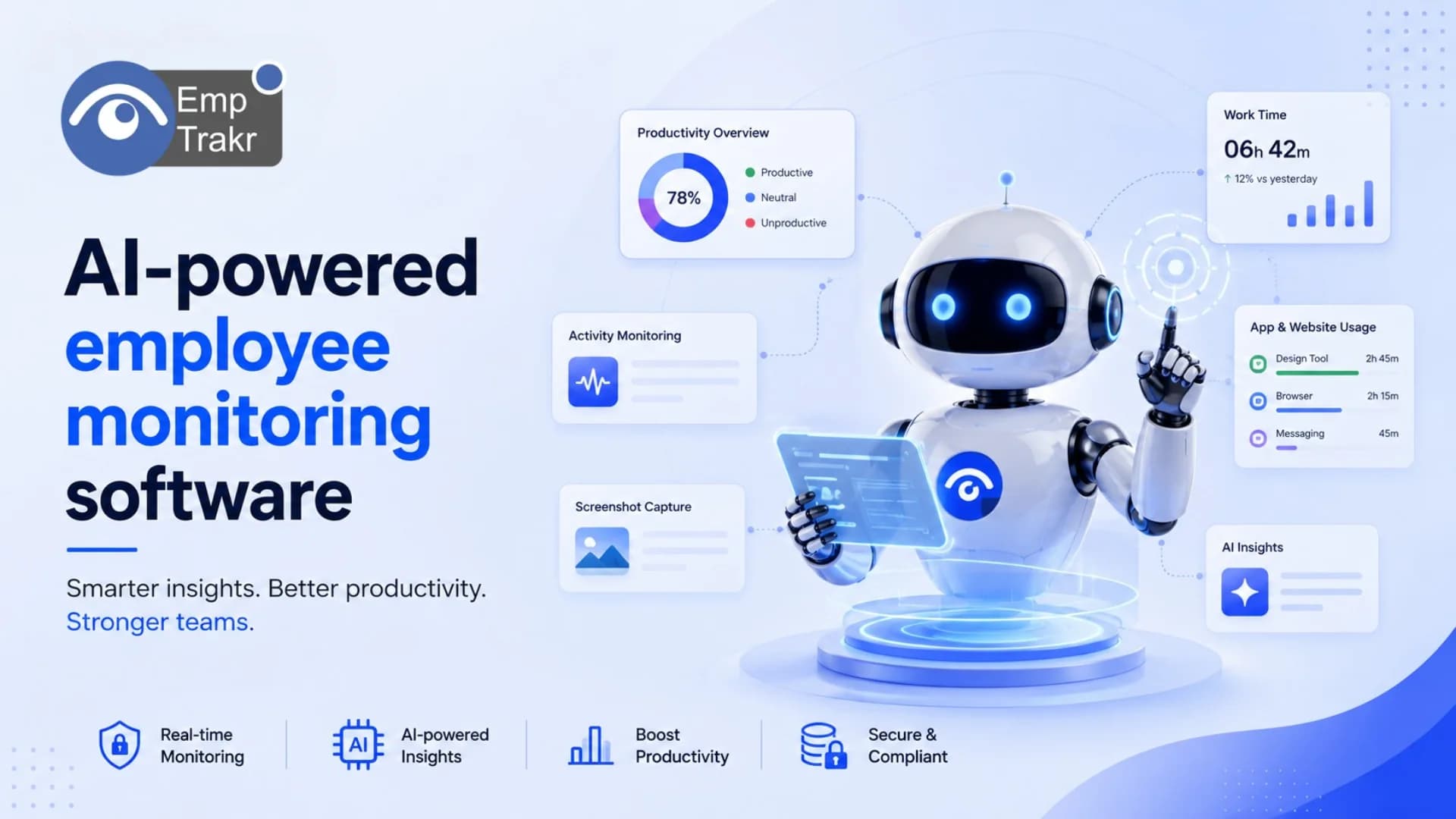
AI-powered employee monitoring software uses automated data collection and analytics to report on employee activities, time spent, and work patterns. Managers at remote and hybrid SMBs can gain workforce visibility when privacy controls and clear policies guide rollout. Free and paid tools exist; compare features against your needs.
Ai-powered employee monitoring software: definition and decision context?
AI-powered employee monitoring software is productivity monitoring technology that applies automated data collection and analytics—often with logs from applications and calendars—to report on employees’ activities, time spent, work locations, and work patterns. That framing comes from market definitions of Employee productivity monitoring software, which also note that detailed reports can help employees manage workload and help managers measure performance.
In practice, these platforms sit beside everyday Employee monitoring software And Time tracking software Workflows. AI features typically surface patterns from activity data rather than replacing manager judgment. A 2026 industry roundup presents Free and paid AI-powered options So decision-makers can compare pricing, features, screenshots, and demos before committing.
For SMB, remote, and hybrid leaders, the decision context is operational, not theatrical. You need visibility into how work time is spent, enough reporting depth for payroll or capacity planning, and controls that respect privacy expectations. When evaluating any platform, prioritize data privacy controls, integration capabilities, reporting depth, and customization so the system matches how your team already works. Pair tool selection with a written monitoring policy, role-based access, and a clear explanation of what is collected and why.
Use AI insights as decision support. Treat alerts, productivity scores, and app classifications as starting points for coaching conversations. Avoid designing processes that punish short idle periods without context. The strongest implementations combine Productivity tracking With attendance and timesheet hygiene so managers see both effort patterns and deliverable outcomes.
Who should consider ai-powered employee monitoring software?
Managers, HR admins, and founders leading distributed or hybrid teams should consider these tools when they need consistent visibility across locations and want structured activity data for coaching, capacity planning, or timesheet accuracy. Buyers who are still comparing categories should Review employee monitoring alternatives And adjacent competitors during software research rather than locking into the first demo.
Good-fit scenarios include small businesses coordinating remote contractors, operations teams that need reliable attendance signals, and companies consolidating manual spreadsheets into one monitoring and reporting layer. If your primary need is simple clock-in and payroll hours, start with lighter Attendance tracking And expand only if activity analytics would change a real decision. If your need is understanding app and URL usage patterns across shifts, AI-assisted productivity analytics become more relevant.
Teams that should pause include organizations without a written monitoring policy, leaders who cannot explain data retention to employees, and companies seeking covert surveillance. EmpTrakr’s editorial stance favors transparent, privacy-aware rollout over secrecy. Before procurement, map stakeholders: IT for install and security, HR for policy language, finance for timesheet exports, and team leads for coaching use cases.
Independent software directories emphasize comparing similar feature sets across vendors. That comparative step matters because “monitoring” can mean screenshots, idle detection, website logs, or high-level workforce analytics. Clarify the outcome you want—fewer timesheet disputes, clearer project estimates, or healthier workload distribution—then shortlist tools that report those signals without collecting data you will never use. Document that decision criteria so later renewals stay grounded.
Benefits and practical limitations
Benefits and limitations should be weighed with independent evidence, not vendor slogans. Research directories such as Capterra state that they offer Objective independent research And verified user reviews, and that researchers combine verified reviews, independent research, and objective methodologies to support selection decisions. Use that kind of third-party input to balance product claims.
Practical benefits for remote and hybrid SMBs include shared visibility into work patterns, faster identification of process friction, and more consistent timesheet inputs when activity data backs hours claimed. Detailed reports can help employees see where time goes and help managers discuss performance with shared context. AI-assisted summaries can reduce the need to scroll raw logs when leaders only need trend-level insight.
Pros
- Automated collection of activity, time, and work-pattern signals for distributed teams
- Analytics and reports that support coaching, capacity planning, and timesheet review
- Optional AI insights that highlight patterns managers might miss in raw logs
- Ability to compare free and paid tiers when budgets are constrained
Cons
- Poorly framed monitoring can damage trust if employees are not informed
- Privacy, retention, and access controls require deliberate policy design
- Feature-heavy platforms may collect more data than an SMB will actually use
- Activity scores can be misread without context about role, tools, and offline work
Limitations are operational as much as technical. Screenshots and URL logs can feel intrusive if rolled out without notice. AI classifications may mislabel deep work tools as unproductive. Integrations may not cover every SaaS app your team uses. Mitigate these issues with least-privilege admin roles, blurred or optional screenshot settings where available, retention limits, and a published monitoring policy. Review Security & privacy Expectations before enabling any capture feature.
Keep outcome claims modest. Monitoring software can improve visibility and reporting quality; it does not automatically improve culture, hiring quality, or client results. Measure success with process metrics you already track—timesheet completion, meeting load, or project estimate accuracy—rather than assuming AI labels equal performance.
Suitable free employee monitoring software and the reader decision
Free tiers can be a sensible starting point when you need proof of workflow fit before paying per seat. A 2026 Krowdbase roundup of AI employee monitoring software Explicitly frames the category around free and paid options and lists evaluation aids such as pricing, features, screenshots, and demos. Use that structure as a shopping checklist, not as a ranking mandate.
When a free plan is “suitable,” it usually covers core time tracking, basic activity levels, and limited reporting for a small pilot group. It may omit advanced AI insights, longer retention, SSO, or unlimited screenshot history. That tradeoff is acceptable for a two-to-four-week pilot if your goal is to test policy communication and manager workflows. It is less suitable if payroll accuracy, compliance exports, or multi-location attendance are day-one requirements.
Reader decision framework: define the smallest dataset that answers your question, shortlist two free or freemium tools plus one paid comparator, install only with informed consent of the pilot team, and review whether reports change a real decision after two weeks. If free limits block the decision, budget for a paid tier rather than stretching a limited plan with workarounds. Cross-check whether you actually need Screenshot monitoring Or whether app-level analytics and timesheets already solve the problem.
Also confirm export paths into payroll or project tools, admin audit logs, and the ability to disable sensitive capture modes. Free software that cannot turn features off is often a poor cultural fit even if the price is attractive. Document pilot findings—what managers used, what employees found confusing, and which reports were ignored—so the purchase decision stays evidence-based.
Free employee screen monitoring software and the reader decision
Screen-oriented monitoring is a narrower choice than broad workforce analytics. Independent reviews of ActivTrak in 2026 describe it as a workforce analytics platform with employee activity monitoring, productivity analytics, AI-powered insights, and real-time monitoring and alerts, and invite readers to explore whether it fits as an ActivTrak review for 2026 Decision. Treat that review as one comparative input while you decide how much screen capture you truly need.
Free employee screen monitoring software may offer limited screenshot frequency, watermarking, or blurred captures. Those constraints can be helpful: they force teams to justify why a visual record is necessary. For many remote SMBs, URL and application timelines plus optional screenshots on demand are enough. Continuous screen recording is rarely the first step for knowledge-work teams and should trigger a sharper privacy review.
Reader decision steps: list the jobs that require visual verification (for example, quality checks on design work), decide whether periodic screenshots or live view is proportionate, confirm local legal counsel guidance for your locations, and communicate retention windows before enabling capture. Align screen settings with your installation process using the EmpTrakr Installation guide, and verify that managers who do not need visual data cannot access it.
If a free screen tool cannot support role-based access or optional blur, prefer a paid plan that can, or skip screenshots entirely. Pair any screen feature with coaching norms: screenshots are for process clarity, not gotcha management. Revisit the setting after the first month; unused screenshot archives are a privacy liability and storage cost without operational value. Compare pricing pages early—including EmpTrakr Pricing—so screen-related add-ons do not surprise finance later.
Conclusion
AI-assisted monitoring can help remote and hybrid SMB leaders see how work time is used, but only when paired with clear policies, least-privilege access, and honest communication. Start from the outcome you need—cleaner timesheets, fairer workload distribution, or better coaching context—then choose the lightest free or paid feature set that produces that signal.
Compare options with independent research, verify privacy controls before rollout, and keep screen capture optional unless a specific job requires it. Use pilots, written policies, and manager training to protect trust. When you are ready to operationalize, connect monitoring choices to attendance, timesheets, and productivity workflows rather than treating AI insights as a stand-alone scorecard.
Sources
- Best Employee Productivity Monitoring Software Reviews ... — gartner.com
- Best AI Employee Monitoring Software for 2026 - Krowdbase — krowdbase.com
- Find best 15 Employee Monitoring Software Alternatives - Capterra Canada 2026 — capterra.ca
- ActivTrak Review 2026: Best Employee Monitoring Tool? - Specific Product — specificproduct.net — 2026-04-01T01:37:58.000Z
Frequently Asked Questions
What is ai-powered employee monitoring software?
Is ai-powered employee monitoring software suitable for the target audience?
How should readers evaluate ai-powered employee monitoring software safely?
Related EmpTrakr resources
Continue with product pages that match this topic — and explore more guides on the blog.
Supercharge your workforce today.
Join leading companies using EmpTrakr to boost productivity, streamline tracking, and optimize remote teams.