Employee monitoring software for it and software teams: guide| EmpTrakr
Employee monitoring software for it and software teams needs a clear policy, limited data collection, and practical workflows for remote teams without turning oversight into surveillance.
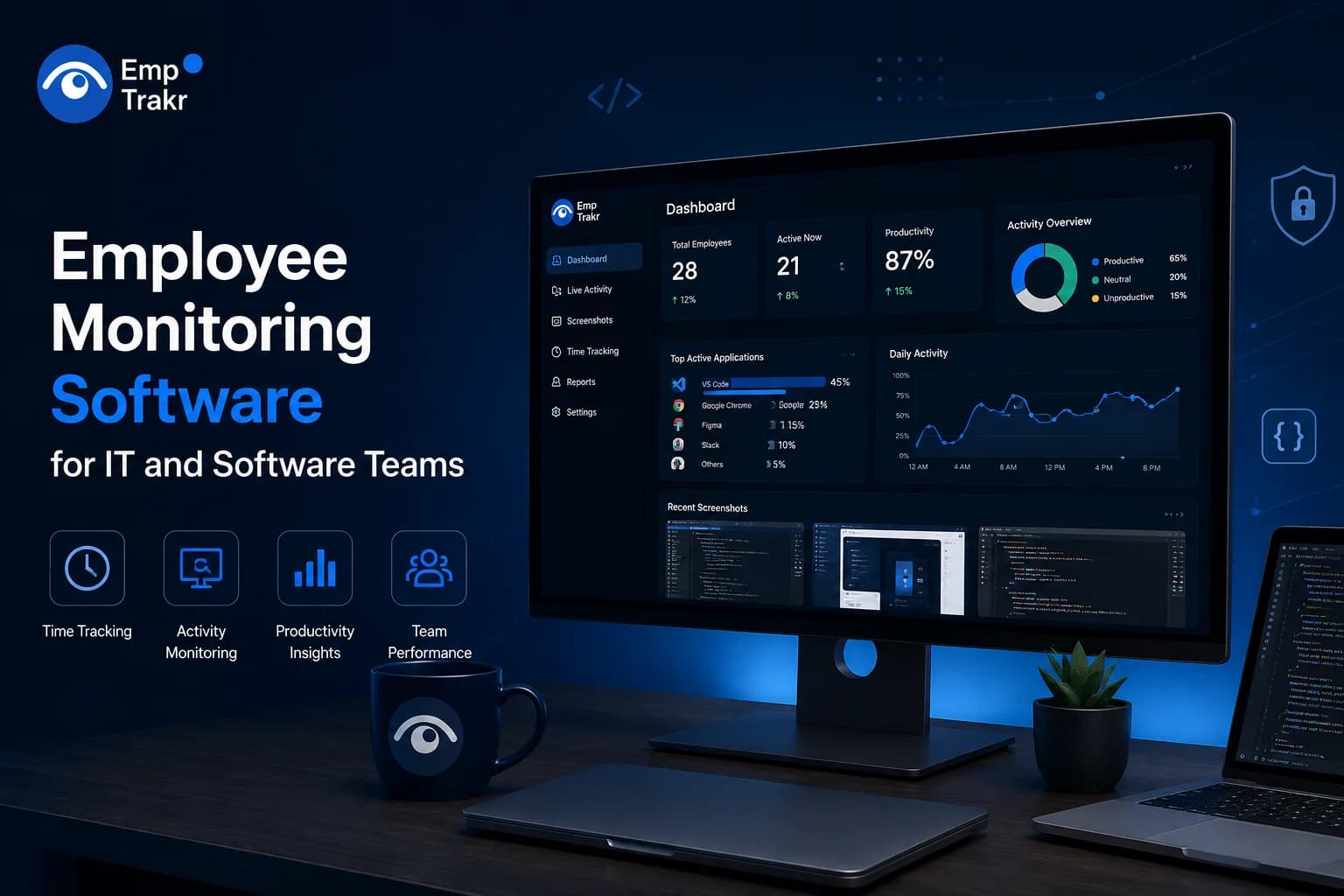
Employee monitoring software for it and software teams should support clear operational needs without treating every activity as suspicious. Start with a written policy, define what the tool will measure, and separate time records from sensitive work content. The right approach is narrow, transparent, and reviewed with the people affected.
Employee monitoring software for it and software teams: definition and decision context?
Employee monitoring software for IT and software teams is a category of workplace technology used to organize information about work activity, time, attendance, or operational workflows. Its value depends less on collecting the largest possible amount of data and more on whether the information answers a legitimate management question.
For a technical team, that question might concern billable time, project allocation, attendance coordination, workload visibility, or a process that depends on reliable handoffs. A tool should not be selected simply because it can observe more. Broad collection can make interpretation harder and can create unnecessary concerns about privacy, trust, and the treatment of technical work.
A useful starting point is to write the intended outcome in plain language. If the aim is timesheet completion, begin with time tracking. If the aim is shift coordination, begin with attendance. If the aim is understanding project effort, consider project and task workflows before adding screenshots or detailed activity records.
Managers can compare the available Employee monitoring software Against that narrow purpose. The comparison should cover what is collected, who can see it, how long it is retained, and what decisions it may influence.
Who should consider employee monitoring software for it and software teams?
Teams should consider this type of software when a defined coordination or record-keeping problem is difficult to solve with existing processes. It may be relevant for distributed groups that need consistent time records, project visibility, attendance workflows, or a shared way to review work patterns without relying on scattered manual updates.
The strongest fit is usually a team willing to explain the purpose and establish boundaries before activation. Leaders should be prepared to answer practical questions: what information will be collected, when collection occurs, which managers can access it, and how employees can raise concerns or correct an inaccurate record.
IT and software work also requires care because visible activity is not the same as valuable output. Reading documentation, debugging, planning architecture, reviewing code, and thinking through a difficult problem may not produce a simple activity signal. A process that treats low visible activity as poor performance can misread the work it is intended to understand.
For teams primarily seeking attendance or hours, a focused Time tracking software Workflow may be easier to explain than a wide monitoring program. The decision should follow the business need, not the maximum feature list.
Benefits and practical limitations
Monitoring tools can make routine records easier to organize, give managers a common workflow, and reduce the need for repeated status requests. They may also help teams discuss workload and scheduling with a shared reference point. Those benefits are practical only when the collected information is relevant and interpreted alongside context.
The limitations are equally important. A record of application use, computer activity, or logged time does not automatically explain quality, collaboration, judgment, or completed outcomes. Data can also be incomplete when people work across devices, take offline notes, attend meetings, or perform tasks that do not create a consistent digital signal.
Potential benefits
- Creates a repeatable process for time, attendance, or project records.
- Gives managers a starting point for workload conversations.
- Can reduce manual reporting when the workflow matches the team’s work.
Practical limitations
- Activity data can be misread when separated from role and project context.
- More collection creates more policy, access, and retention decisions.
- Detailed observation can weaken trust if the purpose is unclear.
A measured rollout should therefore begin with the least intrusive workflow that can answer the stated question. Review the results with managers and employees, remove data that is not useful, and avoid turning a convenience feature into an automatic performance judgment. Productivity tracking Should support discussion rather than replace it.
Suitable employee monitoring software for smbs 2026 and the reader decision
Suitable software for a small or growing business is software that can be explained, administered, and limited without creating unnecessary operational burden. The decision should begin with a short requirements list: the work problem, the people who need access, the records required, and the situations in which the information will not be used.
For an IT or software team, evaluate whether the product distinguishes between attendance, time records, project activity, screenshots, and broader productivity signals. These categories are not interchangeable. A team may need one while having no reasonable purpose for another.
Policy support matters as much as the dashboard. Look for settings and procedures that allow the business to communicate collection clearly, set role-based access, define retention, and provide a route for corrections. A tool that is technically capable but difficult to govern can create more work for HR and managers.
Implementation should also include a small pilot or staged introduction where appropriate. Use the pilot to test whether reports answer the original question, whether employees understand the process, and whether managers are tempted to draw conclusions the data cannot support. Keep the decision tied to the written purpose.
Readers comparing products can review the site’s Screenshot monitoring Guidance separately when screen capture is under consideration. It should be treated as a distinct policy choice, not an automatic part of every time-tracking workflow.
Free employee monitoring software and the reader decision
Free employee monitoring software can be useful for testing a workflow, but the absence of a purchase price does not remove the need for policy decisions. Before adopting any free option, clarify what data it collects, where administrators view it, what controls are available, and whether the workflow can be stopped or changed cleanly.
A narrow free tool may be more appropriate than a broader system if the business only needs a simple record. Conversely, a tool that appears convenient may create hidden administrative work when reports are unclear or when access and retention need to be managed manually. The relevant comparison is the total process, not only the headline cost.
Do not use free access as a reason to collect more information than the team needs. A pilot should have a defined purpose, a named owner, an explanation for employees, and a review point. If the tool does not help answer the original operational question, ending the pilot is a valid outcome.
Remote teams should also consider how the workflow handles flexible schedules, deep technical work, leave, meetings, and work performed away from a primary device. These cases should be addressed in the policy before managers begin interpreting reports.
For attendance-focused needs, compare the workflow with dedicated Attendance tracking. For setup questions, use the Installation guide As a separate implementation step rather than treating installation as the whole governance process.
Conclusion
Employee monitoring software for IT and software teams is most defensible when it is narrow, transparent, and connected to a real operational need. The central decision is not how much activity a product can display. It is whether the business can explain why the information is needed and use it without confusing visibility with performance.
Start with time, attendance, project coordination, or another clearly defined purpose. Compare the least intrusive workflows first, then assess whether additional observation is genuinely necessary. Keep access limited, give employees a clear explanation, and create a way to correct context that the data misses.
Before implementation, review the organization’s obligations with qualified legal or HR advisers for the locations in which the team works. This article is general guidance, not legal advice. A careful process protects both the business need for useful records and the team’s need for fair treatment.
When the next step is practical evaluation, review Security & privacy Alongside the product workflow and Pricing Before making a decision.
Sources
Frequently Asked Questions
What is employee monitoring software for it and software teams?
Is employee monitoring software for it and software teams suitable for the target audience?
How should readers evaluate employee monitoring software for it and software teams safely?
Related EmpTrakr resources
Continue with product pages that match this topic — and explore more guides on the blog.
Supercharge your workforce today.
Join leading companies using EmpTrakr to boost productivity, streamline tracking, and optimize remote teams.

