Free Employee Attendance Software| EmpTrakr
Compare employee attendance software free options by workflow, time records, payroll handoffs, field needs, privacy questions, and practical limits before choosing.
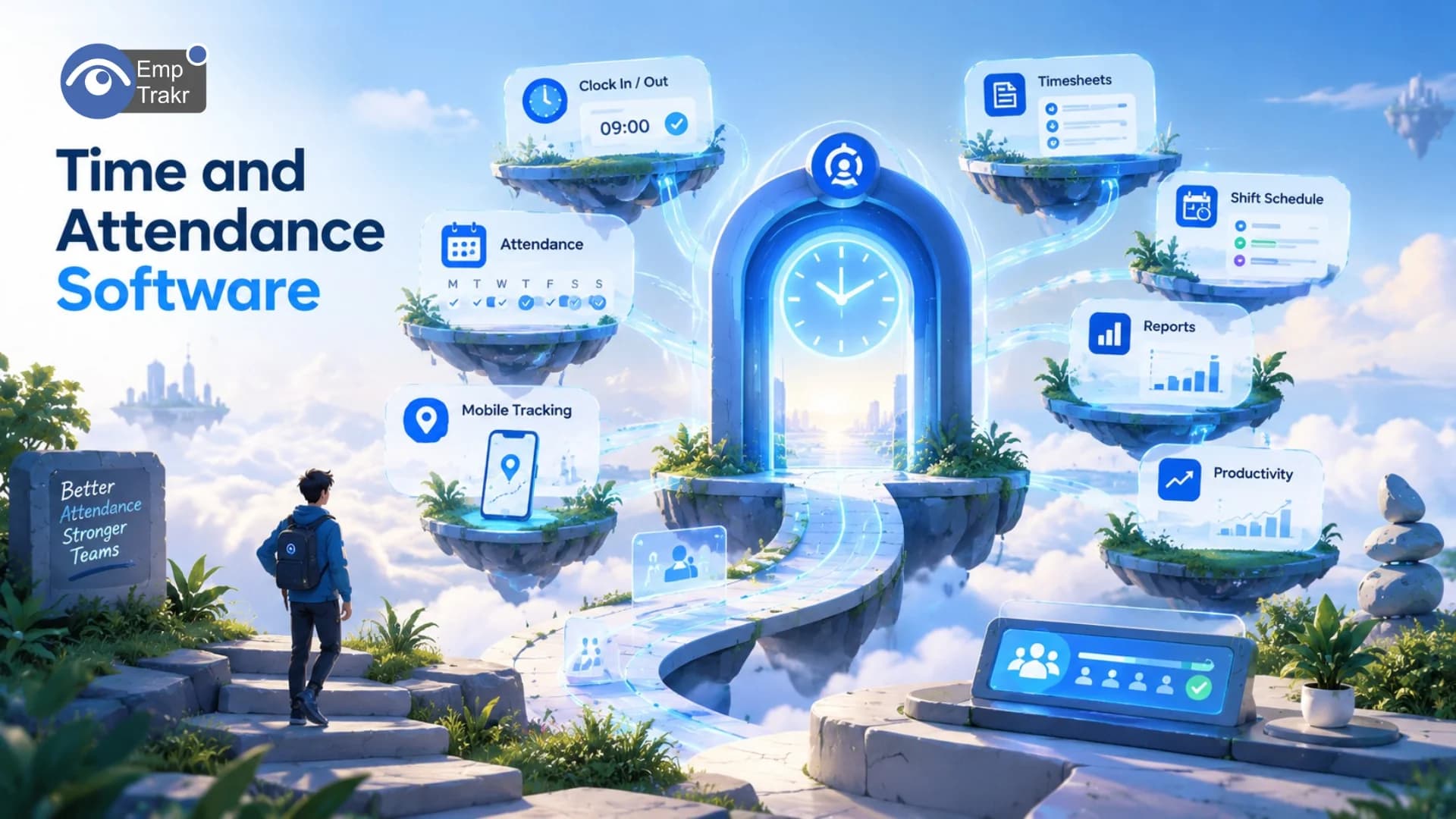
Employee attendance software free can help teams record attendance and organize time information without starting with a paid plan. The right choice depends on the workflow you need, such as punches, approvals, payroll handoff, or field work. Free availability alone does not show whether a tool fits your policies, privacy needs, or workforce.
Employee attendance software free: definition and decision context?
Employee attendance software free generally refers to a no-cost option for recording when people work and organizing related attendance information. The practical question is not simply whether an app is free. It is whether its workflow matches the way your team records time, reviews exceptions, and uses the resulting information.
One comparison describes time and attendance tools as connecting employee time with payroll and billing, while also mentioning workflows such as customer, project, or job tracking, GPS, geofencing, photo clock-ins, and scheduling. The comparison’s workflow examples These examples show why a free attendance app can mean different things to different teams: one employer may need only basic punches, while another may need records that move into a broader operational process.
For a remote or hybrid team, begin by writing down the attendance event you need to capture and the action that follows it. If the process ends with a simple record, a lightweight tool may be easier to evaluate. If it continues into approval, payroll, billing, or scheduling, those handoffs deserve equal attention. The supplied evidence does not establish that every free plan includes these capabilities, so verify each feature before adoption.
Managers should also separate attendance tracking from wider Employee monitoring software. Recording a start or end time is a narrower activity than collecting screenshots, activity signals, or other monitoring data. Keeping that distinction clear can make a workplace policy easier to explain and review.
Who should consider employee attendance software free?
A free attendance option is worth considering when a team wants to replace scattered records with a more consistent way to capture work time, but does not yet know which workflow it needs. It can be a starting point for comparing requirements rather than a reason to select a tool automatically.
A 2026 TechRepublic buyer’s guide presents several time and attendance categories, including options for field crews, small teams, low-cost time tracking, and QuickBooks users. The 2026 buyer’s guide The useful lesson is that workforce context matters. A distributed team, a field-based group, and a business focused on payroll may all ask for “free attendance software” while needing different processes.
Consider starting with a free plan if your team can describe its basic attendance workflow in plain language. Who records time? Who checks it? What happens when a record is missing or needs correction? Where does approved information go next? These questions are more useful than a feature list because they connect the tool to an actual operating process.
Remote teams may also want to compare an attendance tool with dedicated Time tracking software. Attendance answers when someone was present or recorded time; time tracking may involve projects, clients, or work categories. The right boundary depends on the organization’s policy and the records managers genuinely need.
Do not treat a free plan as automatically suitable for a large or complex workforce. The research pack does not provide user limits, retention terms, security specifications, or support conditions for individual plans. Those details require direct verification from the provider before confidential employee records are placed into a system.
Benefits and practical limitations
The main benefit of an attendance system is process clarity: it can give a team one place to think about punches, records, reviews, and follow-up. The limitation is that software cannot decide the organization’s policy or repair an unclear process on its own. Choose the tool around the point where the current workflow breaks.
TechRepublic summarizes this decision principle directly: time and attendance software should address the specific point where a process tends to break. The process-break principle That might mean missed records, difficult approvals, disconnected payroll work, or a lack of visibility into field punches. The cited evidence does not say that every free product solves these problems, so the claim should be treated as a selection framework rather than a promise.
- A defined attendance workflow can be easier to explain than informal records.
- A shared record may support later review of time information.
- A free starting point lets a team clarify needs before committing budget.
- Free availability does not confirm payroll integration, security, or support.
- A punch alone may not cover approvals, exceptions, schedules, or field work.
- Monitoring more data than necessary can create avoidable privacy concerns.
For privacy-aware workplaces, collect only what the attendance policy requires and tell employees what is recorded and why. If the process needs broader Productivity tracking, document that separate purpose instead of quietly expanding an attendance workflow. The evidence supplied here does not provide legal conclusions for every US state or workplace, so local review may still be appropriate.
Free attendance app and the reader decision
The best decision is usually the option that fits the team’s actual attendance process, not the option with the longest feature list. A free attendance app should therefore be assessed by workflow coverage, clarity of records, and the effort needed to manage exceptions.
TechRepublic says its buyer’s guide compared five platforms to help readers identify a suitable option for their workforce. The five-platform comparison That source is useful as comparison context, but it is not evidence that one free product is appropriate for every employer. Treat outside rankings and category labels as starting points, then test the specific workflow your team will use.
A practical review can follow this sequence: describe the attendance event; identify who reviews it; list the corrections that may be needed; note any payroll, billing, scheduling, or project handoff; and define the minimum employee information required. Then ask whether the no-cost plan supports that sequence without creating manual work elsewhere.
Use Attendance tracking As the central requirement, and add Security & privacy To the evaluation whenever employee records are involved. The research bundle does not verify the security posture of any named free plan, so security should remain a question to answer from current provider documentation rather than an assumption.
Attendance app free and the reader decision
An attendance app free of charge may be useful for a simple clock-in workflow, but a punch is only the beginning when people work changing shifts or move among job sites. The field-and-shift caveat A sound evaluation asks what must happen after the record is created.
For teams with changing schedules, the next step may be reviewing exceptions or matching records to planned work. For teams whose work is connected to customers or projects, the next step may involve billing or job costing. Those possibilities are described in the comparison evidence, but the pack does not confirm that a particular free attendance app supports every one of them.
Keep the rollout deliberately small. Define the attendance rule, explain the process to employees, test the record from the worker’s point of view, and review how managers handle corrections. A tool that is technically free can still consume time if the process around it is unclear. That is why a short workflow test matters more than a generic claim about value.
If you also need Screenshot monitoring, treat it as a separate policy decision rather than an automatic part of attendance tracking. The narrower the stated purpose, the easier it is to explain what the system records and what it does not record.
For installation and rollout planning, consult the site’s Installation guide Where relevant. This article does not verify setup steps for any third-party product, and no specific provider, price, user limit, retention period, or compatibility claim should be inferred from the general comparison evidence.
Conclusion
Employee attendance software free is best treated as a workflow question, not merely a pricing question. Start with the attendance record your team needs, then examine review, correction, payroll, billing, scheduling, and privacy requirements before choosing a tool.
The available evidence supports a cautious comparison approach. Attendance systems can sit inside wider time and attendance processes, and a punch may be only the first step for changing shifts or job-site work. The available attendance evidence It does not support a universal recommendation or confirm the capabilities of every free plan.
Before implementation, write a short policy, test the intended workflow, and verify provider documentation for the features and safeguards that matter to your organization. If you need broader employee monitoring, compare that separate use case through the site’s Pricing And product information rather than assuming an attendance tool covers it.
A careful decision leaves the team knowing what is recorded, who can review it, how corrections work, and what happens next. That standard is more useful than choosing a plan solely because its price is zero.
Sources
- 5 Best Time and Attendance Software — techrepublic.com, 2026-07-17T05:02:07.000Z — TechRepublic, published July 17, 2026.
Frequently Asked Questions
Are there free workflow solutions with strong security for handling confidential employee records and hr processes?
What is free employee attendance software?
What features should free employee attendance software include?
Can free employee attendance software track remote employees?
How do I choose the best free employee attendance software?
Related EmpTrakr resources
Continue with product pages that match this topic — and explore more guides on the blog.
Supercharge your workforce today.
Join leading companies using EmpTrakr to boost productivity, streamline tracking, and optimize remote teams.