Time and Attendance Software: Practical Guide| EmpTrakr
Learn how time and attendance software tracks employee hours, attendance, payroll preparation, and remote work for effective workforce management for 2026.
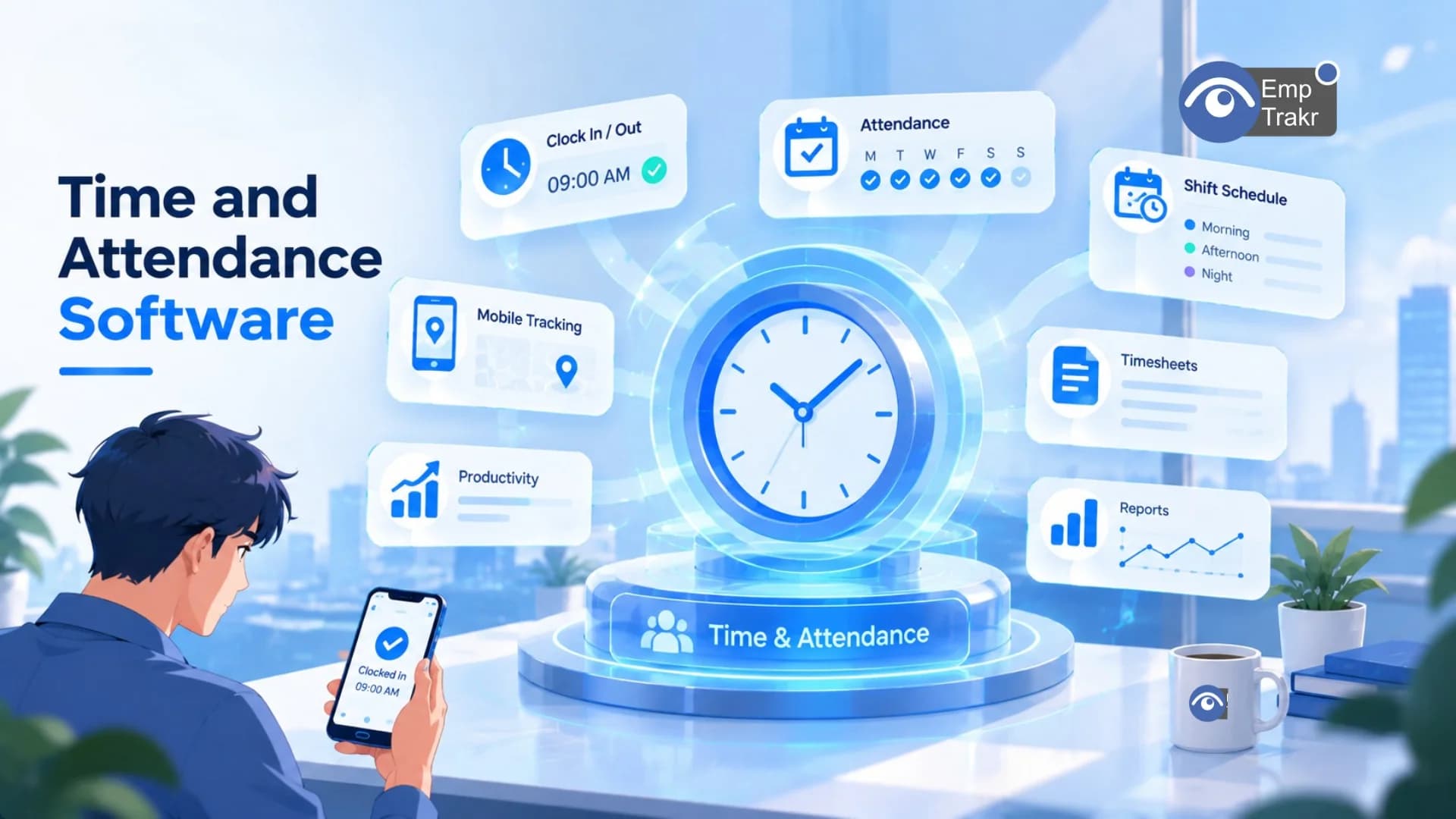
Time and attendance software records work hours and attendance data, then helps teams review exceptions and prepare cleaner payroll records. It is most useful when matched to the workflow that causes the most errors, whether that is remote timekeeping, changing shifts, or manual approvals. Free plans may require careful feature and policy checks.
Time and attendance software: definition and decision context?
Time and attendance software is a business application for recording work hours and attendance information. It can give managers a structured place to review time records instead of rebuilding them from scattered entries.
A 2026 TechRepublic buyer’s guide describes the category through different workforce needs, including changing shifts, field crews, small teams, lower-cost tracking, and QuickBooks users. Its comparison covered five platforms, so that article should be treated as a bounded comparison rather than a universal ranking. The TechRepublic comparison
For a remote or hybrid team, the practical question is not whether a tool has the longest feature list. It is whether the workflow makes start and stop times, corrections, approvals, and payroll handoffs easier to understand. Begin with the record your team currently struggles to verify, then assess whether a free attendance software option can handle that job without creating extra manual work.
Use Employee monitoring software As a separate comparison point when the proposed system includes broader workforce visibility. Time records and monitoring records serve different purposes, so the policy should explain the distinction.
Who should consider time and attendance software?
Teams should consider this category when work hours, attendance, leave, or payroll preparation are difficult to manage consistently. It can be relevant to SMBs, larger organizations, remote teams, and workplaces with different work locations, although the right setup depends on the operating model.
A 2026 market report separates enterprise time and attendance software by application, including small and midsize businesses and large enterprises, and by deployment types such as on-premise and cloud-based systems. The extract identifies those segments but does not establish that one approach is suitable for every employer. The market segmentation report
For an SMB, the decision may center on simple clock-in records, timesheet review, and payroll preparation. A distributed team may instead need a clear process for remote entries, schedule changes, and manager approval. A larger organization may need a more formal implementation plan. These are decision categories, not promises about a particular product.
Before comparing tools, document who records time, who corrects an entry, who approves it, and where the approved record goes next. A free employee attendance software plan can be a useful starting point only when those responsibilities remain clear.
Teams that also need task or activity context can review Time tracking software. Keep any productivity or monitoring layer proportionate to the stated business purpose and visible to affected workers.
Benefits and practical limitations
The main benefit is workflow structure: a digital system can organize work-hour records and attendance information so managers have a clearer review process. TimeTrex describes the category as helping track work hours, manage attendance, and support payroll and labor-compliance processes. The TimeTrex analysis
That does not mean software removes the need for judgment. A record can still be entered incorrectly, a schedule can be configured poorly, or a manager can approve an exception without asking for context. The system may make the issue easier to see, but a policy is still needed for corrections, missed entries, leave, and disagreements.
Privacy is another practical limit. Attendance data should not automatically become a measure of performance or personal commitment. Explain what is collected, why it is collected, who can access it, and how long records are retained. If the tool includes screenshots or broader activity information, describe that separately rather than presenting it as ordinary timekeeping.
Potential benefits
- Creates a consistent place for work-hour and attendance records.
- Can reduce repeated manual handling during review and payroll preparation.
- Helps managers focus on exceptions instead of reconstructing every entry.
Practical limitations
- It cannot correct unclear policies or poor approval responsibilities.
- Free tiers may not match the workflow, integrations, or controls a team needs.
- Broader monitoring can create privacy concerns if its purpose is not explained.
For a separate activity-management discussion, see Productivity tracking. It should not be treated as interchangeable with attendance records.
Employee attendance software free and the reader decision
A free attendance option should be judged by the complete workflow, not just whether employees can clock in. The relevant questions are whether the tool supports the records, reviews, approvals, and handoffs your team actually needs.
An EasyClocking benchmark page aimed at companies with roughly 100 employees highlights fast implementation, automated overtime and break-law compliance, payroll integration, and per-seat pricing as selection considerations. The page also says its comparison used vendor documentation, user reviews, and benchmarks, so its conclusions should be read as that publisher’s framework rather than a neutral standard. The EasyClocking benchmark framework
The same source reports that inaccurate time records cost employers 2–5% of gross payroll and that manual timesheet errors can reach $2,300 per employee annually. Those figures are presented as published EasyClocking benchmarks, not as independently established results in the supplied material. The published payroll-error figures Treat them as a prompt to investigate your own correction and approval workload, not as a forecast.
When testing attendance application software free, use a small, representative workflow. Check how a worker records time, how a manager reviews an exception, how an employee requests a correction, and how the final record is exported or transferred. Do not collect extra monitoring data simply because the tool makes it available.
If screenshots are part of the proposed process, compare the attendance workflow with the separate guidance on Screenshot monitoring. The two practices should have distinct purposes and disclosures.
Attendance software free and the reader decision
The most sensible tool is the one that addresses the point where your current process breaks. A system that captures punches but leaves exceptions, schedules, or approvals unresolved may not reduce the work your managers actually face.
TechRepublic makes the same process distinction in its buyer’s guide: recording a punch is only the first step when employees work changing shifts or move among job sites. The guide says systems also need to address attendance exceptions, pay rules, timesheet approval, and payroll handoffs. The workflow comparison
For remote teams, translate that idea into a written operating sequence. Decide when time is recorded, what happens when a person forgets an entry, who can amend the record, and how an approval is documented. A free attendance software plan may fit a straightforward process, while a more complex schedule may expose limits quickly.
Fair implementation also means telling workers what the system does and does not measure. Attendance records can support payroll and scheduling administration, but they should not silently become a proxy for performance quality. Where a team needs activity context, explain the additional purpose and use the narrowest collection approach that meets it.
For the operational setup itself, consult the site’s Installation guide And Attendance tracking Resources. Those links can help separate implementation questions from policy decisions.
Conclusion
Time and attendance software is best approached as a workflow decision rather than a simple clock-in feature. Start by identifying where records become unclear, then assess whether the tool improves that specific handoff without adding unnecessary monitoring.
For remote and hybrid teams, a fair process should explain collection, access, corrections, approvals, and retention in plain language. A free attendance option may be appropriate for a narrow workflow, but feature limits and policy gaps should be tested before wider rollout.
Keep the evaluation practical: map the employee experience, manager review, payroll handoff, and privacy boundary. Then compare the result with the site’s Security & privacy guidance and current Pricing Information before making an implementation decision.
Sources
- 5 Best Time and Attendance Software — techrepublic.com, 2026-07-17T05:02:07.000Z — TechRepublic
- Strategic Analysis of Enterprise Time and Attendance Software Market Growth 2026-2034 — datainsightsmarket.com, 2026-05-03T23:15:44.000Z — Data Insights Market
- Analysis of Time and Attendance Software — timetrex.com — TimeTrex
- Best Time and Attendance Software for 100 Employees — easyclocking.com — EasyClocking
Frequently Asked Questions
What is time and attendance software?
Is time and attendance software suitable for the target audience?
How should readers evaluate time and attendance software safely?
Related EmpTrakr resources
Continue with product pages that match this topic — and explore more guides on the blog.
Supercharge your workforce today.
Join leading companies using EmpTrakr to boost productivity, streamline tracking, and optimize remote teams.