App Usage Tracker for Teams: How the Data Actually Gets Used| EmpTrakr
Learn how an app usage tracker for teams can clarify software adoption, support fair remote-work policies, and guide privacy-aware decisions using practical evidence.
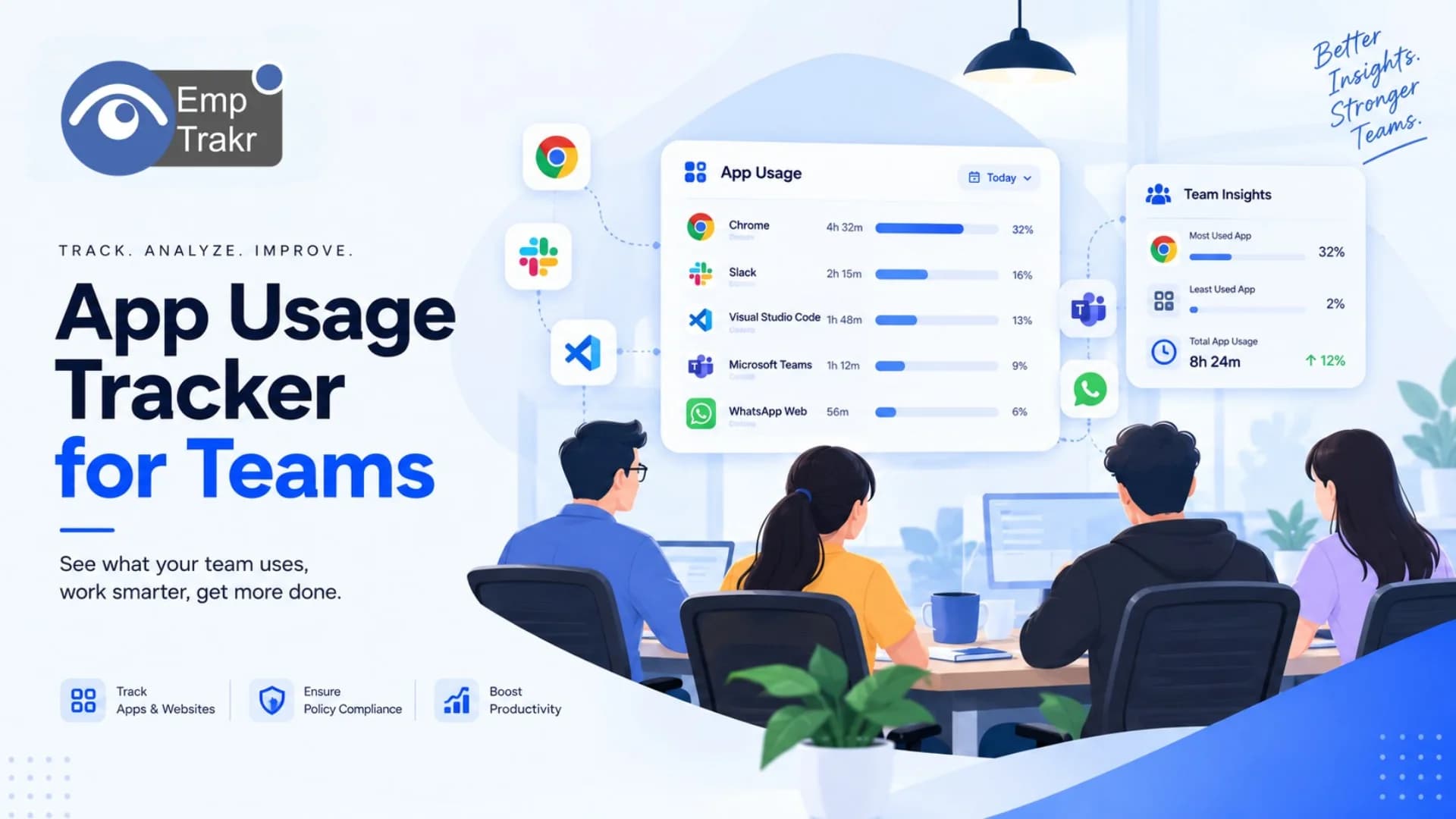
An app usage tracker for teams shows which applications people use and how usage relates to work, but it is not a complete measure of performance. Start with a clear business question, explain what is collected, and review aggregate patterns before individual activity. Microsoft Teams reporting offers one source-backed example.
App usage tracker for teams: definition and decision context?
An app usage tracker for teams is a measurement layer for understanding which applications employees use, how often they use them, and whether that activity relates to work. That definition comes from a discussion of AI usage tracking, so it should not be treated as proof that every tracker measures the same fields. The usage-tracking definition
For a manager, the useful question is not simply whether an application appears in a report. The useful question is what decision the information can support. A team may need to understand whether a collaboration tool is being adopted, whether a paid application is being used, or whether a workflow has moved into an unapproved tool. Those are different questions and may require different data.
This distinction matters for remote and hybrid teams. Application activity can provide context for workflow discussions, but it should not be presented as a direct measure of effort, judgment, or contribution. A practical policy therefore defines the purpose before choosing the collection method. For related background, see Employee monitoring software And Productivity tracking.
Who should consider app usage tracker for teams?
Teams should consider an app usage tracker when they need clearer visibility into application adoption, workflow changes, or the use of shared tools. Microsoft’s description of the Teams app usage report says it helps administrators know the active teams and users of an app. Microsoft’s report description
That use case is narrower than general employee surveillance. It is closer to operations reporting: identify whether a tool is active, understand where it is being used, and decide whether the surrounding workflow needs attention. A manager evaluating software should ask whether the product reports application-level patterns or attempts to interpret individual behavior.
This type of tracker may be relevant to an administrator responsible for software adoption, a founder coordinating a distributed team, or an HR administrator designing a transparent workplace policy. It may be less suitable when the only goal is to infer productivity from a list of applications. In that situation, the tool risks turning an incomplete signal into an unfair conclusion.
Before deployment, document the purpose, audience, retention approach, and review process. Then explain those points to employees in plain language. If the need is hours rather than application context, compare it with Time tracking software Instead of assuming one category covers both.
Benefits and practical limitations
The main benefit is visibility: a tracker can help a team replace assumptions with a clearer view of the tools involved in work. The limitation is interpretation. A record of application activity says something about usage, but it does not automatically explain why the tool was open, what outcome followed, or whether the activity was appropriate.
That limitation becomes more relevant as teams adopt new tools. A source discussing AI usage tracking observes that adoption can move faster than procurement and IT review. The procurement and review context The same source frames unapproved-tool use as a possible result of adoption moving ahead of formal review, rather than automatically treating it as concealment.
A fair workflow responds with questions before conclusions. Is the application connected to an approved task? Does the team need training, access, or a clearer policy? Is the record useful at group level without exposing unnecessary individual detail? These questions keep the tracker tied to operations instead of turning it into a disciplinary shortcut.
Potential benefits
- Creates a shared view of application adoption.
- Can support discussions about software sprawl and workflow fit.
- May help administrators distinguish installed tools from actively used tools.
Practical limitations
- Application activity is an incomplete proxy for performance.
- Different trackers collect different types of data.
- Individual-level visibility can create trust and privacy concerns.
- Reports require context from managers and employees.
For teams that need a narrower operational signal, review Attendance tracking Or Time tracking software Separately. Combining categories without a defined purpose makes policy harder to explain.
App & website usage tracking and the reader decision
App and website usage tracking is most useful when the reader decides what level of visibility is actually necessary. An analysis of the Teams app usage report notes that administrators have not always had clear visibility into how available applications are used across a tenant. The tenant-visibility discussion
That problem does not automatically justify collecting every available signal. A team may only need application names and broad usage patterns. Another may need a workflow report connected to a specific operational question. The narrower option is easier to explain, easier to review, and less likely to be mistaken for a complete account of someone’s workday.
Readers should also separate application and website data from attendance or time data. An app tracker can describe tools; a timesheet workflow can record hours; an attendance system can address presence. Those categories can overlap, but they answer different questions. For a remote-team policy, state the difference explicitly and avoid using one report as a substitute for another.
A sensible evaluation checklist includes collection scope, reporting detail, employee notice, access controls, retention, and the process for correcting context. EmpTrakr’s Security & privacy Resource can sit alongside that review, while Screenshot monitoring Should be assessed as a separate and more intrusive category.
App tracker and the reader decision
An app tracker should be judged by the difference between installation and actual use. A Teams administration analysis explains that discovering applications installed as channel tabs does not establish whether those tab-connected applications are used. The installed-versus-used distinction
This is a useful test for any product comparison. Ask what event counts as activity, whether reports aggregate people or identify them, how exceptions are handled, and whether administrators can export or review the relevant information. If documentation does not answer those questions, the gap should be recorded as a limitation rather than filled with assumptions.
For a small or remote team, the operating model may matter as much as the feature list. Assign a policy owner, define who can see reports, and create a routine for reviewing whether the data is still necessary. Give employees a route to ask questions or challenge an interpretation. These steps make the tool part of a process rather than the process itself.
Use a separate Installation guide When assessing deployment work, and consult the site’s Pricing Page for product-specific information. This article does not establish a price, capability, or legal conclusion for any particular platform.
Conclusion
An app usage tracker can be useful when a team has a defined question about application adoption or workflow visibility. It becomes less useful when managers treat application activity as a complete measure of performance or use it without explaining the purpose.
The practical decision is therefore not whether tracking sounds useful in the abstract. It is whether the proposed data is necessary, proportionate to the operational need, understandable to employees, and reviewed with enough context to avoid premature conclusions. Start with the narrowest useful scope.
For remote and hybrid teams, pair any tracker with a written policy, a clear review routine, and a separate workflow for hours or attendance when those are the real requirements. That approach supports informed operations without making an app list carry more meaning than it can provide.
Sources
- Microsoft Teams app usage report — learn.microsoft.com, 2022-10-20T00:00:00.000Z
- New Apps Usage Report in the Microsoft Teams admin center - Microsoft 365 for IT Pros — office365itpros.com
- AI Usage Tracking for Teams: ATT vs Manual Surveys | Rize Blog — rize.io
Frequently Asked Questions
What is app usage tracker for teams?
Is app usage tracker for teams suitable for the target audience?
How should readers evaluate app usage tracker for teams safely?
Related EmpTrakr resources
Continue with product pages that match this topic — and explore more guides on the blog.
Supercharge your workforce today.
Join leading companies using EmpTrakr to boost productivity, streamline tracking, and optimize remote teams.