Buddy Punching Prevention Software| EmpTrakr
Learn how buddy punching prevention software verifies clock-ins, where PINs and badges fall short, and how SMB teams can compare privacy-aware attendance workflows.
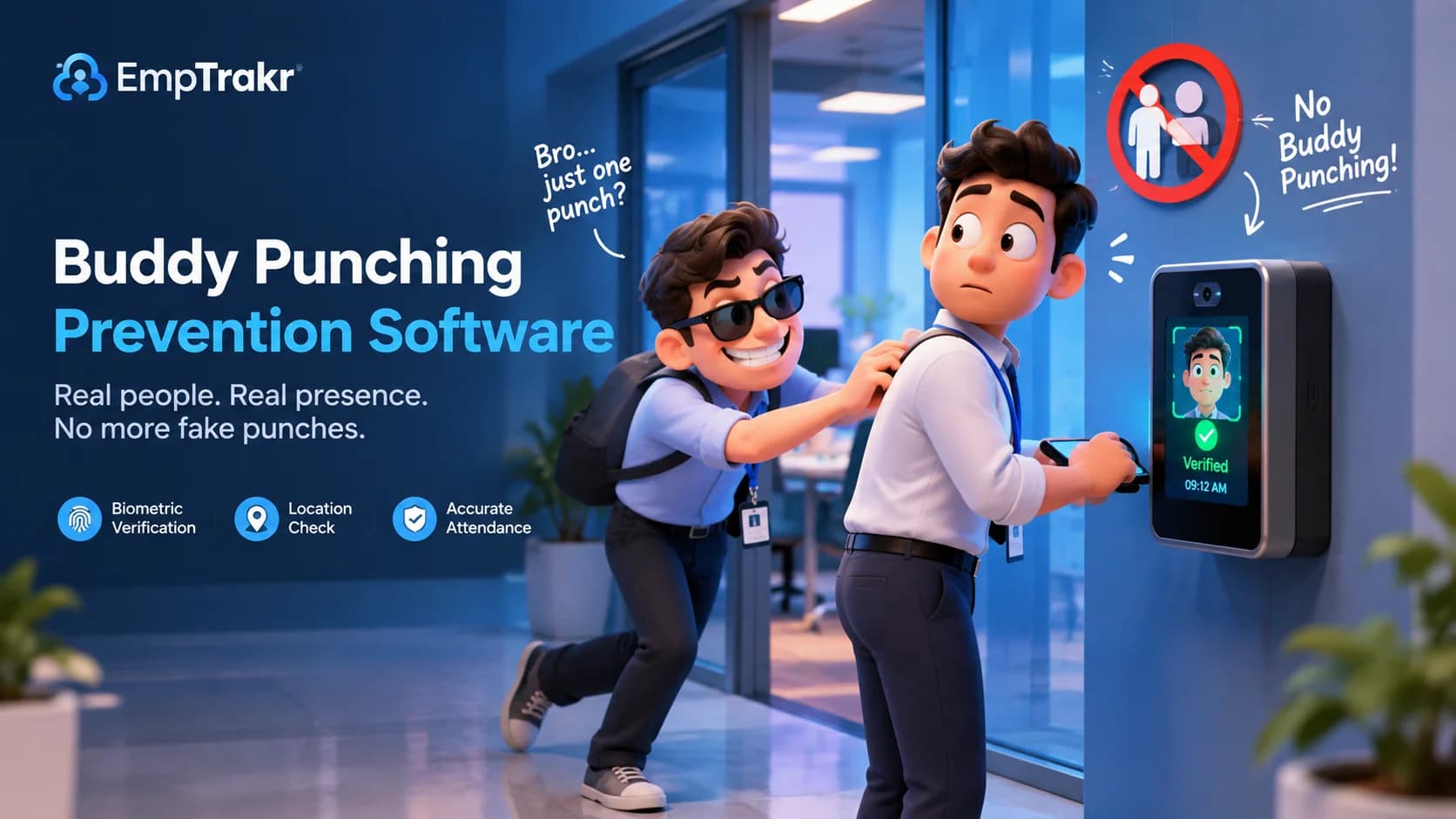
Buddy punching prevention software verifies identity at clock-in instead of relying only on a shared credential. The clearest distinction is whether another person can use the employee’s badge, PIN, login, or phone. Identity verification can prevent a fraudulent punch, while location and attendance records may only help investigate one.
Buddy punching prevention software: definition and decision context?
Buddy punching prevention software is designed to make an unauthorized clock-in difficult or impossible by checking who is present at the punch event. The cited attendance-system analysis defines prevention as making the fraudulent punch physically impossible to record, rather than merely making suspicious activity easier to review. The attendance-system analysis
That distinction gives managers a useful starting point. A system can record a time, device, or location without proving that the scheduled employee performed the action. If another worker can use the same credential, the workflow may document a punch while leaving identity unresolved. This article uses prevention in the narrower sense supported by the source: identity is checked when the employee clocks in.
For an SMB, the practical question is not whether monitoring sounds sophisticated. It is whether the proposed workflow addresses the specific weakness in the current process. Review your Time tracking software Requirements alongside attendance rules, employee notice, data access, and correction procedures. The cited evidence supports the identity distinction, but it does not establish that one method fits every workplace.
Who should consider buddy punching prevention software?
Teams should consider this category when attendance depends on workers clocking in from different places, devices, or shifts and managers need a clearer link between the person and the punch. The decision should begin with the working environment, not with a feature checklist or a promise of improved results.
One independent review describes three clock-in options for the product it examined: a web browser, a mobile app, and a shared tablet running kiosk mode. The independent product review That range illustrates a workflow question for SMBs: can office staff, field workers, and shared-site teams use a method that matches how they actually report time?
Managers can map each work setting before selecting a tool. A shared device may suit a fixed workplace, while a mobile route may suit workers who move between sites. A browser workflow may be easier for desk-based staff. These are planning considerations, not claims that any particular method will solve attendance disputes. Pair the review with your Employee monitoring software Policy so employees understand what is collected and why.
Small teams should also decide who can correct a missed punch, who can view attendance records, and how disputes are handled. Those controls can matter as much as the clock-in screen because prevention technology does not remove the need for consistent administration.
Benefits and practical limitations
The main benefit of identity-focused attendance software is conceptual clarity: it targets the point where a fraudulent punch occurs. A separate review states that pricing, feature claims, and integrations for the product it covered were checked against the vendor site as of September 2026. The September 2026 verification note That statement describes the review process; it is not independent proof that every feature will work in every workplace.
Potential benefits
- Identity verification can address credential sharing more directly than a basic time record.
- Multiple clock-in formats can help teams align attendance workflows with different work settings.
- A defined punch process can give managers a clearer basis for reviewing exceptions.
Practical limitations
- Location or device data may raise privacy questions and should be governed by a written policy.
- Technology cannot decide whether a disputed punch was authorized without a fair review process.
- Feature descriptions from an independent review should not be treated as a substitute for testing the current product configuration.
A privacy-aware rollout should explain the purpose of the tool, limit access to attendance information, and establish a correction path. If the organization also uses activity signals, keep the scopes separate: Productivity tracking May answer a different management question from confirming attendance. The approved evidence does not provide a legal conclusion for every jurisdiction, so policy review should remain specific to the employer’s location and workforce.
Open source employee monitoring software and the reader decision
Open source employee monitoring software is not automatically the relevant answer to buddy punching. The deciding capability is whether the clock-in event verifies identity using something that cannot simply be handed to a colleague. The identity-verification criterion A tool can be transparent or configurable and still fail to address shared credentials.
The cited analysis explains that a badge, PIN, login, or phone is portable and therefore shareable. The credential-sharing explanation This does not mean every employee will share a credential. It means the credential itself does not establish who is physically using it at the moment of the punch.
Use that distinction when comparing software categories. Ask whether the product verifies identity at clock-in, whether that verification is optional or required, what information is retained, and how employees can challenge an incorrect result. Then compare the answers with your Security & privacy expectations. The approved research supports the decision criterion, but it does not evaluate an open source project or certify a particular implementation.
A practical policy should also explain fallback procedures. Workers may need an approved alternative when a device is unavailable or a verification step fails. A fallback should preserve accountability without turning an exception into an accusation.
Remote employee monitoring software free and the reader decision
Free remote employee monitoring software should be assessed by the attendance problem it is meant to solve, not by the word “free.” For buddy punching, the central question remains whether the process can connect the clock-in to the actual employee. The available sources do not establish a general free plan, open source alternative, or universal cost comparison.
An independent review of Buddy Punch identifies the product as an HR time-tracking option and describes web, mobile, and shared-tablet kiosk methods. The reviewed clock-in methods It also reports that location data is logged when enabled. The location-data note Treat those statements as review evidence about the named product, not as a recommendation for every remote team.
Before adopting any free or paid tool, write down the minimum workflow. Include clock-in, clock-out, missed-punch correction, manager approval, employee access, retention, and offboarding. Then test the workflow with representative roles rather than judging it from a feature page alone. If screenshots are part of a separate process, review Screenshot monitoring Independently so attendance verification is not confused with broader activity monitoring.
Remote teams should communicate the policy before collection begins. Clear notice can reduce confusion about purpose, scope, and escalation, while a documented exception process gives managers a consistent way to handle genuine errors.
Conclusion
Buddy punching prevention software is most useful when the decision starts with identity verification at the clock-in event. A badge, PIN, login, or phone may record an action, but the cited evidence notes that portable credentials can be shared. The cited credential analysis
For SMB and remote-team managers, compare the attendance workflow with the organization’s privacy policy, employee communication, and exception handling. Consider whether browser, mobile, or kiosk access fits the work pattern described in the independent review. The reviewed access options Avoid treating a feature list as proof of suitability.
The next step is a small, documented evaluation: define the attendance problem, identify the minimum verification needed, test the workflow with representative users, and explain how records will be reviewed. That approach keeps the comparison practical, balanced, and focused on fair administration rather than surveillance for its own sake.
Sources
- Which Attendance Systems Prevent Buddy Punching? A Ranked Answer — 2026-09-10T00:00:00.000Z — truein.com, published September 10, 2026.
- Buddy Punch Review 2026: Features, Pricing & Alternatives — 2026-02-03T00:00:00.000Z — dupple.com, published February 3, 2026.
Frequently Asked Questions
What is buddy punching prevention software?
Is buddy punching prevention software suitable for the target audience?
How should readers evaluate buddy punching prevention software safely?
Related EmpTrakr resources
Continue with product pages that match this topic — and explore more guides on the blog.
Supercharge your workforce today.
Join leading companies using EmpTrakr to boost productivity, streamline tracking, and optimize remote teams.

