Software for employee monitoring| EmpTrakr
Not every employee monitoring tool fits every team. This guide breaks down the features, pricing, and red flags worth checking before you pick software.
Software for Employee monitoring Helps businesses track productivity, work hours, application usage, and computer activity. Choosing the right solution depends on your business size, security needs, reporting requirements, scalability, and compliance with employee privacy regulations.
Software for Employee Monitoring: How to Choose the Right Fit
Choosing the right software for employee monitoring is no longer just an IT decision it's a business strategy. As hybrid and remote work continue to grow, organizations need reliable tools to improve productivity, strengthen security, and gain better visibility into daily operations.
However, not every monitoring solution offers the same capabilities. Some focus on time tracking, while others provide advanced productivity analytics, workforce insights, and security monitoring. Selecting the wrong software can lead to unnecessary costs, poor adoption, and limited business value.
This guide explains what to look for, how to compare solutions, and the key factors to consider before making a purchase.
Quick Summary
Key Takeaways
- Define your business goals before comparing software.
- Prioritize productivity insights over excessive surveillance.
- Look for scalable, secure, and easy-to-use solutions.
- Choose software that complies with privacy regulations.
- Evaluate reporting, integrations, and customer support before buying.
Table of Contents
- What Is Software for Employee Monitoring?
- Why Choosing the Right Software Matters
- Best Features to Look For
- Employee Monitoring Software Checklist
- Comparison Table
- Common Buying Mistakes
- FAQs
- Conclusion
What Is Software for Employee Monitoring?
Software for employee monitoring helps organizations track work-related computer activities, attendance, productivity, application usage, and website activity. Modern solutions provide managers with actionable insights to improve workflow efficiency, support remote teams, and make informed business decisions.
Unlike traditional surveillance tools, today's monitoring platforms focus on workforce optimization while promoting transparency and accountability.
Why Choosing the Right Software Matters
The right monitoring solution can:
- Improve employee productivity
- Track attendance and work hours
- Reduce operational inefficiencies
- Protect sensitive business data
- Support hybrid and remote teams
- Generate detailed performance reports
- Help managers make data-driven decisions
Before selecting a solution, identify your primary goals whether it's productivity, compliance, security, or workforce analytics.
Best Software Employee Monitoring Features
When comparing vendors, look for these essential features:
| Feature | Business Benefit |
|---|---|
| Time Tracking | Accurate work-hour records |
| Productivity Analytics | Measure productive vs. Idle time |
| App & Website Monitoring | Understand work habits |
| Attendance Tracking | Improve accountability |
| Activity Reports | Data-driven performance reviews |
| Custom Dashboards | Real-time workforce insights |
| Role-Based Access | Better data security |
| Cloud Access | Monitor remote teams from anywhere |
Choose software that offers the features you need today while remaining scalable as your business grows.
Employee Monitoring Software Checklist
Use this checklist before making a purchase:
- Clearly define business objectives.
- Compare features across multiple vendors.
- Verify data security and privacy compliance.
- Check reporting and dashboard capabilities.
- Ensure the software supports remote employees.
- Evaluate integration with HR or payroll systems.
- Test usability with a free trial or demo.
- Review customer support and onboarding options.
-
Consider scalability for future growth.
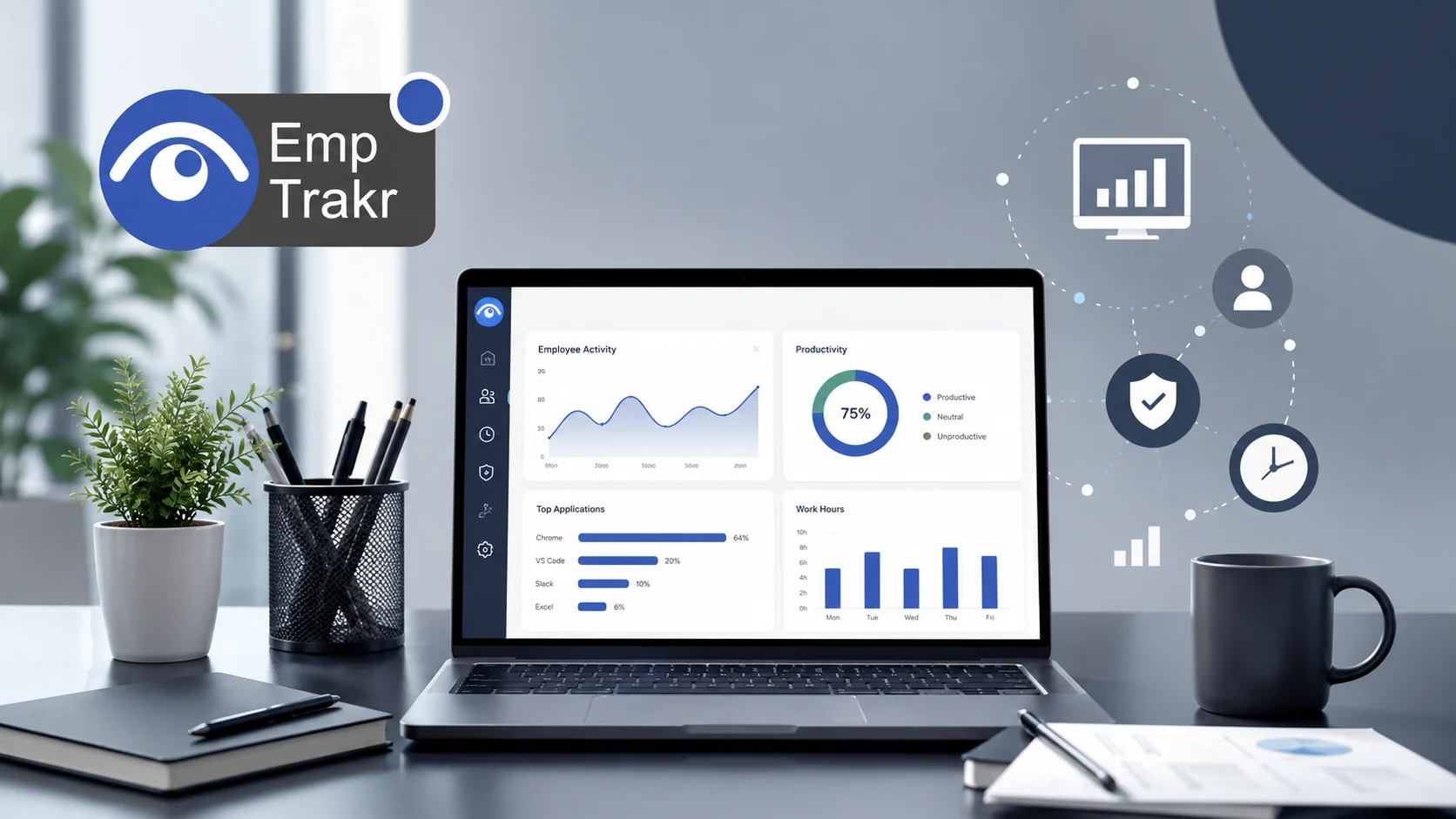
Comparison Table
| Factor | Basic Tool | Advanced Solution |
|---|---|---|
| Time Tracking | Yes | Yes |
| Productivity Analytics | Basic | Advanced |
| Attendance Management | Limited | Comprehensive |
| Custom Reports | Limited | Yes |
| Remote Monitoring | Basic | Advanced |
| Security Features | Minimal | Comprehensive |
| Scalability | Small Teams | Businesses of All Sizes |
Common Buying Mistakes
Avoid these common mistakes when choosing employee monitoring software:
- Buying based only on price.
- Ignoring employee privacy and compliance requirements.
- Choosing unnecessary features that increase costs.
- Overlooking reporting and analytics capabilities.
- Failing to involve HR and IT teams in the decision-making process.
- Not testing the software before deployment.
Frequently Asked Questions
What is software for employee monitoring?
It helps businesses monitor productivity, attendance, application usage, and work-related computer activities to improve efficiency and accountability.
Is employee monitoring software suitable for small businesses?
Yes. Many solutions offer flexible pricing and scalable features designed for startups, small businesses, and large enterprises.
What features are most important?
Time tracking, Productivity analytics, Attendance management, application monitoring, reporting, and secure access controls are essential features.
Can monitoring software support remote teams?
Yes. Most modern platforms allow managers to monitor productivity and work activity across remote, hybrid, and office-based teams.
How do I choose the right employee monitoring software?
Start by identifying your business goals, comparing key features, testing the software through a demo or trial, and selecting a solution that balances productivity insights with employee privacy.
Conclusion
Choosing the right Software for employee monitoring Is about finding a solution that aligns with your organization's goals, workforce size, and compliance requirements. The best platforms provide actionable insights, improve productivity, strengthen security, and help businesses make smarter decisions without compromising employee trust.
If you're looking for a comprehensive solution, EmpTrakr Offers employee monitoring, time tracking, attendance management, productivity analytics, and workforce reporting in a single platform—helping businesses manage modern teams with confidence.
Related EmpTrakr resources
Continue with product pages that match this topic — and explore more guides on the blog.
Supercharge your workforce today.
Join leading companies using EmpTrakr to boost productivity, streamline tracking, and optimize remote teams.

