Automatic Timesheet from Computer Activity| EmpTrakr
Learn how automatic timesheet from computer activity software captures work hours, tracks idle time, and builds accurate timesheets for SMB and remote teams.
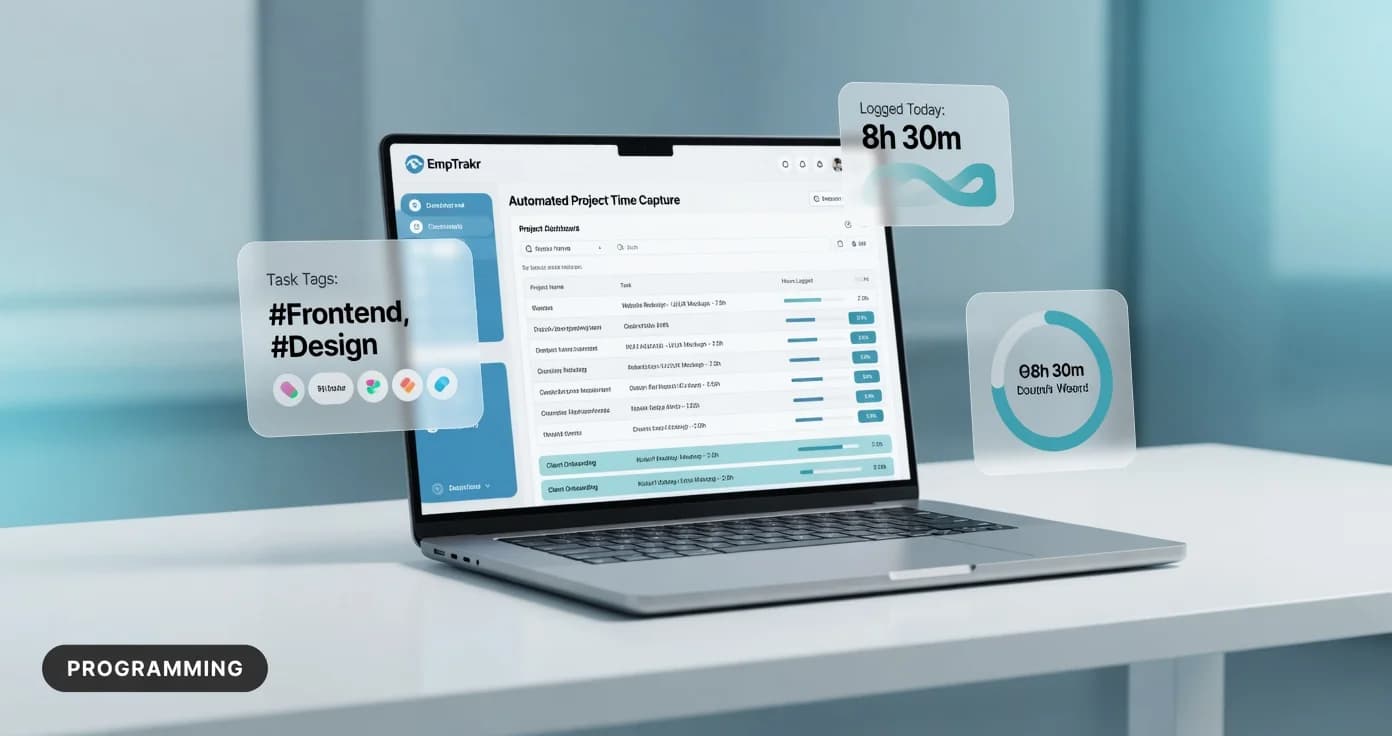
Automatic timesheet from computer activity uses desktop agents and browser instrumentation to passively log application usage, website visits, and idle periods — then assembles that data into structured timesheets without manual entry. One analysis of 180 companies found automatic tracking captures every minute of computer use objectively, though it can miss legitimate offline work like meetings or whiteboard sessions.
Key Takeaways
- Automatic timesheets capture app usage, URLs, and idle time via desktop agents
- Manual logs average 6–8% higher hours than automatic tracking per BetterFlow data
- Time tracking has evolved through three generations: manual, automated, and AI-powered
- Automatic tracking works best for computer-centric roles like dev, design, and writing
- Academic research confirms self-reported data can differ significantly from auto-captured data
- Free tiers exist but typically limit features like screenshots or integrations
EmpTrakr publishes this blog and offers the employee monitoring software discussed; comparisons reflect our own product documentation and publicly available information.
Automatic timesheet from computer activity: definition and decision context
An automatic timesheet from computer activity is software that silently records what applications, websites, and documents you use throughout the workday, then organizes that data into a timesheet tied to projects or tasks. Automatic time tracking has shifted from manual timers to always-on capture that ties activity to projects, tasks, and timesheets through desktop agents, browser instrumentation, and idle detection [8].
For managers at small and mid-sized businesses, this means employees no longer need to remember to start and stop timers or reconstruct their day from memory. The software runs in the background, logging keyboard and mouse activity, active windows, and URLs visited. It then categorizes that raw data into productive, neutral, or unproductive buckets based on rules you configure.
This approach is especially relevant for remote and hybrid teams where direct observation is impractical. Employee monitoring software That includes automatic timesheet generation gives HR admins a single view of attendance, productivity, and billable hours — all without relying on self-reported entries that may be inconsistent.
Who should consider automatic timesheet from computer activity?
Automatic timesheets are most valuable for teams whose work happens primarily on a computer. Research into automatic timesheet decomposition has explored how machine learning models and rule-based engines can break down computer activity into meaningful time entries, using 100 anonymized real-world datasets to evaluate accuracy [6].
Automatic tracking works well for roles where productivity correlates directly with active computer use: software development, design work, data analysis, and content writing [4]. If your team spends most of the day in IDEs, design tools, spreadsheets, or writing applications, an employee activity tracker can capture the bulk of their working hours with minimal effort.
However, roles involving substantial offline activity — phone calls, in-person meetings, whiteboard sessions, or physical prototyping — will see gaps in automatic data. For those teams, a hybrid approach that pairs automatic capture with lightweight manual entry may be more practical. If your organization needs to Track time For mixed computer-and-offline work, look for tools that let employees add manual entries alongside auto-captured data.
Benefits and practical limitations
Automatic timesheets offer clear advantages over manual logging, but they also introduce trade-offs worth understanding before you commit. The time tracking industry has evolved through three distinct generations — manual entry, automated capture, and AI-powered intelligence — and each generation addresses limitations of the previous one [3].
Benefits
- Reduced admin burden: No one has to remember to log hours. The software captures every minute of computer use without requiring user input [4].
- More accurate records: Manual time tracking averaged 6–8% higher total hours than automatic tracking in one study of 50 developers over 8 weeks, suggesting people overestimate time spent when reconstructing their day from memory [4].
- Better project visibility: Managers get objective data about which applications and tasks consume the most time, supporting Productivity tracking Without guesswork.
Limitations
- Offline gaps: Meetings, calls, and whiteboard sessions are invisible to desktop agents.
- Categorization errors: A Slack conversation about debugging might be logged as "communication" rather than "development" [4].
- Privacy concerns: Tracking employee web activity and application usage requires clear policies and, depending on your jurisdiction, explicit consent. Monitoring laws vary by country and state — consult a qualified attorney before implementing any monitoring program.
Employee computer monitoring software free and the reader decision
Many teams start by looking for free employee computer monitoring software, and several well-known platforms do offer free tiers. A 2026 roundup compares Hubstaff, Toggl Track, ClickUp, Clockify, Time Doctor, Replicon, Everhour, Sage HR, Workday, and Asana across employee monitoring, billable reporting, and workforce workflows to show which platforms fit specific operational needs [8].
Free plans typically include basic time capture and limited reporting, but restrict features like Screenshot monitoring, advanced idle detection, or integrations with payroll systems. If your team is small and your needs are straightforward — tracking hours for internal use rather than client billing — a free tier may be sufficient to start.
When evaluating free options, watch for these common constraints:
- User limits: Some free plans cap the number of tracked employees.
- Feature gating: Screenshot capture, URL tracking, and detailed activity breakdowns are often reserved for paid tiers.
- Data retention: Free plans may store history for a limited window (30–90 days).
- Integrations: Connecting to payroll, project management, or invoicing tools often requires a paid upgrade.
As remote and hybrid work continue to grow, automated time tracking software has become essential for businesses of all sizes, with top solutions offering passive tracking, AI categorization, payroll syncing, and detailed reporting [5].
Track computer idle time and the reader decision
Idle time detection is one of the most practical features in automatic timesheet software. Employee productivity monitoring software uses automated data collection, analytics, and application logs to report on employees' activities, time spent, work locations, and work patterns [7].
Most tools define idle time as a period with no keyboard or mouse activity — often defaulting to 5 minutes or more before flagging the user as away from their desk [4]. This matters because idle detection directly affects how timesheets calculate billable and productive hours.
When you track computer idle time, the software can either pause the timesheet automatically or flag the idle period for the employee to categorize later (a break, a phone call, or stepping away from the desk). This creates detailed reports on collected data that help employees manage their workload and managers measure performance [7].
For remote teams, idle-time tracking can supplement Attendance tracking By providing objective data about active working hours. But it is worth noting that idle detection is a blunt instrument — a developer reading documentation or thinking through a problem may trigger idle alerts despite being fully engaged in their work.
How to evaluate automatic timesheet tools: pricing, features, and fit
Choosing the right automatic time tracking software requires looking beyond feature checklists. One independent review tested multiple AI time-tracking tools, verified the pricing, and identified the specific workflows each tool actually fits — rather than relying on broad vendor claims [2].
When evaluating tools, consider these criteria:
- Automatic capture accuracy: How precisely does the tool record activity without manual input? Does it correctly assign time to the right project?
- Idle-time handling: Can you configure idle thresholds, and does the tool let employees annotate idle periods?
- Integration depth: Does it connect to your project management, payroll, or invoicing stack?
- Privacy controls: Can you limit what data is collected (e.g., disabling screenshots or URL logging for certain roles)?
- Pricing fairness: Are core features available at the tier you can afford, or are they gated behind enterprise plans?
Studies consistently find professionals underestimate their time on tasks by 20–30% [2] . That gap alone can justify the cost of an automatic tracking tool, especially for teams that bill by the hour or need accurate project costing (2026). Source: Combining Self-reported and Automatic Data to (2026).
How should readers validate the available evidence?
Before selecting a tool, cross-check vendor claims with independent analysis. Academic research has shown that self-reported and automatically captured effort data can be combined to perform validation and to measure total work effort more accurately [1].
This finding has a practical application for your evaluation process: measures based on self-reported data may differ significantly from measures based on data recorded automatically from a computing environment [1]. In other words, a tool vendor's demo of "perfect" time capture may not reflect what happens in your actual work environment.
Here is a straightforward validation approach:
- Run a pilot: Test two or three tools with a small team for at least two weeks. Compare the automatic timesheets against what employees recall doing.
- Check categorization: Review how the tool labels activities. Are Slack conversations about work being misclassified?
- Verify idle handling: Have team members note when they step away. Does the tool's idle log match reality?
- Compare pricing at your scale: A tool that costs $4/user/month at 5 users may jump significantly at 50 users.
Since self-reports can be unreliable and not all activities can be captured automatically, a complete measure of working time should incorporate both classes of data [1]. Consider tools that support hybrid approaches — automatic capture plus manual annotation — for the most accurate timesheets. Explore Productivity tracking Options that balance automation with employee input.
Research notes on automatic timesheet from computer activity
Combining Self-reported and Automatic Data to (2026) provides relevant context for automatic timesheet from computer activity. ## Combining Self-reported and Automatic Data to Improve Programming Effort Measurement Lorin Hochstein 1, Victor R. Basili 1,2, Marvin V. Zelkowitz 1,2, Jeffrey K. Hollingsworth 1, Jeff Carver 3 1Department of Computer Science, University of Maryland, College Park, MD 20742 2Fraunhofer Center, College Park, MD 20740 3Department of Computer Science and Engineering, Mississippi State University, Mississippi State, MS 39762 {lorin,basili,mvz,hollings}@cs.umd.edu, carver@cse.msstate.edu ABSTRACT Measuring effort accurately and consistently across subjects in a programming experiment can be a surprisingly difficult task. In particular, measures based on self-reported data may differ...
Operators should treat this as educational context from Combining Self-reported and Automatic Data to (2026) and verify the latest primary terms before acting.
Supporting evidence 2
8 Best AI Time Tracking Tools in 2026: Compared, Priced & Honestly Ranked | AICentralResources Blog (2026) provides relevant context for the tool. 8 Best AI Time Tracking Tools in 2026: Compared, Priced & Honestly Ranked | AICentralResources Blog # 8 Best AI Time Tracking Tools in 2026: Compared, Priced & Honestly Ranked Hamza Khaliq May 28, 2026 579 views Table of Contents Most professionals have a rough sense of where their time goes.
The problem is "rough" doesn't hold up when you're writing an invoice, defending a project budget, or trying to figure out why Q2 margins look worse than expected. Manual timers solve about 60% of this. You remember to log the focused writing session, the client call, the design review. You forget the email chain that ran for 45 minutes, the Slack fire drill that took your afternoon, the five (2026). Source: Combining Self-reported and Automatic Data to (2026).
Operators should treat this as educational context from 8 Best AI Time Tracking Tools in 2026: Compared, Priced & Honestly Ranked | AICentralResources Blog (2026) and verify the latest primary terms before acting.
Frequently Asked Questions
Related: Installation guide.
Related: Pricing.
Related: Security & privacy.
Frequently Asked Questions
How does automatic timesheet from computer activity work?
What is the best automatic timesheet from computer activity software?
How do you evaluate automatic timesheet from computer activity tools?
What does automatic timesheet from computer activity software cost?
What are the privacy risks of automatic timesheet from computer activity?
Related EmpTrakr resources
Continue with product pages that match this topic — and explore more guides on the blog.
Supercharge your workforce today.
Join leading companies using EmpTrakr to boost productivity, streamline tracking, and optimize remote teams.

