Multi Device Employee Monitoring Software Guide| EmpTrakr
Multi device employee monitoring software explained for SMB and remote teams: how it works, benefits, privacy risks, and source-backed best practices for 2026.
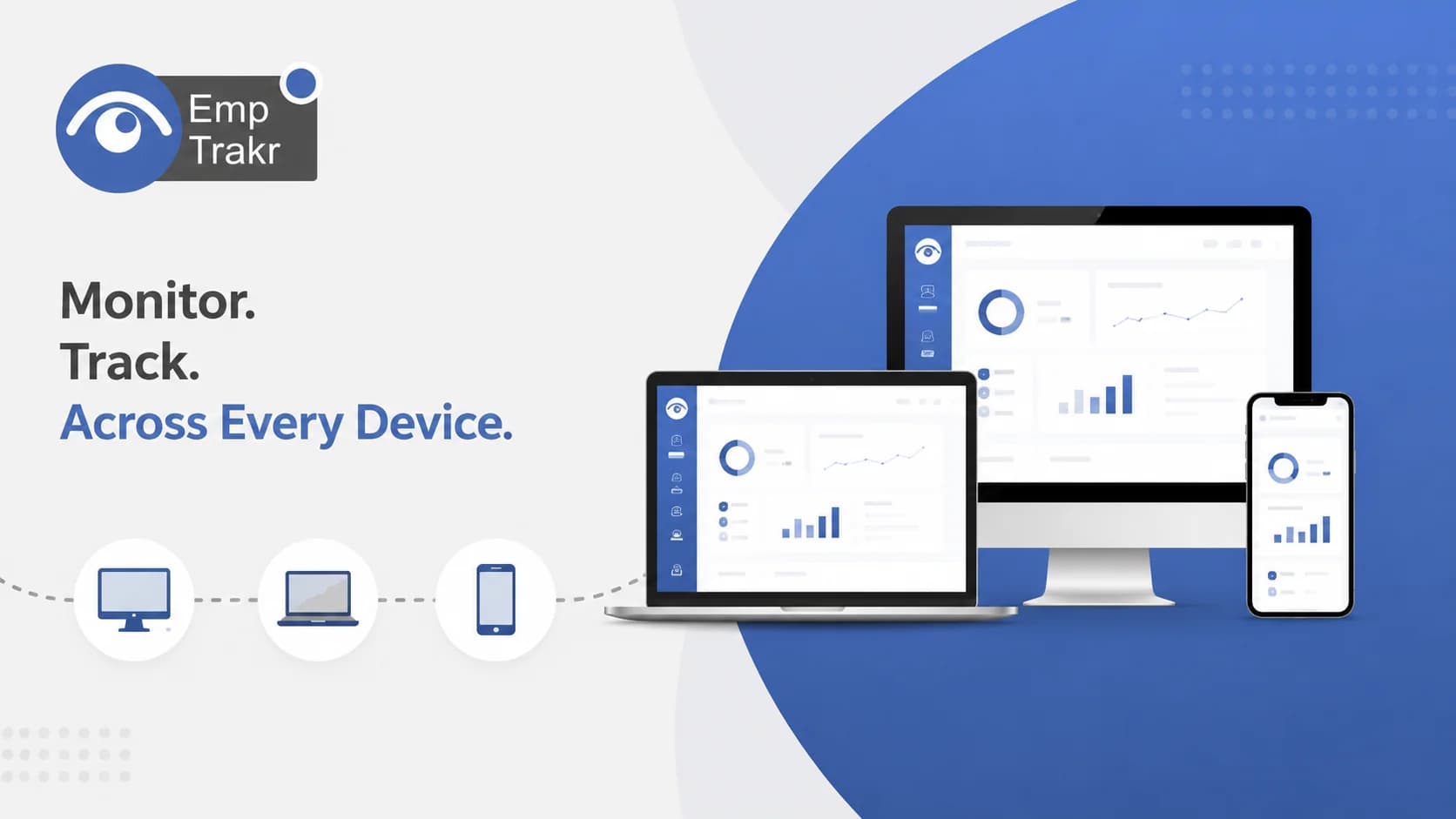
Multi device employee monitoring software tracks work activity across laptops, desktops, and mobile devices so managers see a unified picture of remote and hybrid teams. Remote and hybrid models have pushed companies to rethink productivity, security, and compliance, but adoption should stay transparent and privacy-aware.
- Multi-device tools consolidate activity from several endpoints into one dashboard for managers.
- Adoption is rising as remote and hybrid work reshapes how companies track productivity and security.
- Privacy laws like GDPR and CCPA mean transparency and consent should guide any rollout.
- Independent security research flags real gaps between vendor claims and actual protections.
- This guide is general information, not legal advice; consult an attorney before deploying monitoring.
Multi device employee monitoring software: definition and decision context
Multi device employee monitoring software is a tool that captures work activity from more than one device type—laptops, desktops, and sometimes mobile—and presents it to managers in a single view. It suits teams whose people move between office machines and home setups.
Remote and hybrid work models have reshaped modern employment, forcing companies to rethink how they track productivity, security, and compliance, Per a 2026 industry review. That shift is the practical reason cross-device visibility has moved from a nice-to-have to a common evaluation criterion.
Before you shop, decide what problem you are solving: attendance gaps, unclear time reporting, or security exposure across scattered endpoints. For a broader overview, see our Employee monitoring software Resource. The evidence in this guide is limited to a small set of sources, so treat it as orientation rather than an exhaustive market map.
Who should consider multi device employee monitoring software?
Managers of distributed teams that span several devices are the clearest fit—especially SMBs formalizing how they measure work across home and office setups. Broad adoption suggests the category is mainstream, not fringe.
By 2026, 63% of businesses globally will use employee monitoring software—up from 45% in 2023, According to a cited Gartner figure. For a growing SMB, that trend means peers and competitors are likely already tracking hours and output in some form.
If your main need is timesheets for payroll rather than full activity capture, a lighter approach may fit better; review our Time tracking software Overview first. This single statistic reflects one source's reporting of a Gartner projection, so weigh it alongside your own team's context rather than treating it as a mandate.
Benefits and practical limitations
The upside is consolidated visibility; the limitation is that monitoring tools carry security and privacy risks of their own. Academic research has specifically examined how well vendors uphold their protection claims.
A university analysis titled Security and Privacy Analysis of Employee Monitoring Applications Built a framework to assess security and privacy issues across popular Windows monitoring apps. Its focus areas included insecure data transmissions, residual vulnerabilities after uninstallation, and how well apps conform to platform privacy permissions.
The practical takeaway: benefits like unified reporting are real, but so are safeguards you must demand—encrypted transmission, clean uninstall, and configurable data scope. Explore how your data is protected in our Security & privacy Notes. That study analyzed a specific set of Windows apps, so its findings illustrate risk categories rather than rate any particular tool you may evaluate.
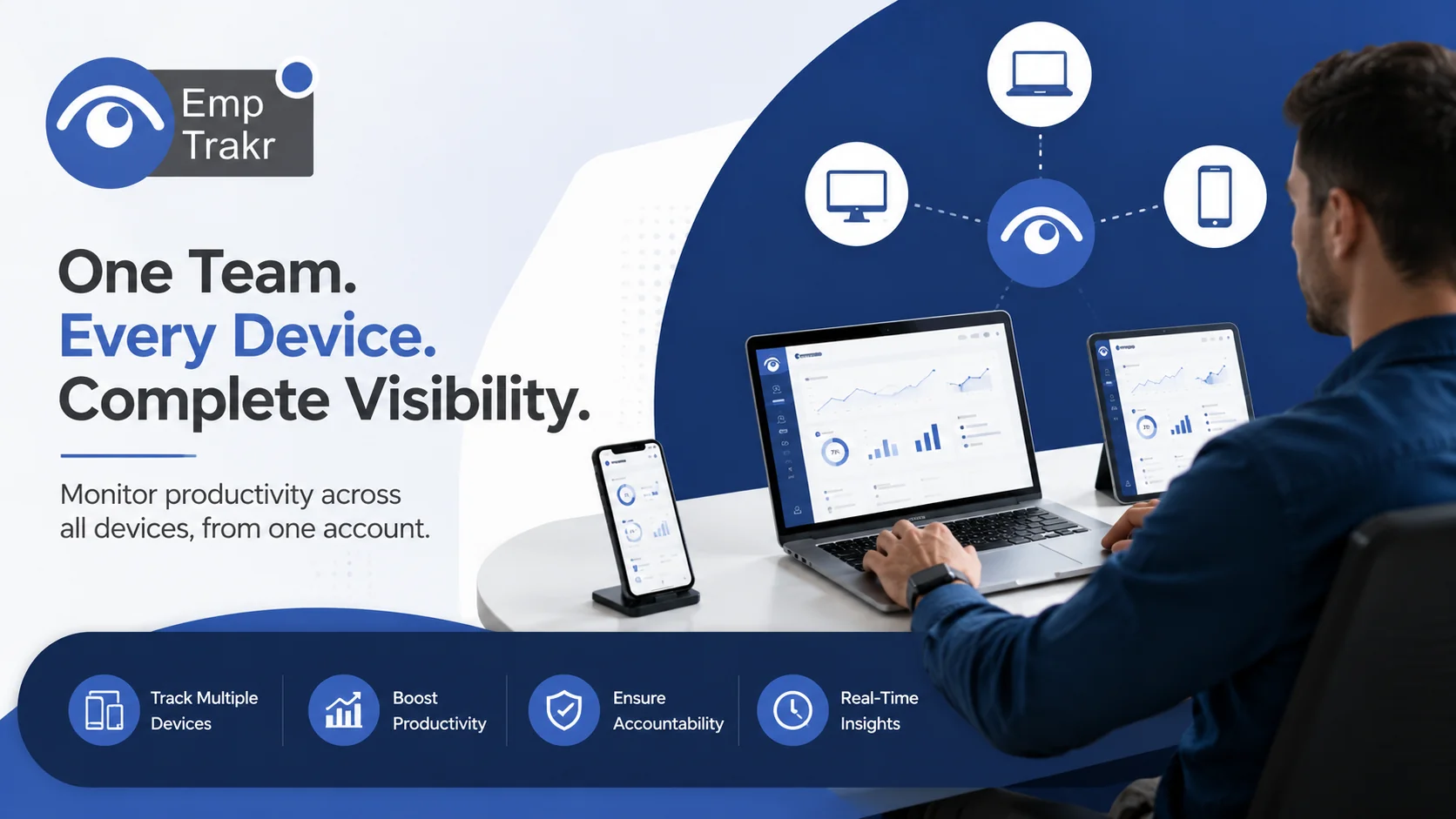
Cross-device monitoring tools and the reader decision
When comparing cross-device tools, look for independent verification rather than vendor marketing alone. One published guide describes exactly that kind of vetting.
That 2026 review states it evaluates the top employee monitoring tools verified through independent testing, expert interviews, and compliance audits, As its methodology notes. It also reports excluding unverified marketing claims such as "100% accuracy" metrics—a useful filter for your own shortlist.
For a decision, translate that into questions: Does the vendor publish how features were tested? Are compliance claims documented? If screenshots are part of your evaluation, compare approaches in our Screenshot monitoring Guide. Because only a handful of sources inform this article, use these prompts to structure your research rather than as a complete buyer's checklist.
How multi device monitoring works and the reader decision
At a technical level, a monitoring app installed on each device collects data and sends it to a backend server, which aggregates it into a dashboard managers use. Understanding that flow helps you ask better security questions.
The Waterloo analysis describes this architecture and frames the core research challenge as assessing how well vendors uphold their claims of protecting security and privacy, In its abstract. In that model, the employer accesses the dashboard to view collected data and configure what is monitored.
For the reader decision, this means two checkpoints: how data travels from device to server, and who can configure or see it. Pair those checks with clear output goals from our Productivity tracking Overview. The described flow reflects the apps that study examined, so confirm the specifics with any vendor you consider.
Evidence gap: refresh what SMBs know for 2026
The available evidence base for this topic is thin and recent, so treat single-source figures cautiously. Industry commentary is still actively cataloguing 2026 trends.
A trends roundup published January 19, 2026 organizes the current landscape into a list of employee monitoring software industry trends for the year, In its 2026 edition. That framing is useful for spotting themes—hybrid demand, regulation, device flexibility—rather than for hard numbers.
For SMB readers, the gap is clear: much coverage is qualitative or vendor-adjacent. Compare feature claims against your own pilot data, and check straightforward needs like Attendance tracking Before committing. Where a source only labels or lists trends without underlying data, we describe it qualitatively rather than inventing figures.
How should readers validate the available evidence?
Validate by checking each claim against transparency and consent standards, since legal scrutiny of monitoring is intensifying. Compliance is now part of the buying decision, not an afterthought.
Organizations face growing scrutiny over privacy laws like the EU's GDPR and California's CCPA and must balance efficiency with ethical oversight, As the 2026 review warns. That balance is the lens to apply to every vendor promise.
Practically: confirm the law in your region, document consent, disclose what you monitor, and limit collection to what the work requires. When you are ready to plan a rollout, our Installation guide And Pricing Pages help with next steps. This article is for general informational purposes only and is not legal advice; consult a qualified attorney before implementing an employee monitoring program.
Disclosure: EmpTrakr publishes this blog and offers the employee monitoring software discussed; comparisons reflect our own product documentation and publicly available information.
Sources
- 10 Best Employee Monitoring Software for Remote & Hybrid Teams (2026) - Boost Productivity & Security - World Today Journal — world-today-journal.com, 2026-06-02T00:17:23.000Z
- Security and Privacy Analysis of Employee Monitoring Applications — uwspace.uwaterloo.ca, 2023-08-21T14:10:01.000Z
- Top 17 employee monitoring software industry trends (2026 edition) — worktime.com, 2026-01-19
Frequently Asked Questions
What is multi device employee monitoring software?
How does multi device employee monitoring software work?
What are the benefits of multi device employee monitoring software?
What are the risks of multi device employee monitoring software?
How do you set up multi device employee monitoring?
Related EmpTrakr resources
Continue with product pages that match this topic — and explore more guides on the blog.
Supercharge your workforce today.
Join leading companies using EmpTrakr to boost productivity, streamline tracking, and optimize remote teams.

