Employee Monitoring Dashboard: Reading Your Team's Data Correctly| EmpTrakr
Raw activity data can mislead managers who don't know how to read it correctly. Learn what each dashboard metric actually means before you act on any of it.
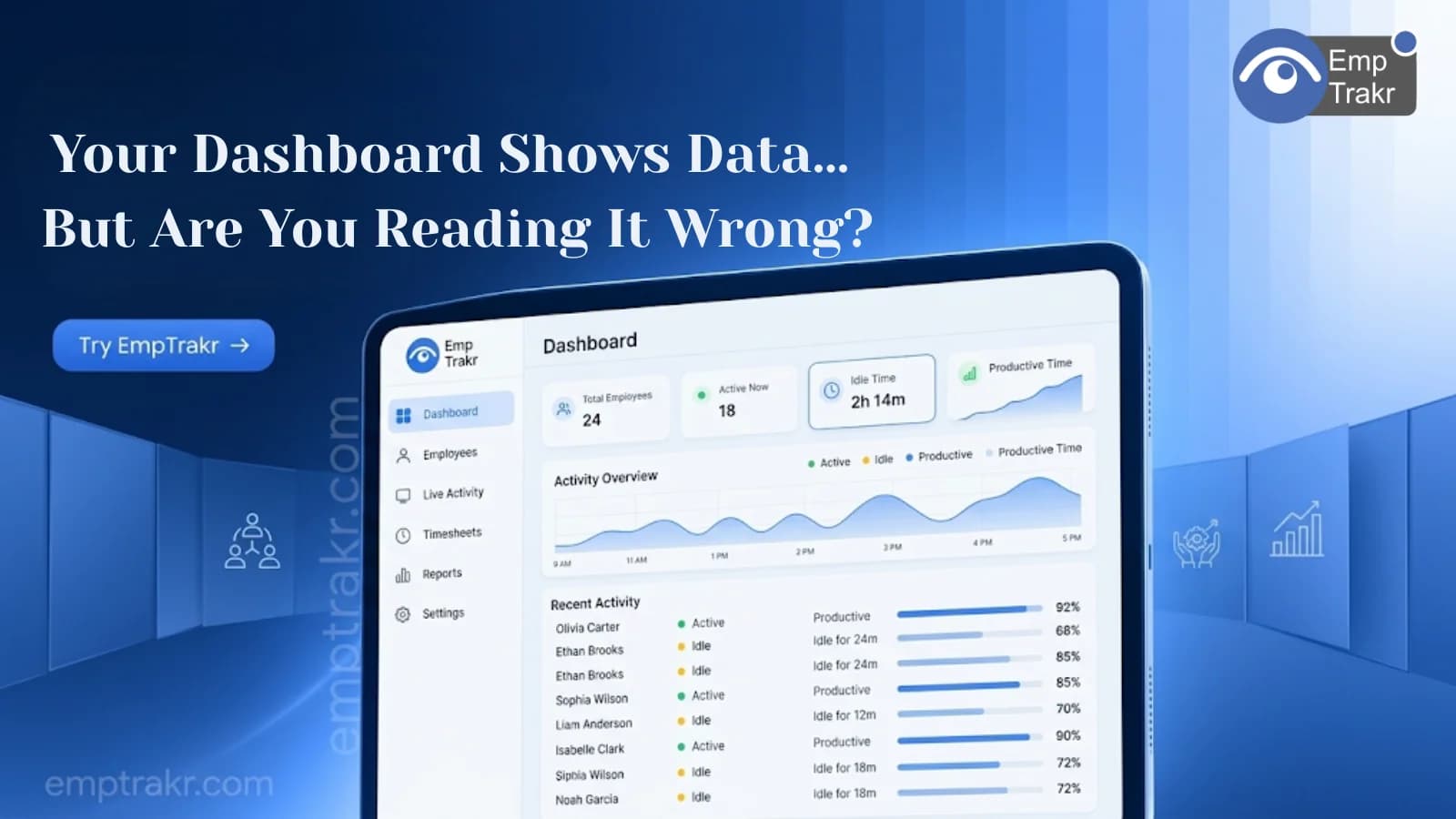
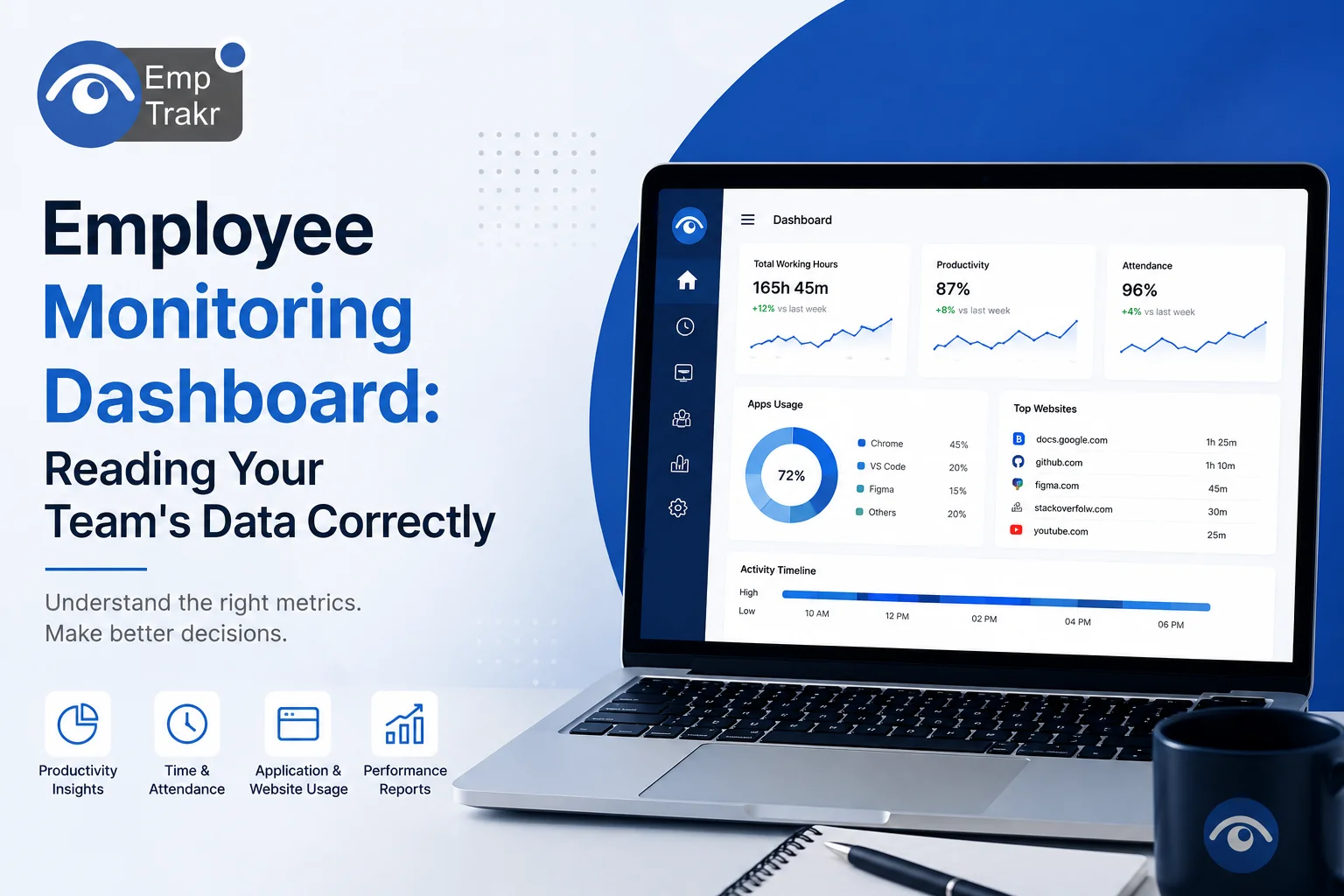
An Employee monitoring dashboard Provides real-time insights into employee productivity, attendance, application usage, website activity, and work hours. Understanding these metrics helps managers make informed decisions, improve team performance, and identify workflow bottlenecks without relying on assumptions.
Employee Monitoring Dashboard: Reading Your Team's Data Correctly
Employee monitoring software generates a wealth of data, but data alone doesn't improve productivity understanding it does. Many managers make the mistake of focusing on individual metrics without considering the broader context, leading to inaccurate conclusions and poor decision-making.
A well designed Employee monitoring dashboard Transforms raw activity data into meaningful insights. It helps HR managers, IT teams, and business leaders identify productivity trends, optimize workflows, and support employees with objective information rather than assumptions.
This Employee monitoring dashboard guide Explains the most important dashboard metrics, how to interpret reports correctly, and the common mistakes organizations should avoid.
Quick Summary
Key Takeaways
- Dashboards provide a complete view of workforce productivity and activity.
- Individual metrics should always be analyzed within a broader context.
- Reports are most effective when used to improve workflows rather than micromanage employees.
- Regular dashboard reviews help identify trends and support data-driven decisions.
Table of Contents
- What Is an Employee Monitoring Dashboard?
- Key Dashboard Metrics Explained
- How to Read Employee Monitoring Reports
- Common Dashboard Mistakes
- Best Practices for Data Interpretation
- Comparison Table
- FAQs
- Conclusion
What Is an Employee Monitoring Dashboard?
An Employee monitoring Dashboard Is a centralized interface that displays workforce activity, productivity trends, attendance records, and computer usage data in an easy-to-understand format.
Instead of reviewing multiple reports individually, managers can access real-time insights through charts, graphs, and performance summaries.
Most dashboards include:
- Active work hours
- Idle time
- Productivity scores
- Attendance data
- Application usage
- Website activity
- Screenshot summaries (if enabled)
- Team performance reports
The goal is to identify patterns that support better decision-making rather than monitor every employee action.
Employee Monitoring Dashboard Metrics Explained
Understanding the right metrics is essential for interpreting employee performance accurately.
Productive Time
Shows the amount of time employees spend using work-related applications and websites. Higher productive time often indicates better focus but should always be evaluated alongside workload and job responsibilities.
Active Time
Measures keyboard and mouse activity during working hours. Active time helps determine employee engagement but does not necessarily reflect work quality.
Idle Time
Tracks periods when there is little or no computer activity. Idle time may indicate breaks, meetings, training sessions, or workflow interruptions rather than poor performance.
Attendance Metrics
Displays login times, logout times, total hours worked, and attendance history, helping managers ensure accurate workforce records.
Application Usage
Shows which software employees use most frequently, helping organizations identify productivity trends, software adoption, and potential training needs.
Website Activity
Provides insights into work-related and non-work-related browsing, allowing businesses to evaluate internet usage policies and identify potential distractions.
How to Read Employee Monitoring Reports
Knowing how to read Employee monitoring reports Requires looking beyond individual numbers.
Analyze Trends Instead of Single Days
A single unproductive day doesn't indicate poor performance. Review weekly or monthly trends before drawing conclusions.
Compare Similar Roles
Evaluate employees performing similar job functions rather than comparing different departments with different responsibilities.
Consider Business Context
An employee attending multiple client meetings may show lower keyboard activity but still deliver excellent results.
Combine Multiple Metrics
Avoid making decisions based solely on idle time or active hours. Consider productivity reports, attendance, application usage, and project outcomes together.
Use Reports for Coaching
Dashboard insights should help managers identify opportunities for training, workflow improvements, and employee development.
Interpreting Staff Activity Data
Effective Interpreting staff activity data Means understanding that productivity isn't measured by computer activity alone.
For example:
- A software developer may spend extended periods reading documentation.
- A designer may appear idle while reviewing creative concepts.
- A manager may attend meetings that generate little computer activity.
Context is essential for making fair and accurate performance assessments.
Employee Monitoring Dashboard Mistakes to Avoid
Avoid these common reporting mistakes:
| Mistake | Better Approach |
|---|---|
| Judging employees using one metric | Analyze multiple productivity indicators |
| Ignoring job responsibilities | Compare similar roles only |
| Micromanaging daily activity | Focus on long-term trends |
| Overlooking workflow challenges | Investigate root causes before acting |
| Using reports only for discipline | Support coaching and process improvement |
Best Practices
To get the most value from your dashboard:
- Review reports regularly instead of occasionally.
- Focus on team trends before individual performance.
- Establish clear productivity benchmarks.
- Share monitoring policies with employees.
- Use dashboard insights to improve workflows.
- Combine monitoring data with manager feedback and project results.
- Respect employee privacy and comply with applicable regulations.
Comparison Table
| Dashboard Metric | What It Shows | Why It Matters |
|---|---|---|
| Productive Time | Time spent on work-related tasks | Measures focus and efficiency |
| Active Time | Keyboard and mouse activity | Indicates engagement |
| Idle Time | Periods of inactivity | Identifies workflow interruptions |
| Attendance | Login and logout records | Improves workforce accountability |
| Application Usage | Software utilization | Optimizes technology investments |
| Website Activity | Browsing behavior | Supports productivity analysis |
| Productivity Reports | Overall performance trends | Enables better business decisions |
Frequently Asked Questions
What is an employee monitoring dashboard?
An employee monitoring dashboard is a visual reporting interface that displays workforce productivity, attendance, application usage, website activity, and other performance metrics in one place.
How do I read employee monitoring reports?
Focus on long-term trends, compare similar job roles, analyze multiple metrics together, and consider business context before making decisions.
What metrics are most important?
Productive time, active time, idle time, attendance, application usage, website activity, and overall productivity reports provide the most valuable insights.
Can dashboard reports improve employee productivity?
Yes. When used for coaching and workflow optimization rather than micromanagement, dashboard insights help managers identify inefficiencies and support employee development.
How often should managers review dashboard reports?
Weekly reviews help identify short-term trends, while monthly reviews provide a better understanding of long-term productivity and workforce performance.
Conclusion
An Employee monitoring dashboard Is far more than a collection of charts and numbers. It is a decision-making tool that helps organizations understand workforce productivity, identify operational challenges, and improve overall efficiency.The key to success is interpreting data thoughtfully rather than reacting to isolated metrics. By focusing on trends, context, and continuous improvement, businesses can create a more productive, transparent, and supportive work environment.If you're looking for a solution that provides intuitive dashboards, Productivity analytics, Attendance tracking, and actionable workforce insights, EmpTrakr Helps HR teams, IT managers, and business leaders make smarter decisions with real-time employee monitoring data.
Related EmpTrakr resources
Continue with product pages that match this topic — and explore more guides on the blog.
Supercharge your workforce today.
Join leading companies using EmpTrakr to boost productivity, streamline tracking, and optimize remote teams.

