Employee Laptop Monitoring Software Guide| EmpTrakr
Employee laptop monitoring software explained: what it is, how it works, benefits, limits, and evidence-backed practices for SMB and remote teams. Review
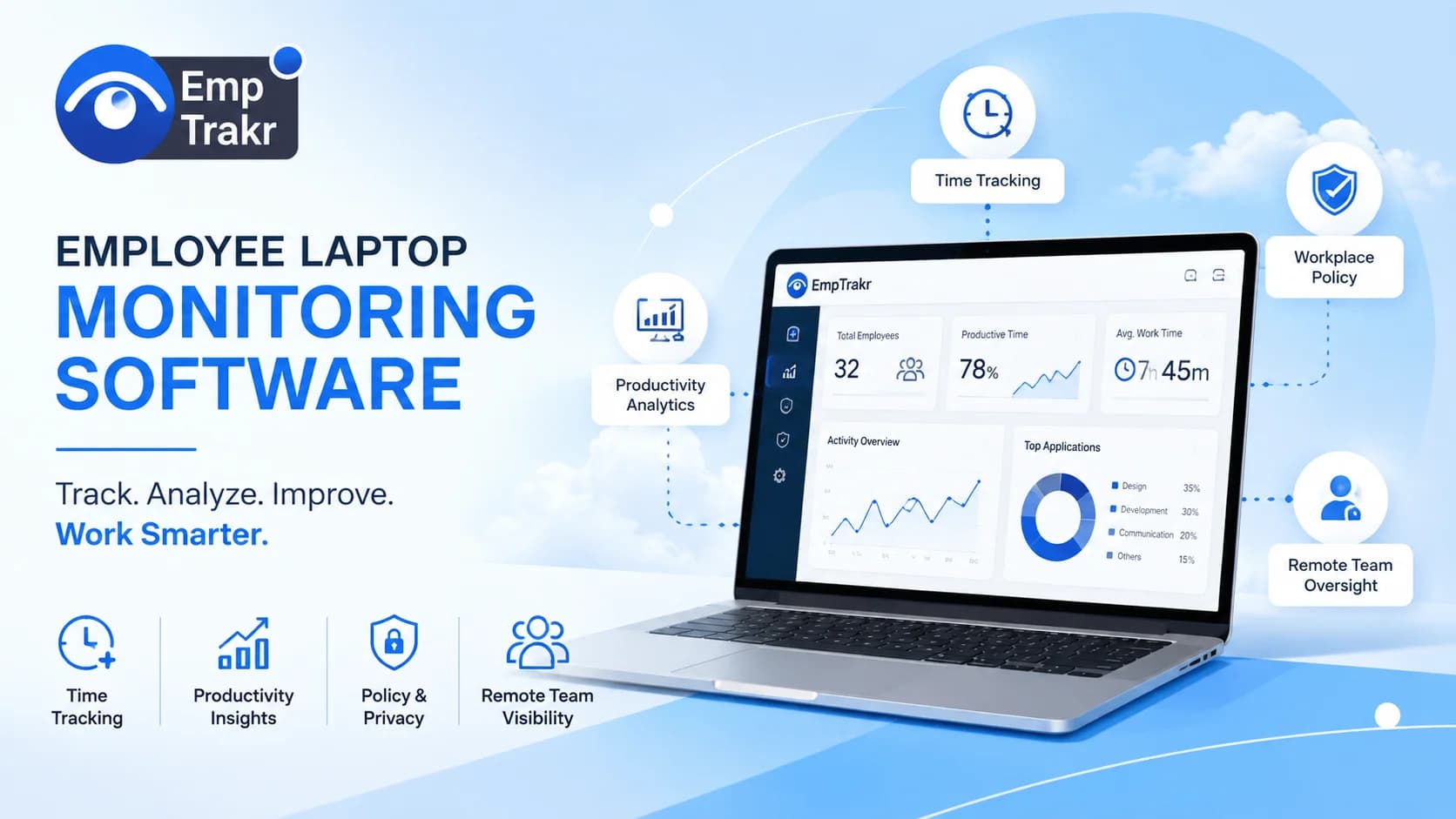
Employee laptop monitoring software records device activity to produce traceable records for productivity review and compliance investigations, as described in the worldmetrics 2026 ranked overview. It is not a substitute for management. Choose it when you need auditable evidence, define scope clearly, and pair rollout with a written monitoring policy that respects employee privacy expectations.
Employee laptop monitoring software: definition and decision context?
Employee laptop monitoring software is a category of workplace tools that captures activity on company laptops and turns it into structured records managers and IT can review. An independent 2026 overview describes the category as a top 10 Ranking of employee laptop monitoring software Aimed at IT admins and HR teams comparing feature depth and pricing.
In practice these tools sit somewhere between endpoint management and workforce analytics. They collect signals such as application use, active time, and (depending on the product) screenshots or session events, then present that data as dashboards or exportable reports. The evidence available to us is limited to independent editorial reviews and one scholarly index, so treat any specific capability claim as vendor-verifiable rather than universal. For an internal starting point, our Employee monitoring software Overview explains the standard components.
Who should consider employee laptop monitoring software?
The clearest fit is teams that need quantified, auditable evidence about laptop activity rather than promotional talking points. An independent 2026 ranking explicitly targets analysts and operators who need Quantified differences in monitoring coverage, reporting accuracy, and evidence handling to compare vendors.
That framing translates well to three groups: SMB managers who need defensible timesheet data, HR administrators handling attendance or investigations, and founders running remote or hybrid teams where visibility is otherwise thin. It is a weaker fit when the underlying problem is unclear expectations, missing goals, or communication gaps — those are management problems, not monitoring problems. Before committing, map the decisions the data will support and where it will live. Our Time tracking software Page shows a lighter alternative when full monitoring is not warranted.
Benefits and practical limitations
The headline benefit is traceability: independent editorial coverage highlights products where Traceable laptop activity records Support incident review and manager reporting, with comparison tables and methodology notes updated in 2026. That kind of record helps with payroll accuracy, investigation timelines, and policy enforcement.
Balanced view
- Pros: Auditable activity logs, clearer timesheet inputs, faster incident review, and consistent data for hybrid teams.
- Cons: Privacy concerns and trust costs, false signals when idle-time equals off-task, admin overhead, and the risk of over-collecting data.
Scholarly literature indexed on Google Scholar frames this directly as a Privacy and productivity tradeoff, with multiple studies examining how monitoring intensity affects acceptance. Treat any single vendor's productivity claim skeptically. Our Productivity tracking Guide covers lighter-touch alternatives.
The monitoring tool guide and the reader decision
A useful buying decision starts with the outcome, not the feature list. Write down what you want the data to answer — payroll hours, attendance patterns, security incidents, or productivity coaching — and let that pick the smallest tool that fits. Buying a heavier platform than the problem needs tends to create policy debt and unused features.
From there, three checks help: whether the vendor's reporting matches your workflow, whether the deployment model (agent, browser, or MDM) suits your device estate, and whether your policy language matches what the tool actually collects. If you already run device management, consider integration first; if you don't, favor tools that keep configuration approachable for a small IT footprint. Reviewing our Screenshot monitoring Notes can help set expectations before you evaluate vendors.
How the monitoring tool works and the reader decision
At a high level, most products install an agent on the laptop, capture selected signals, and send them to a management console where admins configure policies and view reports. Some products lean on native OS device management APIs, others use their own collector, and a few combine both. The reader decision is less "what does it capture" and more "what will we act on."
Set collection to the narrowest useful scope, restrict who can read raw data, and log admin access to that data. Notify employees clearly and describe what is not collected as carefully as what is. Configure retention windows so records don't outlive their purpose. If you already have an attendance workflow, connect monitoring to it rather than duplicating it — our Attendance tracking Guide describes a common pattern, and the Installation guide Walks through a minimal rollout.
Evidence gap: refreshing coverage for free employee monitoring options
Free tiers are a common entry point, but the approved evidence for this guide focuses on ranked commercial reviews and academic indexing rather than a like-for-like free-tier comparison. That means we can describe the shape of the decision qualitatively without ranking specific free tools here.
Practically, a free tier is worth trying when your scope is small (fewer than a handful of laptops), your data needs are limited to hours and basic activity, and you can tolerate feature caps such as retention limits, per-seat ceilings, or missing exports. Where free tiers commonly fall short is granular reporting, role-based access, and evidence-quality exports for HR or IT investigations. Treat any free plan as a pilot, not a permanent architecture, and confirm what happens to collected data if you stop paying or churn off the plan. Our Pricing Page explains how EmpTrakr structures paid tiers.
Conclusion
The monitoring tool is a legitimate operational tool when the goal is a traceable, defensible record — not a shortcut to productivity. The independent 2026 coverage we relied on frames it as a category defined by Reporting depth and operational fit, and the scholarly index we cite reminds us that the privacy tradeoff is real and studied.
Your next step is small and specific: pick one problem the data must answer, draft a one-page monitoring policy that names scope and retention, and pilot the narrowest configuration that solves it. If the pilot produces records your managers actually use, expand. If it doesn't, the tool wasn't the missing piece. Our Security & privacy Notes are a useful checkpoint before any rollout.
Sources
- Worldmetrics.org — Best the monitoring tool 2026
- Scholar.google.com — Google Scholar: employee monitoring privacy and productivity
Frequently Asked Questions
What is employee laptop monitoring software?
How does employee laptop monitoring software work?
What are the benefits of employee laptop monitoring software?
What are the risks of employee laptop monitoring software?
How do you use employee laptop monitoring software?
Related EmpTrakr resources
Continue with product pages that match this topic — and explore more guides on the blog.
Supercharge your workforce today.
Join leading companies using EmpTrakr to boost productivity, streamline tracking, and optimize remote teams.