How to Reduce Employee Idle Time and Improve Productivity| EmpTrakr
Learn how to reduce employee idle time by improving workflows, setting clear priorities, tracking work patterns, and removing productivity bottlenecks.
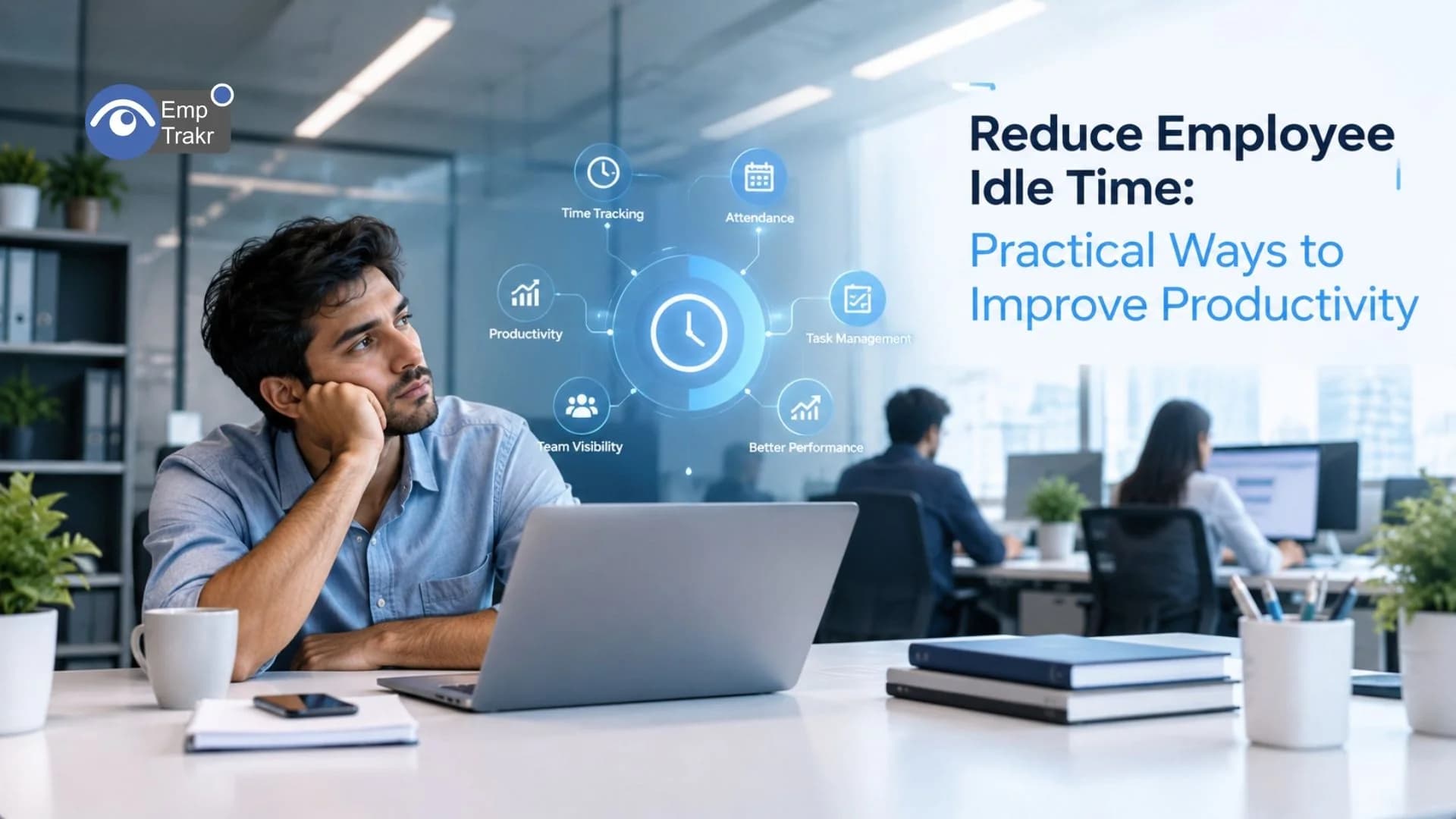
The Most Effective Way To Reduce Employee Idle Time Is To Identify What's Causing It Before Deciding How To Fix It. Research On Workplace Idle Time Distinguishes Involuntary Downtime, When Employees Cannot Perform Their Tasks, From Other Situations Such As Breaks And Interruptions.
For Managers, The Goal Should Be To Remove Unnecessary Delays, Make Work Easier To Organize, And Help Employees Use Their Working Time Effectively—not Simply Make Everyone Look Busy.
Quick Answer
To Reduce Employee Idle Time:
Set Clear Priorities And Daily Responsibilities.
Remove Approval Delays And Workflow Bottlenecks.
Ensure Employees Have The Tools And Information They Need.
Balance Workloads Across The Team.
Reduce Unnecessary Meetings And Interruptions.
Review Work Patterns Using Appropriate Productivity Data.
Discuss Recurring Idle Periods With Employees Before Drawing Conclusions.
What Is Employee Idle Time?
Employee Idle Time Is A Period During Scheduled Working Hours When An Employee Cannot Actively Continue Their Assigned Work Or Has No Immediate Task To Perform.
It Can Happen For Several Reasons, Including:
Waiting For A Manager's Approval.
Waiting For Information From Another Department.
Experiencing Software Or Equipment Problems.
Having No New Tasks Assigned.
Facing Unclear Instructions Or Priorities.
Taking Scheduled Breaks Or Participating In Work That Doesn't Involve Computer Activity.
It's Important To Distinguish Unnecessary Downtime From Legitimate Breaks And Work That Isn't Visible Through Computer Activity. Reading Documents, Thinking Through A Problem, Attending An Offline Meeting, And Planning Work May Not Generate Much Keyboard Or Mouse Activity.
A Low-activity Period Should Therefore Be Treated As A Signal To Investigate, Not Automatic Proof Of Poor Performance.
What Causes Employee Idle Time?
Understanding The Cause Helps Managers Choose The Right Solution.
Cause | How It Affects Work | Practical Solution |
|---|---|---|
Unclear Priorities | Employees Don't Know What To Do Next | Set Daily Priorities |
Approval Delays | Tasks Remain Blocked | Simplify Approval Workflows |
Uneven Workloads | Some Employees Wait While Others Are Overloaded | Redistribute Tasks |
Technical Issues | Employees Cannot Continue Working | Improve IT Support |
Too Many Meetings | Focused Work Gets Interrupted | Protect Focus Time |
Missing Information | Employees Wait For Answers | Improve Documentation |
Repetitive Processes | Time Is Lost On Manual Work | Automate Suitable Tasks |
Poor Task Planning | Work Arrives Inconsistently | Maintain A Visible Task Queue |
These Causes Require Different Responses. If Employees Are Waiting For Approvals, Stricter Activity Monitoring Won't Solve The Underlying Problem. The Approval Process Needs Attention.
7 Practical Ways To Reduce Employee Idle Time
1. Set Clear Priorities
Employees Should Understand Their Responsibilities, Deadlines, And Next Steps.
When Priorities Change Frequently Or Instructions Are Vague, Employees May Spend Time Trying To Determine What Matters Most.
Use A Shared Task-management System To Show Assigned Work, Deadlines, Dependencies, And Task Status. When One Task Is Blocked, Employees Should Know Which Alternative Task They Can Work On.
2. Remove Workflow Bottlenecks
Approval Delays, Missing Information, And Disconnected Systems Can Create Unnecessary Downtime.
Identify Recurring Points Where Work Stops. For Example, If Every Customer Request Requires Approval From One Manager, Consider Defining Clear Approval Limits So Routine Decisions Can Move Forward Without Unnecessary Waiting.
Review The Workflow Regularly And Simplify Steps That Don't Add Meaningful Value.
3. Balance Workloads Across The Team
Idle Time Can Occur When Tasks Are Distributed Unevenly.
One Employee May Have Too Many Assignments While Another Has Finished Their Current Workload And Is Waiting For More.
Managers Can Review Task Queues, Deadlines, And Team Capacity To Redistribute Work More Fairly. Cross-training Employees Can Also Help Teams Handle Temporary Changes In Demand.
4. Reduce Unnecessary Meetings
Frequent Meetings Can Interrupt Focused Work And Leave Employees With Too Little Uninterrupted Time To Complete Important Tasks.
Consider Whether Each Meeting Needs To Happen, Whether All Attendees Are Required, And Whether A Short Written Update Would Be Sufficient.
Protecting Dedicated Focus Periods Gives Employees More Opportunity To Complete Complex Work Without Repeated Interruptions.
5. Improve Tools And Technical Support
Slow Software, Unreliable Systems, And Repetitive Manual Processes Can Reduce The Time Employees Have Available For Meaningful Work.
Ask Employees Which Tools Or Processes Regularly Delay Their Work. Prioritize Fixes Based On How Often The Problem Occurs And How Much Work It Blocks.
Where Appropriate, Automation Can Reduce Repetitive Administration And Allow Employees To Focus On Higher-value Responsibilities.
6. Use Productivity Data To Identify Patterns
Sometimes, Managers Need More Information To Understand Where Working Time Goes.
EmpTrakr's Productivity Tracking Can Help Teams Examine Work Patterns, While Live App Tracking Provides Additional Context About Application Activity During Work Periods.
These Signals Can Help Managers Identify Patterns That Deserve Further Investigation. They Should Not Be Used In Isolation To Judge Performance Because Computer Inactivity Doesn't Necessarily Mean An Employee Has Stopped Working.
For Example, Repeated Inactive Periods May Be Caused By Long Approval Queues, Technical Interruptions, Or Work That Takes Place Away From The Computer.
7. Talk To Employees About Recurring Downtime
Employees Often Know Which Processes Prevent Them From Working Efficiently.
A Short, Constructive Conversation Can Reveal Problems That Activity Reports Cannot Explain.
Instead Of Asking, “Why Weren't You Active?”, Try Asking, “I Noticed This Task Was Delayed. Was Anything Blocking Your Progress?”
This Approach Helps Managers Identify The Cause, Agree On A Solution, And Improve The Workflow Without Creating Unnecessary Pressure.
How Employee Time Tracking Helps
Time Tracking Can Help Businesses Understand When Work Is Recorded And How Working Hours Are Distributed.
A Suitable Time Tracking Software Solution Can Organize Working-hour Records And Make It Easier To Review Patterns Over Time.
For Teams That Also Need Attendance Information, Attendance Tracking Can Provide A Clearer View Of Recorded Attendance And Working Schedules.
These Tools Are Most Useful When Combined With Task Information And Conversations With Employees. Time Records Alone Cannot Explain Every Delay Or Establish Whether Someone Has Been Productive.
How To Measure Idle Time Responsibly
Before Measuring Idle Time, Define What It Means For Your Team.
For Example, Decide How To Handle Scheduled Breaks, Meetings, Offline Work, And Periods When Employees Are Waiting For Another Team.
A Simple Internal Calculation Might Be:
This Is Only A Rough Estimate, Not A Universal Productivity Formula. The Result Depends On How Active Work Is Recorded And Which Breaks Or Non-computer Tasks Are Excluded.
Use Consistent Definitions And Compare Trends Over Time Rather Than Treating A Single Measurement As A Performance Verdict.
Metric | What It Helps You Understand |
|---|---|
Recorded Working Hours | How Much Work Time Was Logged |
Task Completion | Whether Assigned Work Is Progressing |
Time Spent Waiting | Whether Dependencies Are Slowing Work |
Application Activity | Which Applications Are Used During Tracked Periods |
Missed Deadlines | Where Delivery Problems May Be Occurring |
Employee Feedback | What Activity Data Might Not Explain |
A Balanced View Of These Signals Is More Useful Than Trying To Minimize Every Inactive Minute.
Reduce Employee Idle Time With EmpTrakr
EmpTrakr Combines Several Workforce Visibility Features That Teams Can Explore According To Their Needs.
Time Tracking Software For Recorded Working Time.
Attendance Tracking For Attendance And Schedule Visibility.
Productivity Tracking For Work-pattern Insights.
Live App Tracking For Application Activity.
Employee Monitoring Software For Broader Work-session Visibility.
Screenshot Monitoring For Teams With A Specific Need For Visual Activity Records.
Choose Features According To A Clear Business Purpose. Not Every Team Needs Every Monitoring Capability, And Collecting More Data Does Not Automatically Improve Productivity.
Sources
1. National Library Of Medicine — “What To Do When There Is Nothing To Do? Toward A Better Understanding Of Idle Time At Work.” Https://pmc.ncbi.nlm.nih.gov/articles/PMC8589093/ Research On Workplace Idle Time, Its Causes, And Its Potential Effects On Employees And Task Performance.
2. Teramind — “Measuring Employee Productivity In Today's Workforce.” Https://www.teramind.co/wp-content/uploads/2024/06/Measuring-Employee-Productivity-in-Todays-Workforce_Teramind.pdf Discusses Using Productivity Data And Workflow Tools To Identify Distractions And Improve Task Completion.
3. WorkTime — “2026 Workforce Computer Usage Statistics.” Https://www.worktime.com/pdf/worktime-computer-usage-statistics-2026.pdf Practical Recommendations For Setting Expectations, Reviewing Productivity Trends, And Communicating Monitoring Practices Transparently.
Frequently Asked Questions
How can businesses reduce employee idle time?
Is employee idle time always a sign of low productivity?
Can employee monitoring software help reduce idle time?
What is the difference between idle time and break time?
How often should managers review idle-time reports?
Related EmpTrakr resources
Continue with product pages that match this topic — and explore more guides on the blog.
Supercharge your workforce today.
Join leading companies using EmpTrakr to boost productivity, streamline tracking, and optimize remote teams.