Free Employee Monitoring Software for Windows| EmpTrakr
Free employee monitoring software for Windows explained: what free really means, how it works, benefits, privacy limits, and who it fits, with source-backed
Free employee monitoring software for Windows lets small teams track working hours, apps, and activity at no upfront cost, with tiers ranging from truly free-forever tools to trials and single-user apps. Confirm what each free plan actually covers, and use clear policies to stay privacy-aware.
- "Free" mixes free-forever tools, disguised trials, and single-user apps, so read each tier carefully.
- Most tools track working hours, apps, and web activity, and some produce detailed reports.
- Adoption is rising: roughly 78% of employers now use some form of monitoring.
- Free tiers cover real use cases but rarely replace paid monitoring at scale.
- Pair any rollout with a clear, privacy-aware policy for your team.
Free employee monitoring software for Windows: definition and decision context?
It is no-cost software installed on Windows machines to track work activity such as hours, applications, and web usage. The main decision is understanding what "free" actually means before you commit.
One Honest 2026 buyer's guide Frames the whole category around which tools are truly free forever versus trials and freemium tiers, and where the catch is. That same guide warns that most roundups quietly mix up three different things: genuinely free-forever tools, 14-day trials dressed up as "free", and single-user personal apps that cannot cover a team, per The ProdView comparison. For SMB managers evaluating Employee monitoring software, that distinction saves a wasted afternoon. Treat these findings as source-limited: they describe the market, not guaranteed outcomes for your team, and laws vary by location.
Who should consider free employee monitoring software for windows?
Distributed and hybrid teams that lack a clean way to see whether work is getting done are the clearest candidates. Free Windows tools are a low-risk way to test that visibility before paying.
A 2026 roundup of Eight monitoring tools Opens on exactly this pain: you hired a distributed team but have no clean way to answer whether work is getting done and where it is stalling, and email threads and standups give you opinions, not data, according to The Guideflow guide. Founders, HR admins, and operations leads weighing Time tracking software Benefit most when they want structured signals rather than anecdotes. The cited source describes typical scenarios, not a universal rule; confirm fit against your own workflows and jurisdiction.
Benefits and practical limitations
The core benefit is structured reporting on how time is spent; the core limitation is that free tiers cap seats, history, or features. Both matter when choosing a tool.
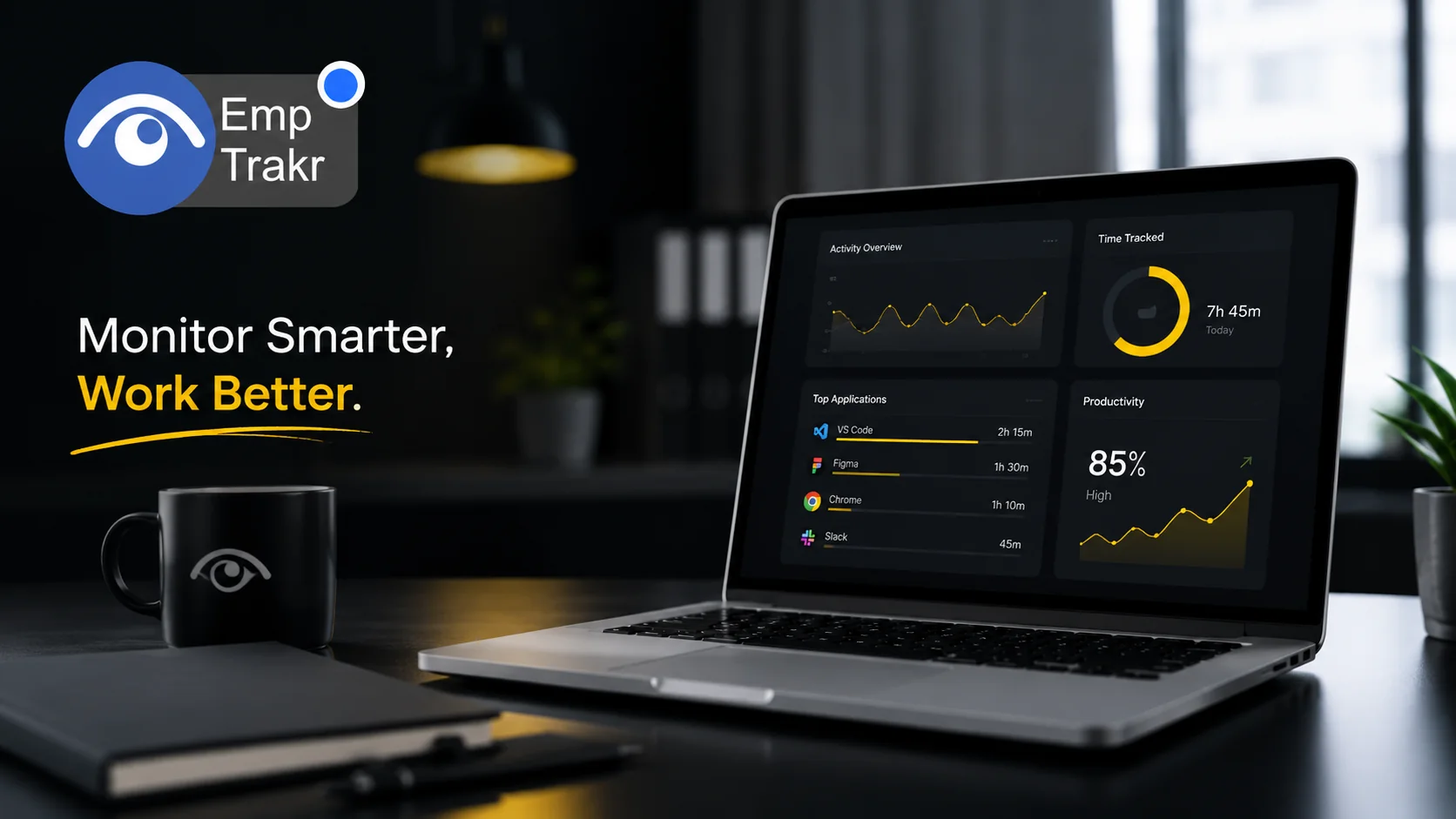
On the upside, many tools provide a detailed report of employee activity like working hours, idle hours, break hours, current project, and time spent on different applications and web activities, per A Windows freeware list. On the limitation side, that same list notes some software does not send reports to the administrator's account and must instead be accessed from employees' systems, as The listoffreeware roundup Explains. If screenshots matter to you, review our guidance on Screenshot monitoring Before enabling anything. These are source-specific observations, so verify feature details on each vendor's current documentation.
Free employee monitoring software windows guide and the reader decision
The decision comes down to balancing visibility against trust. Choosing the wrong tool costs you more than money.
One 2026 guide sums it up plainly: that tension between wanting operational metrics and people worrying about surveillance is the whole story with employee monitoring software in 2026, according to The Guideflow analysis, which also notes that boards want cleaner operational metrics while people quietly worry any new tool means surveillance. A practical reader decision, then, is not just which free tool, but how transparently you deploy it. Reviewing Productivity tracking Features helps you focus on outcomes rather than raw logs. Treat this as framing from one source, not a guarantee about how your specific team will respond.
How free employee monitoring works and the reader decision
Most tools install a lightweight agent on the Windows machine that records activity and reports it to an admin. Free tools cover real, specific use cases rather than everything.
A 2026 open-source roundup notes that free tools cover real use cases — individual productivity, small-team time tracking, and open-source self-hosted control — but do not replace paid monitoring at scale, per The eMonitor guide. Mechanically, a separate Windows list explains that most software stays running and transfers monitored data to the administrator's account, while some requires login on each employee system, as The freeware list Describes. Follow a vendor's Installation guide And review Security & privacy Settings during setup. These descriptions are source-bound; confirm current behavior in each tool.
Evidence gap: Refresh or deepen the existing coverage for 'suitable employee monitoring softwa
Monitoring adoption has climbed sharply, which shapes both expectations and scrutiny. The numbers give useful context, but they come from a single cited report.
Roughly 78% of employers now use some form of monitoring, up from 60% before the pandemic, according to WorkTime's 2026 statistics report as Cited by Guideflow. That growth signals monitoring is becoming mainstream rather than exceptional, but it does not tell you what is right for your team. If your priority is presence and hours rather than continuous analytics, compare against dedicated Attendance tracking And weigh Pricing Before upgrading from a free tier. Treat this figure as one attributed statistic, not a benchmark to extrapolate from.
Conclusion
The monitoring tool is a low-cost way for SMBs and remote teams to gain visibility into hours and activity, provided you understand what each free tier truly includes. Free-forever tools, trials, and single-user apps are not interchangeable, and free options rarely replace paid monitoring at scale. The strongest next step is matching a tool to a specific need — attendance, time tracking, or productivity insight — and pairing it with a transparent, privacy-aware policy your team understands. This article is general information, not legal advice; monitoring laws vary by location, so consult a qualified attorney before rolling out any program.
Sources
- Best Free Employee Monitoring Software in 2026 — prodview.app
- 8 best employee monitoring software for 2026 - Guideflow Blog — guideflow.com
- 9 Best the monitoring tool — listoffreeware.com
- 8 Best Free & Open-Source Employee Monitoring | eMonitor — employee-monitoring.net
Frequently Asked Questions
What is free employee monitoring software for windows?
How does free employee monitoring software windows work?
What are the benefits of free employee monitoring software windows?
What are the risks of free employee monitoring software windows?
How do you set up free employee monitoring software on windows?
Related EmpTrakr resources
Continue with product pages that match this topic — and explore more guides on the blog.
Supercharge your workforce today.
Join leading companies using EmpTrakr to boost productivity, streamline tracking, and optimize remote teams.

