Free Employee Monitoring Software: 7 Best Tools That Actually Work in 2026| EmpTrakr
Looking for a reliable, zero-cost workspace tracker? Compare the top free employee monitoring software for 2026 to track staff activity effortlessly.
Introduction
Executive teams face increasing pressure to maintain productivity across distributed workforces in 2026. Free employee monitoring software provides a practical way to track performance metrics without incurring additional licensing expenses. Organizations that adopt these solutions gain visibility into work patterns while controlling operational costs.
The demand for cost-effective oversight tools continues to rise as remote and hybrid models persist. C-level leaders require reliable data on employee activity to inform resource allocation and strategic decisions. This article examines the leading options in free employee monitoring software and outlines how they support organizational goals.
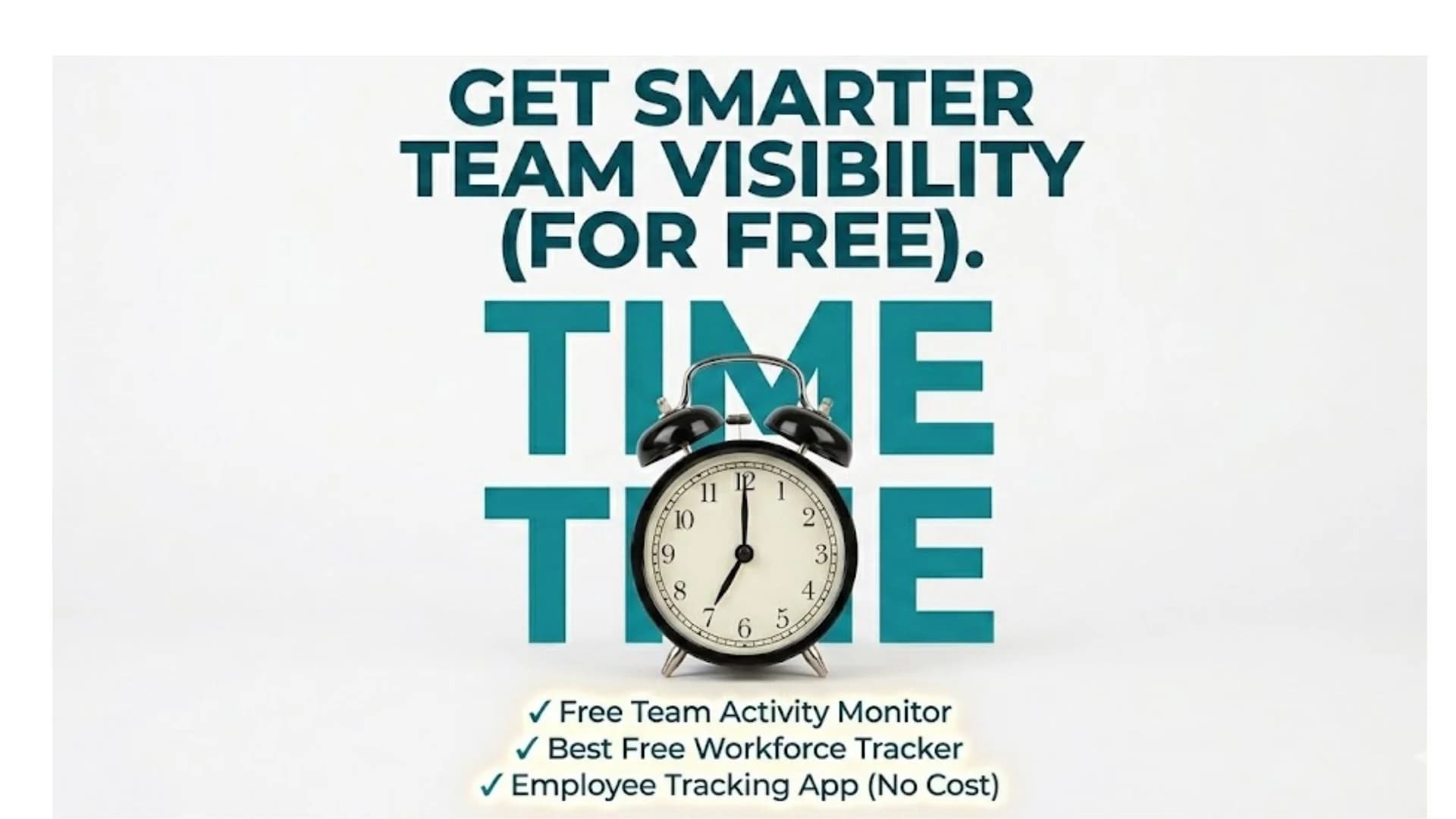
Readers will find an analysis of essential features, a review of seven established tools, and guidance on implementation. The discussion incorporates insights on the best free workforce tracker solutions, employee tracking app no cost alternatives, and methods to monitor staff for free. Practical considerations for deploying a free team activity monitor round out the coverage.
Essential Features in Free Employee Monitoring Software
Effective free employee monitoring software must deliver core tracking capabilities without hidden fees. Time logging, activity level measurement, and basic reporting form the foundation of any viable solution. These elements allow executives to assess output across teams without manual intervention.
Additional functions such as idle time detection and application usage summaries enhance the value of these platforms. Integration with existing productivity suites remains important for seamless data flow. Security protocols, including data encryption and access controls, protect sensitive information during collection and storage.
Scalability represents another critical factor for growing organizations. Tools that accommodate additional users at no extra charge prevent future budget overruns. Real-time dashboards and export options further support compliance and audit requirements common in corporate environments.
Leaders evaluating options should prioritize solutions that balance functionality with ease of deployment. Minimal training requirements reduce the time to realize benefits from the software. Consistent updates ensure compatibility with evolving operating systems and security standards.
Seven Leading Tools for Monitoring Staff at No Cost
Multiple platforms now offer robust free tiers suited to enterprise needs. The following seven tools stand out for their reliability and feature depth in 2026.
1. Hubstaff offers time tracking and activity monitoring on its free plan for small teams. It records keyboard and mouse activity to generate productivity scores.
2. TimeCamp provides automatic time categorization and basic reporting without charge for up to three users. Project-based tracking supports accurate billing and performance reviews.
3. Clockify delivers unlimited user access with manual and automatic timers plus simple reports. Its interface allows quick oversight of team hours across multiple projects.
4. Toggl Track includes a free plan focused on time entry and summary dashboards. It supports detailed breakdowns that help identify workflow inefficiencies.
5. RescueTime runs in the background to log application and website usage, delivering weekly insights on a no-cost basis. Focus modes assist in reducing distractions.
6. ActivTrak supplies screenshot capture and productivity analytics through its free tier. Alert functions notify administrators of policy violations in real time.
7. ManicTime records local activity with detailed timelines and generates offline reports suitable for internal audits. Its lightweight design minimizes system impact.
Each option addresses different aspects of workforce oversight. Selection depends on team size, required reporting granularity, and integration priorities. Executives should test two or three platforms to confirm alignment with specific operational demands.
Best Practices for Adopting a Free Team Activity Monitor
Successful deployment of free employee monitoring software begins with clear policy communication. Employees must understand the scope of data collection and its intended use for performance improvement rather than punitive measures. Transparent guidelines build trust and reduce resistance.
IT departments should conduct compatibility checks before rollout. Pilot programs with limited user groups allow identification of technical issues early. Training sessions ensure consistent usage and accurate interpretation of generated reports.
Regular review of collected data supports informed decision-making. Metrics such as average active hours and task completion rates provide objective benchmarks. Adjustments to monitoring parameters may be necessary as team structures evolve.
Data retention policies must comply with regional regulations. Organizations benefit from periodic audits that verify the continued relevance of tracked metrics. This approach maximizes the return from an employee tracking app no cost solution while maintaining ethical standards.
Conclusion
Free employee monitoring software delivers measurable oversight capabilities for executive teams seeking efficiency. The seven tools reviewed demonstrate practical options that support productivity tracking at no cost. Organizations gain actionable insights when they select solutions aligned with their operational requirements and implement them with clear policies. Explore these options to enhance your organization's oversight capabilities.
Related EmpTrakr resources
Continue with product pages that match this topic — and explore more guides on the blog.
Supercharge your workforce today.
Join leading companies using EmpTrakr to boost productivity, streamline tracking, and optimize remote teams.

