Employee Computer Monitoring Software — Track Apps, Websites & Screenshots| EmpTrakr
Employee computer monitoring software gives visibility into app usage, websites visited, and screenshots during work hours. Learn what to monitor and how EmpTrakr does it.
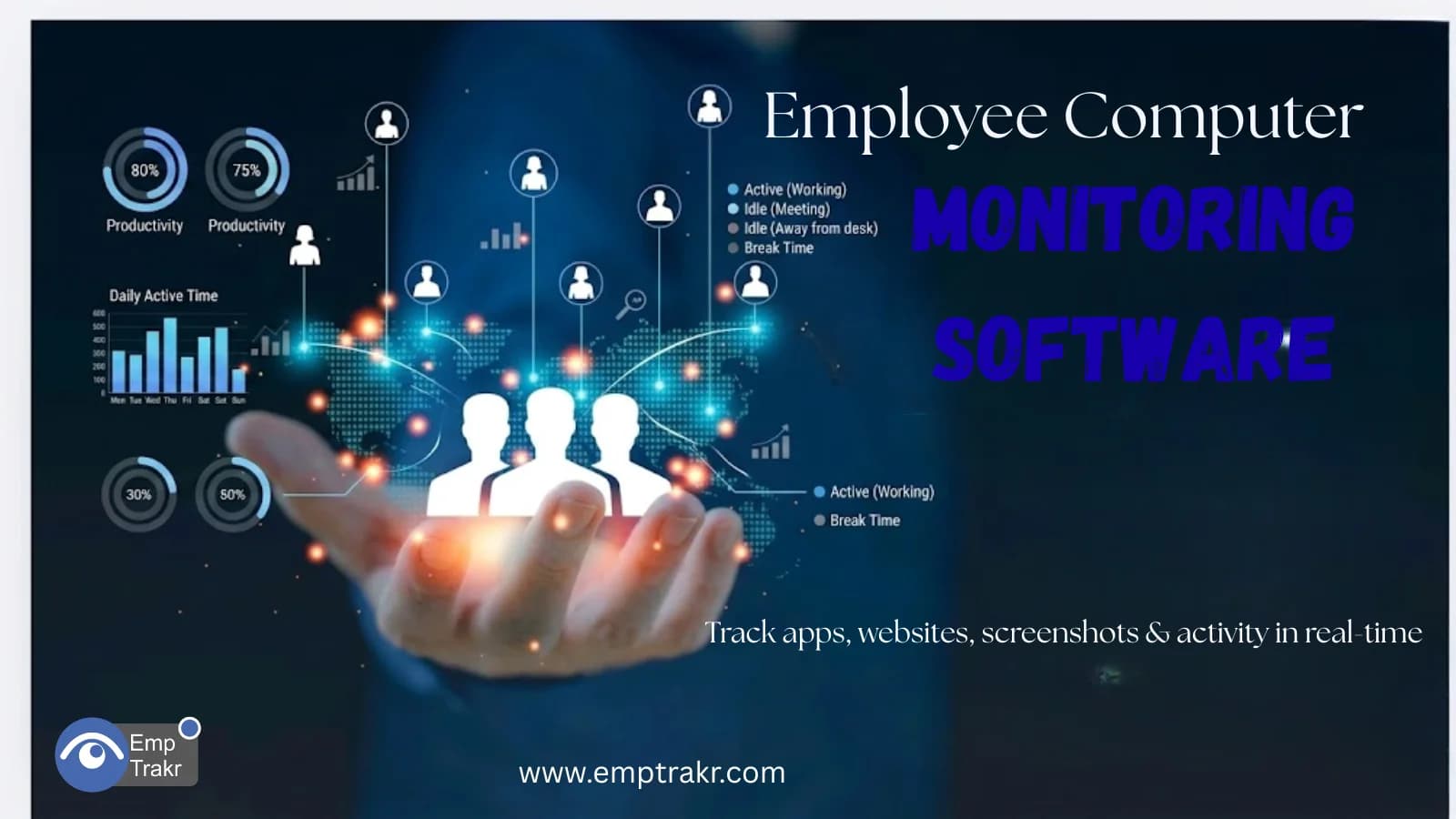
Managing employee productivity has become more challenging than ever. With remote work, hybrid teams, and flexible schedules becoming the norm, businesses need better visibility into how work is being performed.
This is where Employee computer monitoring software Plays a crucial role.
Modern monitoring platforms help organizations understand employee activity, identify productivity trends, and improve workforce efficiency without relying on guesswork. From application tracking and website monitoring to screenshot capture and productivity analytics, today's solutions provide managers with actionable insights into daily work patterns.
In this guide, we'll explore how Employee computer monitoring software Works, its key features, benefits, and what businesses should look for when choosing a monitoring solution.
What Is Employee Computer Monitoring Software?
Employee computer monitoring software Is a workforce management solution that tracks computer-related activities performed by employees during work hours.
The software collects data about:
-
Application usage
-
Website activity
-
Work hours
-
Productivity levels
-
Active and idle time
-
Screenshots and activity records
-
Attendance patterns
By using Employee computer monitoring software, businesses gain visibility into how employees utilize company resources and spend their working hours.
Why Businesses Use Employee Computer Monitoring Software
Many organizations struggle to answer important questions such as:
-
How productive are employees throughout the day?
-
Which applications are used most frequently?
-
Are employees spending time on non-work activities?
-
How efficiently are remote teams working?
Modern monitoring tools provide clear answers through real-time tracking and detailed reporting.
Key Benefits
| Benefit | Business Impact |
|---|---|
| Productivity Tracking | Improved performance visibility |
| Workforce Analytics | Better decision-making |
| Attendance Monitoring | Increased accountability |
| Resource Optimization | More efficient workflows |
| Remote Team Management | Greater operational control |
Computer Activity Monitoring Employees: What Can Be Tracked?
One of the most valuable capabilities of modern monitoring software is Computer activity monitoring employees.
This feature provides insight into how company devices are being used during working hours.
Activities Commonly Tracked
Active Working Time
Measure how long employees actively engage with their computers.
Idle Time
Identify periods of inactivity.
Application Usage
Track software and tools used throughout the day.
Website Visits
Monitor websites accessed during working hours.
Login and Logout Times
Record attendance and work schedules.
Understanding Computer activity monitoring employees Helps organizations identify productivity trends and operational bottlenecks.
Track App Usage Employee Software: Why It Matters
Applications play a major role in daily productivity.
Using Track app usage employee software, businesses can understand:
-
Which applications are used most frequently
-
How much time is spent in productive tools
-
Which applications may reduce productivity
-
Software adoption rates across teams
Example Application Categories
| Category | Examples |
|---|---|
| Productivity Tools | CRM, Project Management |
| Communication Apps | Chat & Collaboration Platforms |
| Development Tools | IDEs & Coding Software |
| Design Applications | Creative Tools |
| Non-Work Applications | Entertainment & Social Media |
By using Track app usage employee software, managers gain better visibility into how employees utilize business resources.
Employee Website Monitoring Tool: Understanding Online Activity
Web browsing behavior often influences productivity levels.
An Employee website monitoring tool Helps organizations monitor website usage and identify browsing patterns.
Benefits of Website Monitoring
-
Identify productive websites
-
Detect excessive non-work browsing
-
Improve time management
-
Support compliance initiatives
-
Generate productivity reports
Common Website Categories
| Website Type | Productivity Impact |
|---|---|
| Business Applications | High |
| Research Resources | High |
| Educational Platforms | High |
| Social Media | Variable |
| Entertainment Sites | Low |
A reliable Employee website monitoring tool Helps organizations maintain focus without unnecessary micromanagement.
Screenshot Monitoring Employee Software
Many businesses require visual verification of work activity.
This is where Screenshot monitoring employee software Becomes useful.
Screenshot monitoring automatically captures employee screens at defined intervals.
Benefits of Screenshot Monitoring
- Improved accountability
- Better workflow visibility
- Performance verification
- Project tracking support
- Enhanced productivity insights
When Screenshot Monitoring Is Most Useful
-
Remote work environments
-
Outsourced teams
-
Freelance workforce management
-
Compliance-sensitive industries
-
Project-based work
Modern Screenshot monitoring employee software Often allows administrators to customize capture frequency and privacy settings.
Essential Features to Look For
When evaluating Employee computer monitoring software, focus on features that support both productivity and workforce management.
Feature Checklist
| Feature | Importance |
|---|---|
| Computer Activity Tracking | High |
| Application Monitoring | High |
| Website Tracking | High |
| Screenshot Monitoring | High |
| Productivity Analytics | High |
| Attendance Management | High |
| Reporting Dashboard | High |
| Cloud Access | High |
Choosing the right feature set helps maximize return on investment.
How Employee Monitoring Improves Productivity
Effective monitoring is not about surveillance—it's about visibility.
Organizations that use monitoring tools effectively often experience:
Better Time Management
Employees become more aware of work habits.
Improved Accountability
Clear activity records encourage responsibility.
Enhanced Workforce Planning
Managers can identify workload imbalances.
Stronger Remote Team Oversight
Distributed teams become easier to manage.
These benefits make Employee computer monitoring software An increasingly valuable business tool.
Common Mistakes Businesses Should Avoid
Monitoring Without Transparency
Employees should understand what is being tracked and why.
Focusing Only on Screenshots
Productivity data is often more valuable than screen captures alone.
Ignoring Analytics
Monitoring data should be used to improve workflows, not simply collect information.
Choosing Software Based Only on Price
Feature quality and reporting capabilities matter more than cost alone.
Why Businesses Choose EmpTrakr
EmpTrakr provides a comprehensive workforce monitoring solution designed for modern businesses.
Key Capabilities
- Employee computer monitoring
- Application usage tracking
- Website monitoring
- Screenshot monitoring
- Productivity analytics
- Attendance tracking
- Workforce reporting dashboard
With real-time insights and detailed analytics, EmpTrakr helps organizations improve productivity while maintaining operational visibility.
Final Thoughts
As businesses continue embracing remote and hybrid work models, Employee computer monitoring software Has become an essential tool for productivity management and workforce visibility.
Whether you need Computer activity monitoring employees, want to Track app usage employee software, require an Employee website monitoring tool, or are evaluating Screenshot monitoring employee software, the right platform can help improve accountability, optimize workflows, and support business growth.
Organizations that use monitoring tools strategically gain deeper workforce insights and make more informed management decisions.
Frequently Asked Questions (FAQs)
-
What is employee computer monitoring software?
Employee computer monitoring software tracks employee activity, application usage, website visits, productivity levels, and other work-related computer activities.
-
How does computer activity monitoring employees work?
The software collects activity data from employee devices and presents it through dashboards, reports, and analytics tools.
-
Why should businesses track app usage employee software?
Application tracking helps organizations understand software usage patterns, identify productivity trends, and optimize workflows.
-
What does an employee website monitoring tool track?
Website monitoring tools record websites visited during work hours and help analyze browsing behavior and productivity.
-
Is screenshot monitoring employee software legal?
Laws vary by location. Businesses should always follow local regulations, maintain transparency, and inform employees about monitoring practices.
Related EmpTrakr resources
Continue with product pages that match this topic — and explore more guides on the blog.
Supercharge your workforce today.
Join leading companies using EmpTrakr to boost productivity, streamline tracking, and optimize remote teams.

