Best Employee Monitoring Software in 2026 — Compared| EmpTrakr
We compare the top employee monitoring software platforms of 2026 on features, pricing, privacy controls, and ease of use — so you pick the right one first time
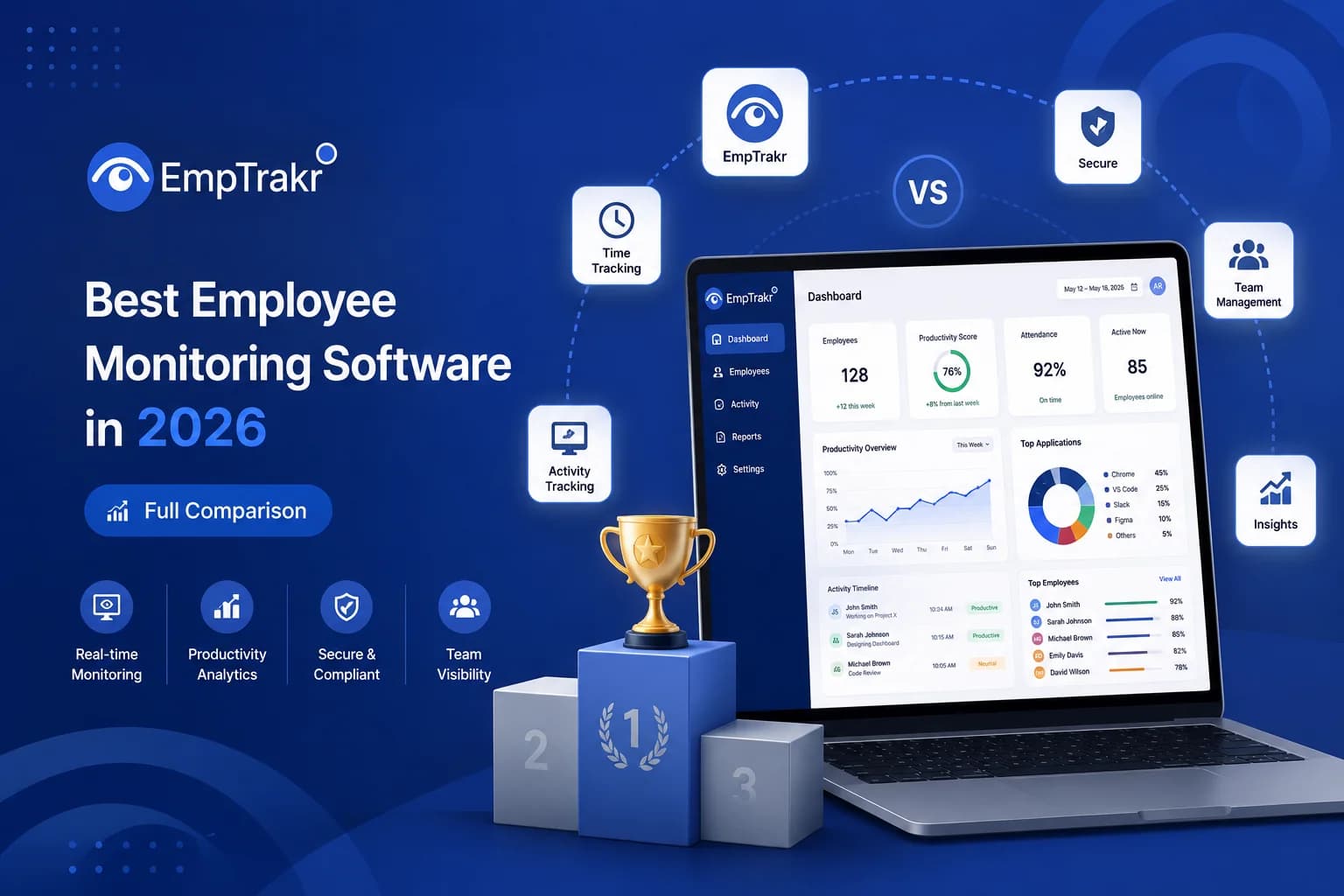
As businesses continue embracing remote, hybrid, and distributed work models, employee monitoring software has become an essential tool for improving productivity, accountability, and workforce visibility.
However, choosing the Best employee monitoring software 2026 Can be challenging. With dozens of solutions available, businesses often struggle to determine which platform offers the right combination of monitoring capabilities, reporting tools, scalability, and value.
This guide explains the features that matter most, compares common software capabilities, and helps organizations select the best solution for their workforce management needs.
Why Businesses Use Employee Monitoring Software
Employee monitoring platforms provide valuable insights into how teams work throughout the day.
Organizations use these tools to:
-
Track employee productivity
-
Monitor attendance
-
Analyze work patterns
-
Improve operational efficiency
-
Manage remote teams
-
Reduce time wastage
-
Support performance management
For growing companies, workforce visibility often leads to better business decisions and improved team performance.
What Makes the Best Employee Monitoring Software in 2026?
The Best employee monitoring software 2026 Should do more than simply track employee activity.
Modern platforms should provide actionable insights that help organizations improve productivity while maintaining transparency and trust.
Essential Characteristics
| Feature | Importance |
|---|---|
| Real-Time Monitoring | High |
| Productivity Analytics | High |
| Attendance Tracking | High |
| Workforce Reporting | High |
| Application Usage Monitoring | High |
| Website Activity Tracking | High |
| Cloud Accessibility | High |
| Data Security | High |
Employee Monitoring Software Features List
When evaluating workforce management solutions, businesses should focus on functionality rather than marketing claims.
Core Monitoring Features
Time Tracking
Track employee working hours and attendance automatically.
Productivity Monitoring
Measure active work time and productivity trends.
Application Tracking
Understand which applications employees use during work hours.
Website Monitoring
Gain visibility into web activity patterns.
Attendance Management
Monitor check-ins, breaks, and work schedules.
Performance Analytics
Generate reports that help managers make informed decisions.
This Employee monitoring software features list Represents the foundation of an effective workforce management solution.
Top Employee Monitoring Tools Comparison: What Really Matters?
Many businesses perform a Top employee monitoring tools comparison Before selecting a platform.
Instead of focusing solely on brand names, compare solutions using these criteria:
| Evaluation Factor | Why It Matters |
|---|---|
| Ease of Use | Faster adoption |
| Monitoring Depth | Better visibility |
| Reporting Quality | Improved decision-making |
| Scalability | Supports growth |
| Security | Protects employee data |
| Automation | Reduces administrative work |
| Customer Support | Faster issue resolution |
The platform that best aligns with your operational goals will typically deliver the greatest long-term value.
Best Staff Monitoring Platform 2026: Features Businesses Need
A modern Best staff monitoring platform 2026 Should provide complete workforce visibility through a centralized dashboard.
Key Capabilities
- Employee productivity monitoring
- Attendance management
- Application usage tracking
- Website activity monitoring
- Workforce analytics
- Performance reporting
- Cloud-based access
- Remote team management
These capabilities help managers understand workforce performance without relying on guesswork.
Employee Monitoring Software Pricing Comparison
One of the most important considerations when selecting software is cost.
An Employee monitoring software Pricing comparison Should evaluate more than monthly subscription fees.
Pricing Factors to Consider
| Factor | Impact on Cost |
|---|---|
| Number of Employees | High |
| Monitoring Features | High |
| Data Storage | Medium |
| Reporting Capabilities | Medium |
| Integrations | Medium |
| Customer Support | Medium |
Questions to Ask
-
Does pricing scale with team growth?
-
Are there hidden fees?
-
Is onboarding included?
-
Are advanced analytics available?
-
Does the platform offer flexible plans?
The lowest-cost solution is not always the most cost-effective over time.
Common Mistakes When Choosing Employee Monitoring Software
Many businesses make avoidable mistakes during the selection process.
Choosing Based Only on Price
Lower pricing often comes with feature limitations.
Ignoring Scalability
Your workforce management needs will likely grow over time.
Overlooking Reporting Capabilities
Monitoring data is only valuable if it can be transformed into actionable insights.
Focusing Only on Tracking
The best platforms help improve productivity, not just monitor activity.
How Employee Monitoring Improves Business Performance
Organizations that implement workforce analytics often benefit from:
Increased Productivity
Managers gain visibility into work patterns and inefficiencies.
Better Resource Allocation
Data helps identify workload imbalances.
Improved Accountability
Teams become more aware of performance expectations.
Enhanced Remote Workforce Management
Managers can support distributed teams more effectively.
Why Businesses Choose EmpTrakr
For organizations seeking a complete Workforce monitoring Solution, EmpTrakr combines productivity tracking, attendance management, workforce analytics, and employee monitoring into a single platform.
Key Benefits
-
Real-time employee monitoring
-
Productivity analytics
-
Attendance management
-
Application and website tracking
-
Workforce reporting dashboard
-
Remote employee management tools
-
Scalable cloud-based infrastructure
EmpTrakr is designed to help businesses gain visibility into workforce performance while supporting operational growth.
Final Thoughts
Finding the Best employee monitoring software 2026 Requires evaluating features, reporting capabilities, scalability, and long-term business value.
Rather than focusing solely on software names, organizations should compare platforms based on functionality, usability, and workforce management outcomes.
By understanding the key elements covered in this Top employee monitoring tools comparison, reviewing an Employee monitoring software features list, and considering an Employee monitoring software Pricing comparison, businesses can confidently select the right solution for their needs.
Frequently Asked Questions
-
What is the best employee monitoring software in 2026?
The best solution depends on your organization's size, monitoring requirements, reporting needs, and growth plans.
-
What features should employee monitoring software include?
Time tracking, productivity analytics, attendance management, application monitoring, website tracking, and reporting tools are essential.
-
Why is workforce monitoring important?
Workforce monitoring helps improve productivity, accountability, resource allocation, and operational efficiency.
-
How should I compare employee monitoring software?
Focus on functionality, reporting quality, scalability, security, and overall business value rather than price alone.
-
Is employee monitoring software suitable for remote teams?
Yes. Modern monitoring platforms are particularly valuable for managing remote and hybrid workforces effectively.
Related EmpTrakr resources
Continue with product pages that match this topic — and explore more guides on the blog.
Supercharge your workforce today.
Join leading companies using EmpTrakr to boost productivity, streamline tracking, and optimize remote teams.

