Apps for Tracking Employee Time — Best Mobile & Desktop Options in 2026| EmpTrakr
The best apps for tracking employee time work across desktop and mobile — logging hours, breaks, and overtime without manual input. See which apps lead in 2026.
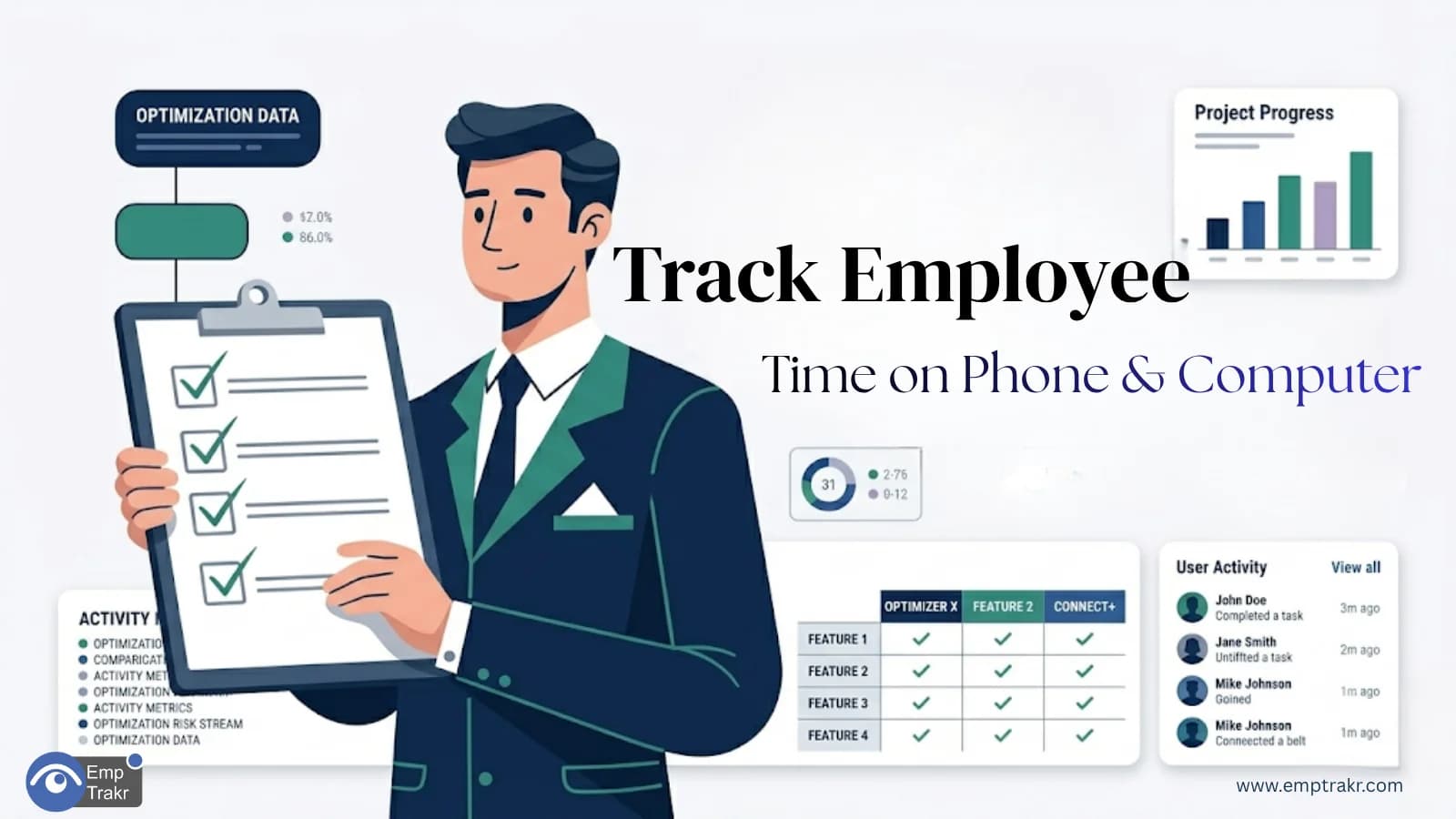
Modern businesses can no longer rely on spreadsheets, paper timesheets, or manual attendance logs. As remote work, hybrid teams, and flexible schedules become the norm, companies need reliable apps for tracking employee time that provide accurate records and real-time workforce visibility.
The right time tracking solution helps businesses reduce payroll errors, improve accountability, monitor attendance, and understand how employees spend their working hours.
In this guide, we'll explain what features matter most, how modern time tracking apps work, and why businesses are increasingly replacing manual systems in 2026.
Why Businesses Need Apps for Tracking Employee Time
Employee time tracking is no longer just about recording clock-in and clock-out times.
Modern organizations use apps for tracking employee time to:
-
Monitor attendance automatically
-
Improve payroll accuracy
-
Track employee productivity
-
Reduce administrative work
-
Manage remote and hybrid teams
-
Generate workforce reports instantly
Without a proper Tracking system, managers often spend hours reviewing timesheets, correcting mistakes, and resolving attendance disputes.
Problems With Manual Time Tracking
Many companies still depend on spreadsheets or handwritten timesheets.
While these methods may work for very small teams, they become inefficient as businesses grow.
| Manual Tracking Challenges | Impact |
|---|---|
| Human errors | Inaccurate records |
| Missing timesheets | Payroll delays |
| Manual calculations | Increased workload |
| Limited visibility | Poor workforce insights |
| Time-consuming reporting | Reduced efficiency |
This is why businesses are investing in dedicated apps for tracking employee time.
Employee Time Tracking App Desktop Mobile Solutions
Today's workforce operates across multiple devices.
Some employees work primarily on desktop computers, while others rely on laptops or mobile devices.
A modern Employee time tracking app desktop mobile Solution should support both environments.
Desktop Features
-
Attendance monitoring
-
Work-hour tracking
-
Application usage reports
-
Productivity analytics
Mobile Features
-
Clock-in and clock-out access
-
Remote attendance tracking
-
Workforce updates
-
Team accessibility
Cross-platform support ensures managers maintain visibility regardless of how employees work.
Staff Clock In App 2026 Requirements
A modern Staff clock in app 2026 Should provide much more than basic attendance tracking.
Businesses now expect:
-
Automatic attendance recording
-
Real-time dashboards
-
Employee work-hour reports
-
Productivity insights
-
Remote workforce support
-
Cloud-based access
The best solutions eliminate manual effort while improving data accuracy.
Best Employee Hours App Free: What to Look For
Many businesses begin by searching for the Best employee hours app free Option.
While affordability matters, features should remain the top priority.
Essential Features
| Feature | Importance |
|---|---|
| Automatic Time Tracking | High |
| Attendance Monitoring | High |
| Employee Dashboard | High |
| Reporting & Analytics | High |
| Mobile Support | High |
| Scalability | High |
A solution that saves a few dollars but creates additional administrative work is rarely a good investment.
Time Tracking App No Monthly Fee vs Subscription Solutions
Some organizations specifically search for a Time tracking app no monthly fee.
While one-time payment solutions can reduce ongoing costs, businesses should consider long-term value.
One-Time Purchase Advantages
-
Predictable costs
-
No recurring payments
-
Suitable for smaller teams
Subscription Advantages
-
Regular updates
-
Better support
-
Improved security
-
Ongoing feature enhancements
-
Easier scalability
The right choice depends on your organization's size and future growth plans.
Benefits of Automated Employee Time Tracking
Businesses that switch from manual systems to modern apps for Tracking employee time Often experience significant improvements.
Better Payroll Accuracy
Work hours are recorded automatically, reducing disputes and calculation errors.
Reduced Administrative Work
Managers spend less time reviewing attendance records.
Improved Accountability
Employees maintain clear and transparent work-hour records.
Greater Workforce Visibility
Real-time reports help managers make informed decisions.
Higher Productivity
Accurate tracking encourages better time management and work habits.
Why Businesses Choose EmpTrakr
EmpTrakr Combines employee monitoring, attendance management, productivity tracking, and workforce analytics in a single platform.
Key Capabilities
-
Employee time tracking
-
Attendance monitoring
-
Desktop activity tracking
-
Website monitoring
-
Application usage reports
-
Productivity analytics
-
Workforce dashboards
-
Automated reporting
Instead of juggling multiple tools, businesses can manage attendance and productivity from one centralized system.
Is Employee Time Tracking Right for Your Business?
Employee time tracking is particularly valuable for:
-
Remote teams
-
Hybrid workforces
-
Small businesses
-
Growing organizations
-
Customer support teams
-
Agencies and service providers
Any business that relies on accurate attendance records and workforce visibility can benefit from a modern time tracking solution.
Final Thoughts
Choosing the right apps for tracking employee time can significantly improve workforce management, payroll accuracy, and employee accountability.
Whether you're evaluating an Employee time tracking app desktop mobile, searching for a Staff clock in app 2026, comparing the Best employee hours app free Options, or considering a Time tracking app no monthly fee, focus on solutions that automate tracking and provide actionable workforce insights.
For businesses that want attendance management, productivity monitoring, and workforce analytics in one platform, EmpTrakr offers a practical solution designed for modern teams.
Frequently Asked Questions
-
What are apps for tracking employee time?
They are software solutions that automatically record employee work hours, attendance, and productivity data.
-
What should an employee time tracking app desktop mobile include?
It should support attendance tracking, work-hour monitoring, reporting, and access from both desktop and mobile devices.
-
Is a staff clock in app 2026 better than manual timesheets?
Yes. Automated clock-in systems reduce errors, save time, and improve attendance accuracy.
-
What is the best employee hours app free for small businesses?
The best solution should provide automatic tracking, reporting, attendance monitoring, and scalability.
-
Are time tracking apps useful for remote teams?
Yes. They provide visibility into attendance, productivity, and work hours regardless of employee location.
Related EmpTrakr resources
Continue with product pages that match this topic — and explore more guides on the blog.
Supercharge your workforce today.
Join leading companies using EmpTrakr to boost productivity, streamline tracking, and optimize remote teams.

