AI and Employee Productivity: Does Data Tell the Truth?| EmpTrakr
Discover why AI needs employee activity, time tracking and work context to understand productivity. Learn how better workforce data supports decisions.
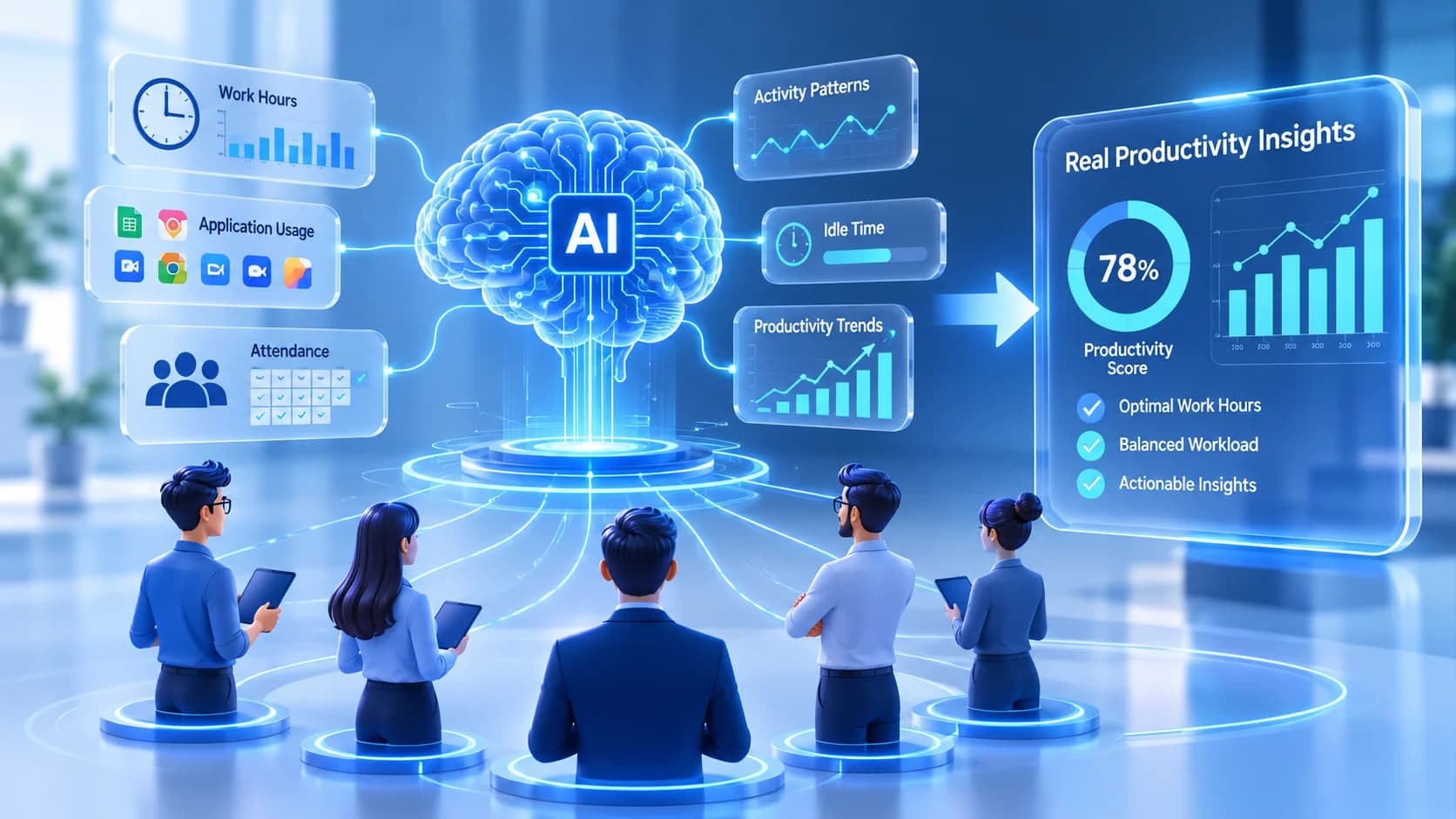
Artificial intelligence can process employee data, identify patterns, and generate reports in seconds. But does that mean it understands how employees actually work?
Not necessarily.
A productivity dashboard might show that an employee spent seven hours using a computer. An application report might reveal that they switched between several tools throughout the day. Attendance records might confirm that they completed their scheduled working hours.
These numbers provide useful information, but they do not automatically explain the quality of work, the difficulty of a task, or the reason behind a productivity change.
For businesses adopting AI and modern workforce management tools, this distinction matters. Better decisions require more than collecting data or generating automated reports. They require understanding the context behind employee activity.
This is where employee productivity tracking, application usage insights, and accurate work-time records become valuable.
Why AI Needs More Than Employee Data
Businesses generate information through different systems. Attendance software records working hours, project management tools track tasks, communication platforms show collaboration, and productivity software captures application activity.
AI can help analyze these different information sources. However, the quality of its conclusions depends on the information available and how that information is interpreted.
Consider a remote marketing team experiencing a decline in project delivery.
A basic report might show:
Employees are spending more time working.
Project completion rates have decreased.
Several applications are being used throughout the day.
Some team members are working beyond their scheduled hours.
These numbers identify a problem, but they do not explain its cause.
Are employees handling more complicated projects? Are they spending too much time switching between applications? Are approval processes delaying delivery? Or are workloads distributed unevenly?
Without additional context, even an advanced AI system may produce incomplete conclusions.
The goal should not be to collect as much employee information as possible. It should be to collect relevant work-related data that helps explain operational patterns.
Five Types of Employee Data That Help Explain Productivity
Understanding employee productivity requires looking at several connected indicators rather than depending on a single measurement.
1. Working Hours and Time Allocation
Working hours provide an important starting point for understanding how teams use their available time.
However, attendance and productivity are not the same thing.
An employee may complete an eight-hour shift but spend a significant portion of that time waiting for approvals, attending meetings, or handling administrative responsibilities.
Similarly, an employee who finishes a task quickly may deliver better results than someone who spends considerably longer on it.
Time tracking software helps managers understand when employees start and finish work, how much time is recorded, and how working time is distributed.
With reliable time records, businesses can investigate questions such as:
Which teams regularly work beyond scheduled hours?
Are certain tasks taking longer than expected?
Is workload distribution balanced?
Are working hours being used effectively?
EmpTrakr's Time Tracking Software Helps businesses understand work sessions and time allocation through centralized tracking.
2. Application and Website Usage
Modern employees rarely complete their responsibilities using a single application.
A marketing professional might use Google Analytics, advertising platforms, spreadsheets, project management tools, and communication software throughout the day.
Application usage data can help managers understand which tools employees rely on and how much time is spent using them.
However, application activity should not automatically be treated as a productivity measurement.
For example, spending more time in a spreadsheet does not necessarily mean an employee is working inefficiently. They might be analyzing a complex dataset or preparing an important financial report.
The useful questions are:
Which applications support daily responsibilities?
Are employees frequently switching between tools?
Are unnecessary applications consuming working time?
Are teams using the software provided by the organization?
EmpTrakr's Live App Tracking Provides visibility into application and website activity during tracked work sessions.
This information can help managers investigate technology usage patterns and identify opportunities to improve workflows.
3. Active and Idle Time
Computer activity is another useful indicator, but it requires careful interpretation.
Active time generally represents periods when an employee is actively interacting with their computer. Idle time identifies periods when activity falls below a configured threshold.
Neither measurement independently establishes whether someone is productive.
For example, an employee might spend time reading documents, reviewing research, thinking through a problem, or participating in a discussion without continuously interacting with a computer.
Likewise, continuous mouse or keyboard activity does not guarantee meaningful output.
Managers should use active and idle time as supporting indicators rather than absolute performance measurements.
With Employee Productivity Tracking, businesses can review activity patterns, application classifications, productivity summaries, and trends over time.
This creates a more useful starting point for understanding how digital working time is distributed.
4. Attendance and Work Patterns
Attendance data provides another layer of operational context.
Late arrivals, unexpected absences, inconsistent schedules, and frequent overtime can affect team coordination and project delivery.
However, attendance alone cannot determine employee performance.
A team may have excellent attendance records but still experience workflow problems because of unclear responsibilities or inefficient processes.
Combining attendance information with working hours and productivity trends helps managers investigate operational challenges more effectively.
EmpTrakr's Attendance Tracking Software Helps businesses review attendance status, shift history, breaks, and working-hour records.
These insights can support better scheduling and workforce planning.
5. Work Context and Performance Outcomes
This is where many productivity measurement approaches become incomplete.
Activity data explains what happened on a computer. Time records explain when work took place. Application reports show which tools were used.
But actual performance also depends on what employees were expected to accomplish.
For example, consider two employees:
Employee A spends most of the day working in a design application and completes one complex creative project.
Employee B spends the same amount of time handling multiple routine administrative tasks.
Their application activity and working hours may look similar, but their responsibilities and expected outcomes are different.
This is why managers should combine workforce activity information with task completion, work quality, project deadlines, and employee feedback.
No single activity score should be treated as a complete representation of someone's contribution.
How AI Can Help Businesses Understand Workforce Productivity
AI can make workforce analysis more accessible by processing large amounts of information and helping users identify patterns.
When supplied with relevant, reliable, and properly authorized information, AI can support several business activities.
Identifying Productivity Patterns
AI-based analytical tools can help identify recurring changes in working patterns.
For example, managers may notice that a particular team experiences frequent interruptions during certain hours.
Application usage and activity reports can help investigate whether those interruptions relate to unnecessary application switching, communication demands, or other workflow conditions.
The findings still need human interpretation before any operational decision is made.
Finding Workflow Bottlenecks
Repeated administrative activities, unnecessary approvals, and disconnected applications can slow down daily operations.
AI can help analyze process information and suggest areas for investigation.
Managers can then compare those suggestions with actual work patterns and employee feedback.
Improving Workforce Planning
When businesses understand how working hours and workloads are distributed, they can make more informed staffing decisions.
For example, consistently high overtime across a team might indicate workload imbalance or insufficient resources.
Combining attendance, time tracking, and productivity trends can help managers investigate whether additional support or process improvements are necessary.
Evaluating Technology Usage
Businesses invest in multiple workplace applications, but purchasing software does not guarantee that employees use it effectively.
Application usage reports can help organizations understand which tools are regularly used and which may require better training or evaluation.
AI can assist with interpreting usage patterns, but actual software value should also be evaluated through work quality, time savings, and business outcomes.
Why Employee Productivity Data Needs Human Context
One of the biggest mistakes businesses can make is treating every productivity metric as an objective measure of employee performance.
A productivity score does not explain every task. Idle time does not automatically mean an employee is avoiding work. Application usage does not establish the quality of an employee's contribution.
Different roles require different working patterns.
A developer may spend time thinking through a technical problem. A designer may review several creative options before producing a final design. A manager may spend much of the day coordinating people and resolving issues.
Their digital activity will naturally look different.
Therefore, responsible productivity measurement should follow a few principles:
Consider job responsibilities: Evaluate activity according to the actual requirements of each role.
Review trends instead of isolated numbers: A single unusual working day should not determine an employee's performance evaluation.
Include work outcomes: Consider task completion, quality, deadlines, and business requirements.
Communicate monitoring practices: Employees should understand what information is collected and why.
Protect employee information: Restrict access to authorized users and follow applicable privacy and employment requirements.
AI can help organize information and highlight patterns, but managers remain responsible for interpreting findings fairly.
How EmpTrakr Helps Businesses Build Better Workforce Visibility
Understanding productivity starts with having reliable information about how work happens.
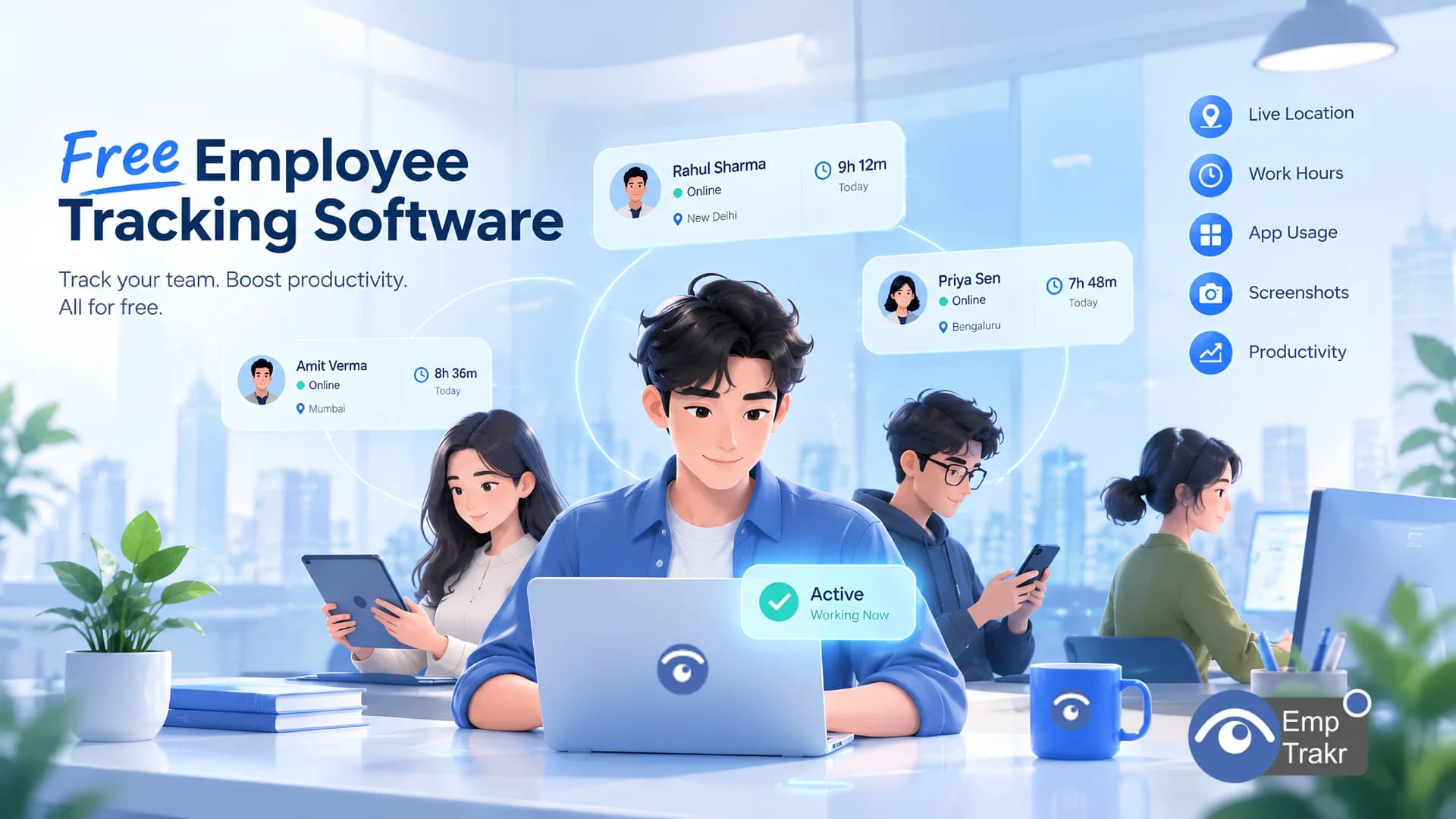
EmpTrakr brings employee monitoring, time tracking, attendance, application usage, screenshots, and productivity insights together in one platform.
Instead of depending entirely on manual timesheets or subjective assumptions, managers can review different aspects of digital work through a centralized dashboard.
Here is how its capabilities support workforce visibility:
Employee Monitoring Software: Provides visibility into work-related employee activity during tracked sessions.
Productivity Tracking: Helps managers review productivity scores, activity timelines, application classifications, and trends.
Time Tracking Software: Helps understand working hours and time allocation.
Attendance Tracking: Provides attendance and shift-related information.
Live App Tracking: Shows application and website usage during tracked work sessions.
Screenshot Monitoring: Provides configurable visual context for reviewing work activity where appropriate.
These capabilities do not independently determine whether an employee is productive or whether an AI implementation is successful. They provide supporting information that businesses can interpret alongside work outcomes and operational requirements.
EmpTrakr also offers a free plan with unlimited employees and no credit card requirement, making workforce visibility more accessible to growing businesses.
The Future of AI and Employee Productivity Is About Better Decisions
AI will continue to change how businesses analyze information, manage workflows, and plan their workforce.
But better analysis does not automatically mean better decisions.
Businesses need reliable data, clear measurement objectives, appropriate privacy controls, and an understanding of the work behind the numbers.
Employee activity, application usage, attendance, and working hours can provide useful operational signals. When combined with employee feedback and actual business outcomes, these signals help managers investigate problems and identify opportunities for improvement.
The objective is not to measure every movement or maximize computer activity.
It is to understand how work happens, identify what needs improvement, and create an environment where employees and businesses can perform better.
EmpTrakr helps businesses move from guesswork to better workforce visibility with free employee monitoring, time tracking, attendance, and productivity insights.
Start free at EmpTrakr.
Frequently Asked Questions
Can AI accurately measure employee productivity?
Why does AI need employee activity data?
What is the difference between employee monitoring and productivity tracking?
Can application usage determine employee performance?
How can businesses improve productivity using employee data?
Is employee monitoring necessary for AI-driven workforce management?
How does EmpTrakr help managers understand employee productivity?
Does EmpTrakr offer free employee productivity tracking?
Related EmpTrakr resources
Continue with product pages that match this topic — and explore more guides on the blog.
Supercharge your workforce today.
Join leading companies using EmpTrakr to boost productivity, streamline tracking, and optimize remote teams.